

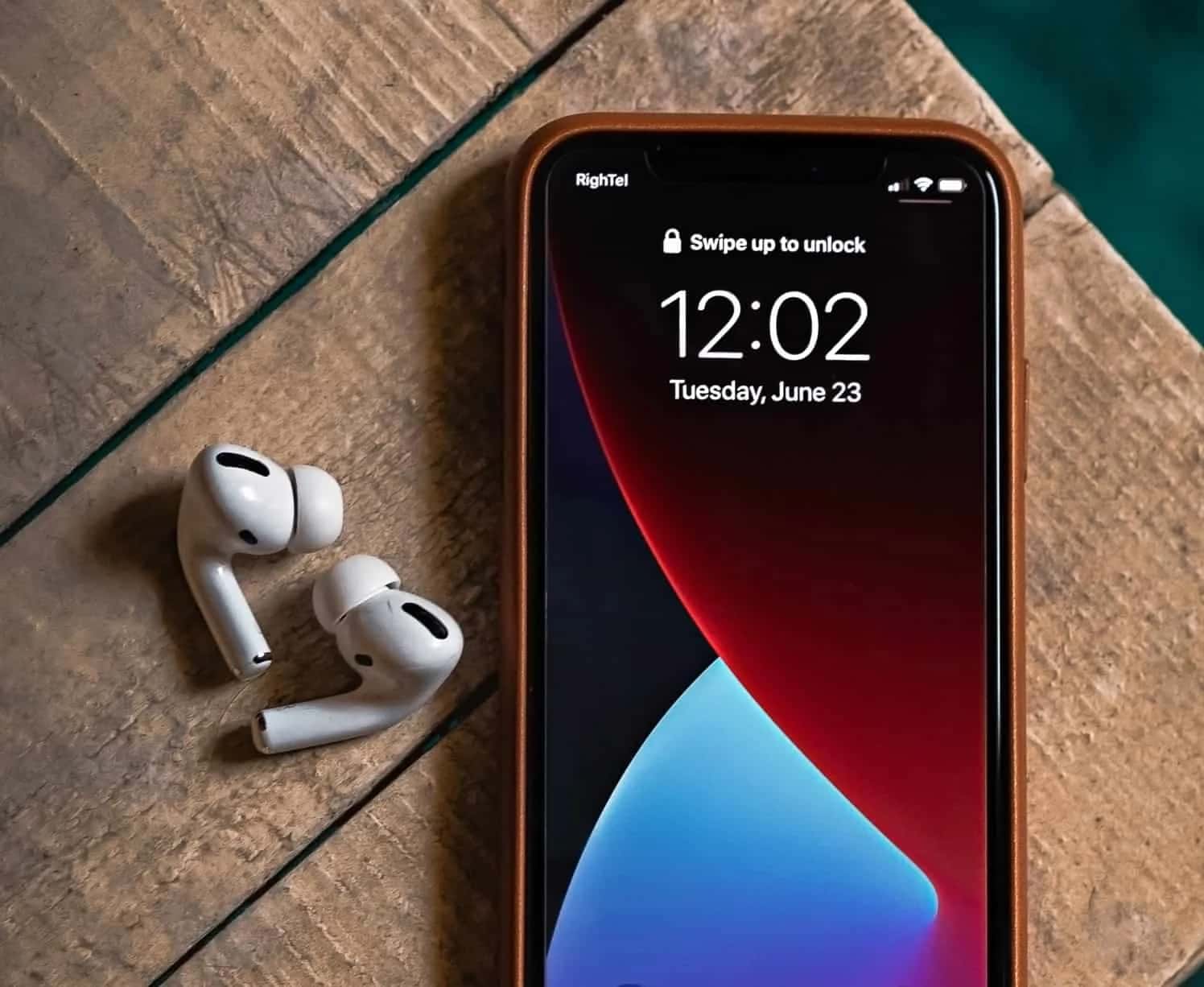
On iOS 16 and later, you can change iPhone wallpaper separately for the lock screen and home screen through Settings > Wallpaper > Customize.
- iOS 16 and later versions let you change iPhone wallpaper separately for the lock screen and the home screen.
- To set a home screen wallpaper, go to Settings > Wallpaper, tap Customize under Home Screen, then tap Done.
- To set a different lock screen wallpaper, go to Settings > Wallpaper, tap Customize under Lock Screen, choose a photo, then tap Done.
iPhone Wallpaper Change 2024! How Do You Change the Home Screen and Lock Screen Wallpaper?
One of the features found in iOS 16 and later versions is the ability to set different wallpapers for your home screen and lock screen. This feature allows for even more customization, like adding different widgets to the lock screen on iPhone and iPad. In this guide, we'll give you information about changing your iPhone wallpaper and explain how you can change the wallpaper on your iPhone's home screen and lock screen. Keep reading for a whole new look...
 iPhone Wallpaper Change 2024
When you set a wallpaper for your iPhone or iPad, it applies the same wallpaper to both your lock screen and your home screen. However, you can also set your lock screen to show a different wallpaper from your home screen.
- Open the Settings app from your iPad or iPhone's home screen.
- Scroll down and select Wallpaper from the list of options.
- Find your current wallpaper and tap Customize under Home Screen.
- Now, from the options bar at the bottom of the screen, choose the custom wallpaper you want to use. Note that you can also choose options like Color and Gradient.
- Once you've chosen your wallpaper for the lock screen, tap the Done button in the top-right corner.
- You'll be taken back to the wallpaper customization screen, where you'll see a preview of the different wallpapers on your lock screen and home screen.
- Exit Wallpaper Settings, and now you have different wallpapers!
How Do You Change the iPhone Lock Screen Wallpaper?
- Go to Settings > Wallpaper and tap the Customize button under Lock Screen.
- After that, tap the Photos button in the bottom-left corner and choose the image you want to use from your photo library.
- Finally, tap the Done button in the top-right corner of the screen, and now you have different wallpapers!
For the latest news, follow Gamer Papers website and social media accounts.
Sources
External links cited in this article
Comments (0)
Log in to leave a comment giriş yap.
No comments yet. Be the first!
Related Posts
All News →
Turkey Game Industry Report 2024 Released
Turkey's 2024 Game Industry Report shows the country's gaming market grew to over $810M with 48M+ active players, alongside a new digital guide to local game companies.

Loldle Answers: Daily League of Legends Puzzle
Loldle is a daily League of Legends guessing game with five modes (Classic, Quote, Ability, Emoji, Splash); December 6, 2024's Classic answer was Fiddlesticks.

Monopoly GO Dice Links: Free Dice Rewards
Monopoly GO's free dice links refresh daily and can be redeemed instantly for 25 or 30 free dice each, plus tips like auto refills every 60 minutes, daily gifts, and sticker trading to earn even more.