Discord and PlayStation Network Integration Explained
Discord rolled out a feature letting users link their PlayStation Network accounts so friends can see what game they're currently playing.

2 min read
In brief
AI summaryDiscord announced a feature that lets users link their PlayStation Network accounts to the chat app.
Linking accounts lets Discord friends see which PlayStation game a user is currently playing.
The feature rolled out gradually, starting in the US, and can be set up via Discord's User Settings > Connections menu.
Contents4 sections
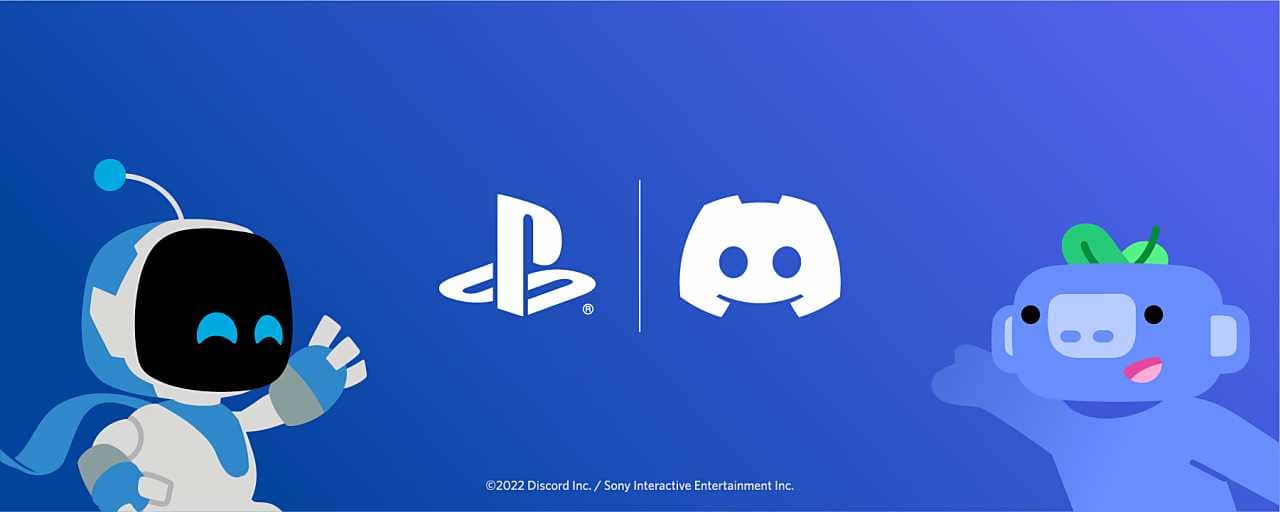
Discord, last May, made an announcement with Sony stating that they would "bring Discord and PlayStation experiences closer together on console and mobile." Following that announcement, they rolled up their sleeves and introduced the feature that lets users link their PlayStation Network accounts to the chat app.
 Latest Developments in the Discord X PlayStation Network Partnership
As we mentioned before, Discord announced the feature that lets users link their PlayStation Network accounts to the chat app. Right now, the integration between the two companies is fairly limited, but it forms a first step toward future improvements. Discord also isn't only working on PSN linking — the company is also testing features that will make it easy to switch between accounts.
What Does Linking a Discord X PlayStation Network Account Do?
Linking the two accounts helps your friends on Discord see which game you're currently playing on PlayStation. At the same time, to take advantage of this feature — meaning, so people can add you to it — you also have the option to add your PSN ID to your Discord profile. Discord stated on the matter: "The ability to link your PSN account from Discord is rolling out gradually," so this feature may take a bit of time to become available. This will likely roll out smoothly in the US first, then in other countries.
How Do You Connect a Discord X PlayStation Network Account?
To link your PSN and Discord accounts:
- Open Discord.
- Go to User Settings > Connections. (On the mobile app, go to your profile, then tap Connections > Add)
- Go to "Connect Your Accounts."
- After entering your credentials, your accounts will be linked.
Our Other Discord Articles
- You can read our Discord Profile Picture Examples 2022 article.
- You can read our How to Make a Discord Profile Picture 2022 article.
- You can read our How to Download a Discord Profile Picture? 2022 article.
- You can read our How to Enlarge a Discord Profile Picture 2022 article.
- You can read our How to Write Colored Text on Discord article.
Frequently asked questions
Questions answered in this article
What Does Linking a Discord X PlayStation Network Account Do?
Linking the two accounts helps your friends on Discord see which game you're currently playing on PlayStation. At the same time, to take advantage of this feature — meaning, so people can add you to it — you also have the option to add your PSN ID to your Discord profile. Discord stated on the matter: "The ability to link your PSN account from Discord is rolling out gradually," so this feature may take a bit of time to become available. This will likely roll out smoothly in the US first, then in other countries.
Go to sectionHow Do You Connect a Discord X PlayStation Network Account?
To link your PSN and Discord accounts: You can read our Discord Profile Picture Examples 2022 article. • You can read our How to Make a Discord Profile Picture 2022 article. • You can read our How to Download a Discord Profile Picture? 2022 article. • You can read our How to Enlarge a Discord Profile Picture 2022 article. • You can read our How to Write Colored Text on Discord article.
Go to sectionBazen yazar, bazen tasarlar. Film bağımlısı, oyunlar hakkında yazmayı sever✨