

How to Connect an Xbox Controller to PC
You can connect an Xbox controller to PC using a USB cable, an Xbox Wireless Adapter, or Bluetooth.

2 min read
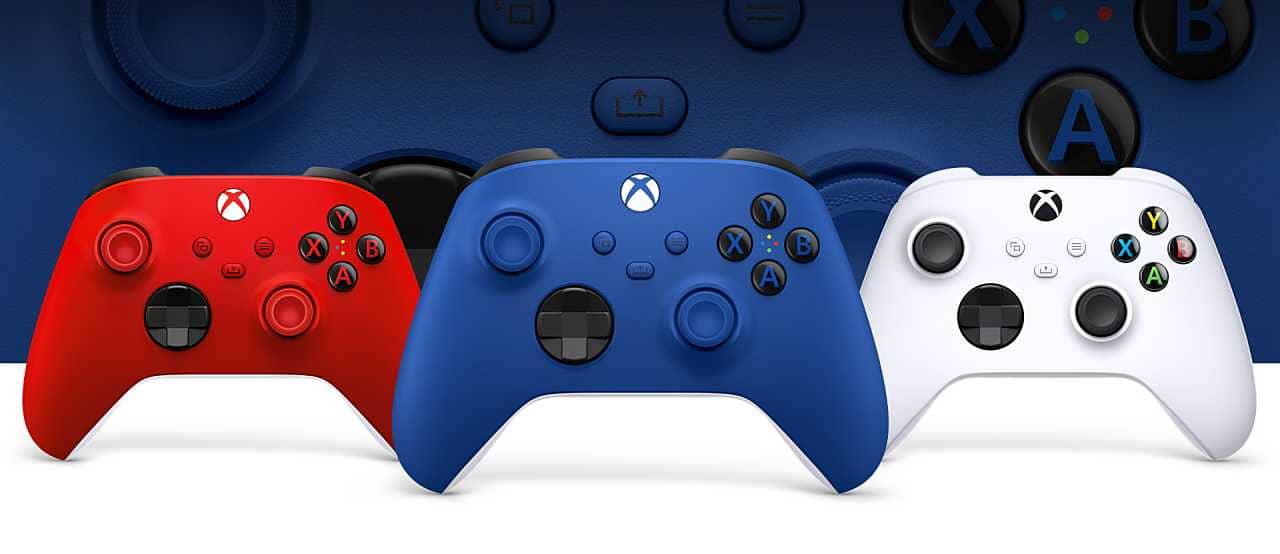
In brief
AI summaryAn Xbox controller can be connected to a PC via USB cable, Xbox Wireless Adapter, or Bluetooth.
Wireless Adapter pairing is confirmed once the Xbox logo on the controller stops flashing and stays solid.
Bluetooth pairing is done through Windows Settings under Devices and Bluetooth.
Contents4 sections
As you know, mouse and keyboard is the preferred setup for shooter and strategy games. However, there are a few situations where having a controller is ideal. You can enjoy games like Immortals Fenyx Rising and Assassin's Creed Valhalla much more with the help of a gamepad. In this article, we'll show you how to connect an Xbox controller to PC so you can get that experience.
How to Connect an Xbox Controller to PC in 2023
 Connecting an Xbox Controller to PC Using USB
- Use a USB cable to connect your Xbox controller to your PC.
- If you have a wireless controller, just use its charging cable.
- If you have a wired controller, you can plug it in the same way you would on your console.
Connecting an Xbox Controller to PC Using a Wireless Adapter
- Buy an Xbox Wireless Adapter.
- Plug the Xbox Wireless Adapter into an open USB port on your computer. Complete the setup process.
- Press the Guide button (the Xbox logo) to turn on your controller.
- Hold down the Sync button on top of the controller until the Xbox logo starts flashing.
- Press and hold the small sync button on the adapter. The Guide button will flash faster while it searches for a pairing. Once the Xbox logo on the controller stops flashing and becomes solid, you're ready to go!
Connecting an Xbox Controller to PC Using Bluetooth
- On your PC, go to Settings and select Devices.
- Select the Bluetooth settings option to make sure your Bluetooth is turned on. Stay on this menu.
- Press and hold the Guide button on your controller, followed by the Sync button. You'll see the logo start flashing very quickly.
- On your PC, select Bluetooth or Add Other Device, then click Bluetooth.
- Once your computer finds your controller and it's on, select Xbox Wireless Controller to finish pairing.
Frequently asked questions
Questions answered in this article
How to Connect an Xbox Controller to PC in 2023
Use a USB cable to connect your Xbox controller to your PC. • If you have a wireless controller, just use its charging cable. • If you have a wired controller, you can plug it in the same way you would on your console. Buy an Xbox Wireless Adapter . • Plug the Xbox Wireless Adapter into an open USB port on your computer. Complete the setup process. • Press the Guide button (the Xbox logo) to turn on your controller. • Hold down the Sync button on top of the controller until the Xbox logo starts flashing. • Press and hold the small sync button on the adapter. The Guide button will flash faster while it searches for a pairing. Once the Xbox logo on the controller stops flashing and becomes…
Go to sectionBazen yazar, bazen tasarlar. Film bağımlısı, oyunlar hakkında yazmayı sever✨


