

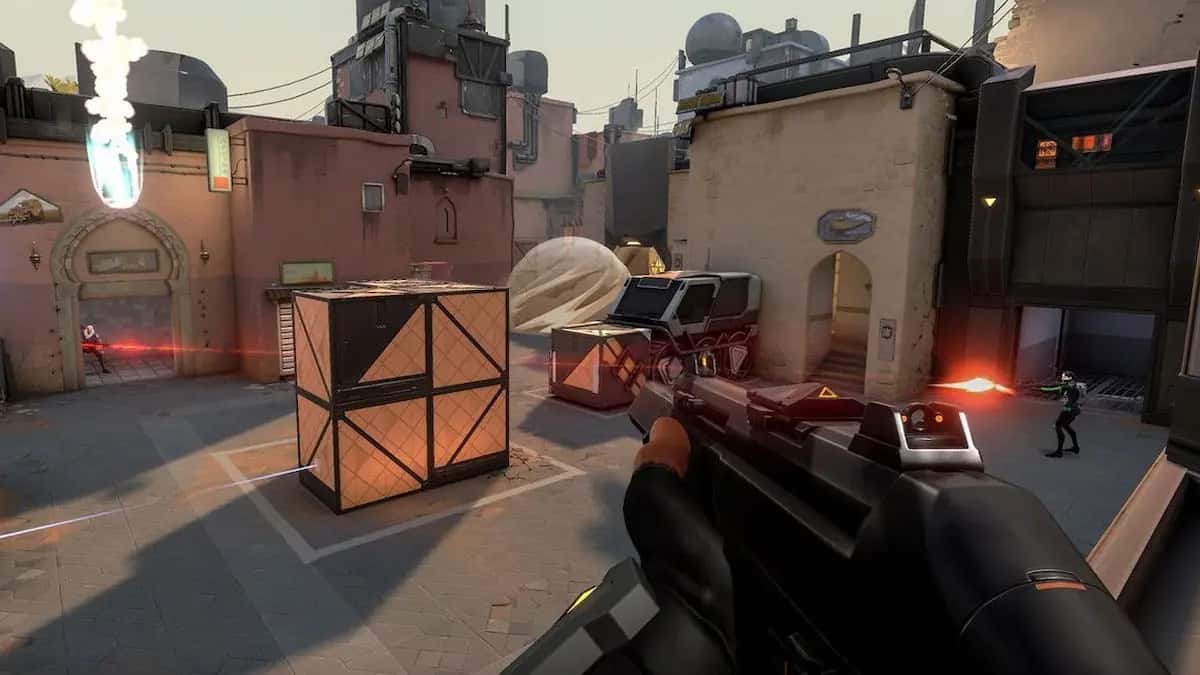
Increasing FPS in games mainly comes down to optimizing graphics settings, lowering resolution, updating drivers, and closing background apps.

- FPS (Frames Per Second) is the key factor that determines how smooth a game feels.
- Optimizing graphics settings and adjusting screen resolution are effective ways to boost FPS in games.
- Updating GPU drivers and closing unnecessary background apps can noticeably improve game performance.
How to Increase FPS in Games 2024
Today, a game's quality isn't measured just by its story and visuals, but also by how smoothly it runs. FPS (Frames Per Second) is the critical factor that determines how smooth a game feels. A higher FPS means faster reactions and a livelier gaming experience. In this article, we're sharing tips for increasing FPS in games!
Also, for a great gaming experience in PUBG Mobile;
 How to Increase FPS in Games 2024
Follow these steps to increase FPS in games:
Optimizing Graphics Settings
By carefully reviewing your game's graphics settings, you can strike an ideal balance between your computer's performance and graphics quality. This lets you boost FPS by reducing detail without sacrificing the game's visual appeal.
Adjusting Screen Resolution
Lowering your screen resolution is an effective way to speed up game performance. However, lowering the resolution can cause a drop in visual quality, so it should be chosen carefully.
Using Up-to-Date Drivers
Regularly updating your graphics card and hardware drivers can boost your game performance and fix various bugs. Every update matters for a better gaming experience.
Closing Apps Running in the Background
Closing unnecessary apps running in the background frees up system resources and can boost your game performance. You can use Task Manager to identify and close unnecessary processes.
We Explain How to Increase FPS in CS2!
Game Modes and Optimized Drivers
Some games offer special game modes and optimized drivers. Using these features can boost your game performance and help you enjoy a more stable experience.
Optimizing the Cooling System
Having an effective cooling system on your computer can help your hardware sustain high performance for longer. Overheating can cause a drop in performance.
Reviewing In-Game Settings
You can find special options in a game's in-game settings to increase FPS. Reviewing options like reducing shadows or lowering special effects can boost performance.
Adjusting Power Plans
Setting your computer's power plan to high performance helps you use system resources more effectively. This will boost your game performance while also being effective in terms of energy management.
These FPS-boosting tips we've shared with you here at Gamer Papers will help make your gaming experience smoother and more enjoyable. By carefully applying each step, you can maximize your games' performance and become a higher-level player in the gaming world.
Bazen yazar, bazen tasarlar. Film bağımlısı, oyunlar hakkında yazmayı sever✨
Comments (0)
Log in to leave a comment giriş yap.
No comments yet. Be the first!
Related Posts
All News →
Turkey Game Industry Report 2024 Released
Turkey's 2024 Game Industry Report shows the country's gaming market grew to over $810M with 48M+ active players, alongside a new digital guide to local game companies.

Loldle Answers: Daily League of Legends Puzzle
Loldle is a daily League of Legends guessing game with five modes (Classic, Quote, Ability, Emoji, Splash); December 6, 2024's Classic answer was Fiddlesticks.

Monopoly GO Dice Links: Free Dice Rewards
Monopoly GO's free dice links refresh daily and can be redeemed instantly for 25 or 30 free dice each, plus tips like auto refills every 60 minutes, daily gifts, and sticker trading to earn even more.