

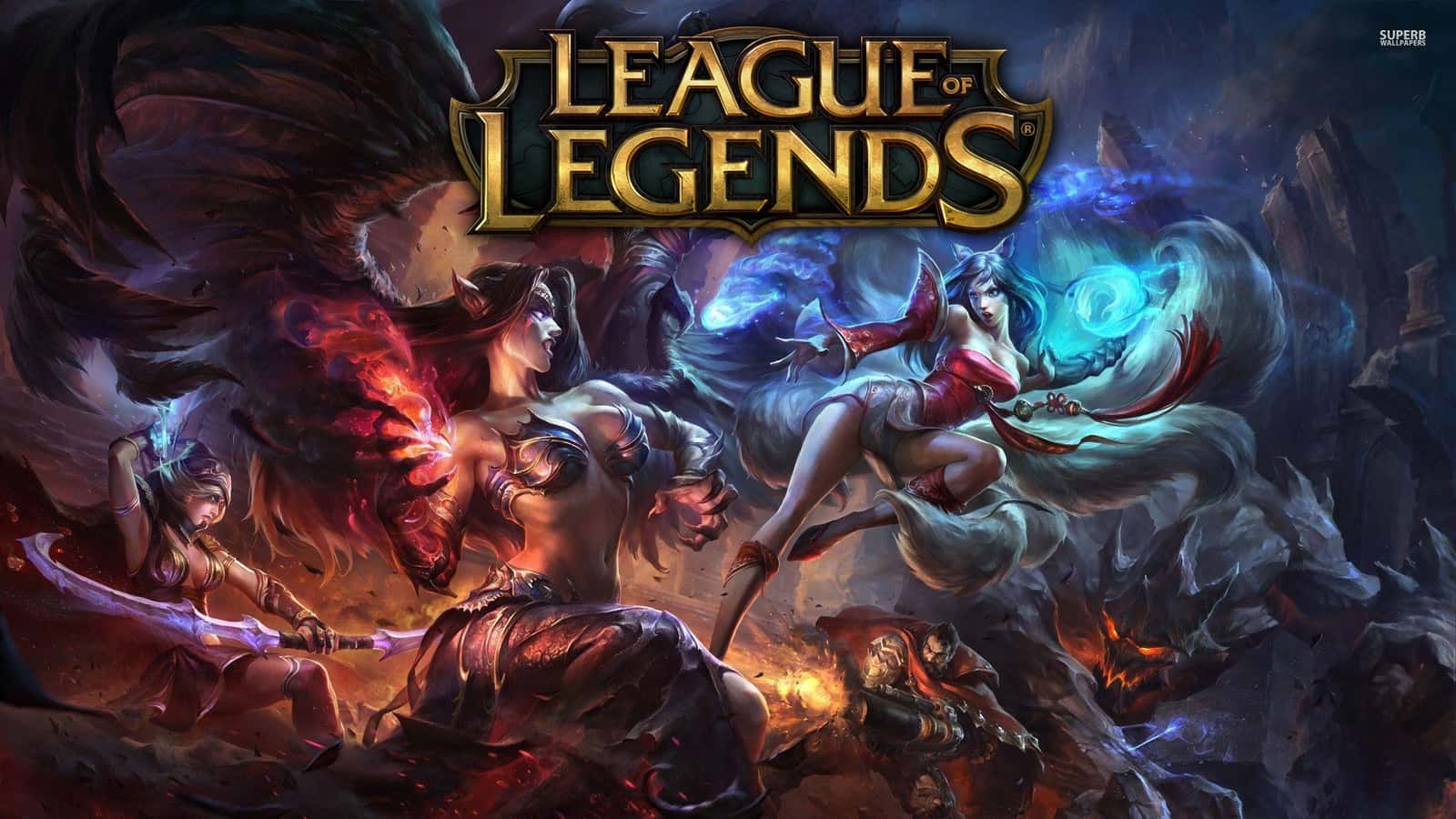
League of Legends' "Unable to connect to login queue" error is usually caused by server issues, a firewall block, DNS problems, or a bad internet connection.
- League of Legends' login queue connection error is most often caused by Riot server issues or a local connection problem.
- Checking server status and updating or disabling an outdated firewall are the first fixes to try for this LoL error.
- If the error persists, players can change their DNS settings, reset their router, use a VPN, or file a support ticket with Riot Games.
The "Unable to connect to login queue" error in League of Legends is most often caused by the server not working properly or by some kind of connection issue. But don't worry. We have every possible fix that will help you get rid of this error. Let's walk through fixing it together below!
 Fixes for the "Unable to Connect to Login Queue" Error in LoL
- For any connection issue, the first step should be checking whether there's a problem with the server. In most cases, this error is caused by issues on the server side. If the Riot servers are down, all you can do is be patient and wait until the server is back up.
- Sometimes, for various reasons, your firewall blocks your internet access and causes this error. One reason for this is an outdated firewall. You can fix it by disabling or updating your firewall.
- If that doesn't work either, you can temporarily change your DNS settings.
- The problem could also be with your own internet connection. Reset your router to check your WiFi and see if the error goes away. If that doesn't fix it, using a VPN might help, since a VPN lets you play the game using a different IP address.
- If none of these fixes solve the error, you can send a support ticket directly to Riot Games to report your issue.
Comments (0)
Log in to leave a comment giriş yap.
No comments yet. Be the first!
Related Posts
All Latest News →
Turkish Wordle Word of the Day Archive
Turkish Wordle's word for December 6, 2024 is "zülüf," and this archive lists every past daily answer plus tips for solving the puzzle.
Coin Master Free Spins Hack: Unlimited Spin Codes
Coin Master's free spins codes refresh daily and can be redeemed for 25 extra spins each, alongside tips like daily gifts, social follows, and friend invites to earn even more.
TFT 2025 Patch Schedule
Teamfight Tactics' projected 2025 patch schedule runs from Patch 14.1 on January 10 through Patch 15.1 on January 15, 2026, roughly every two weeks.