

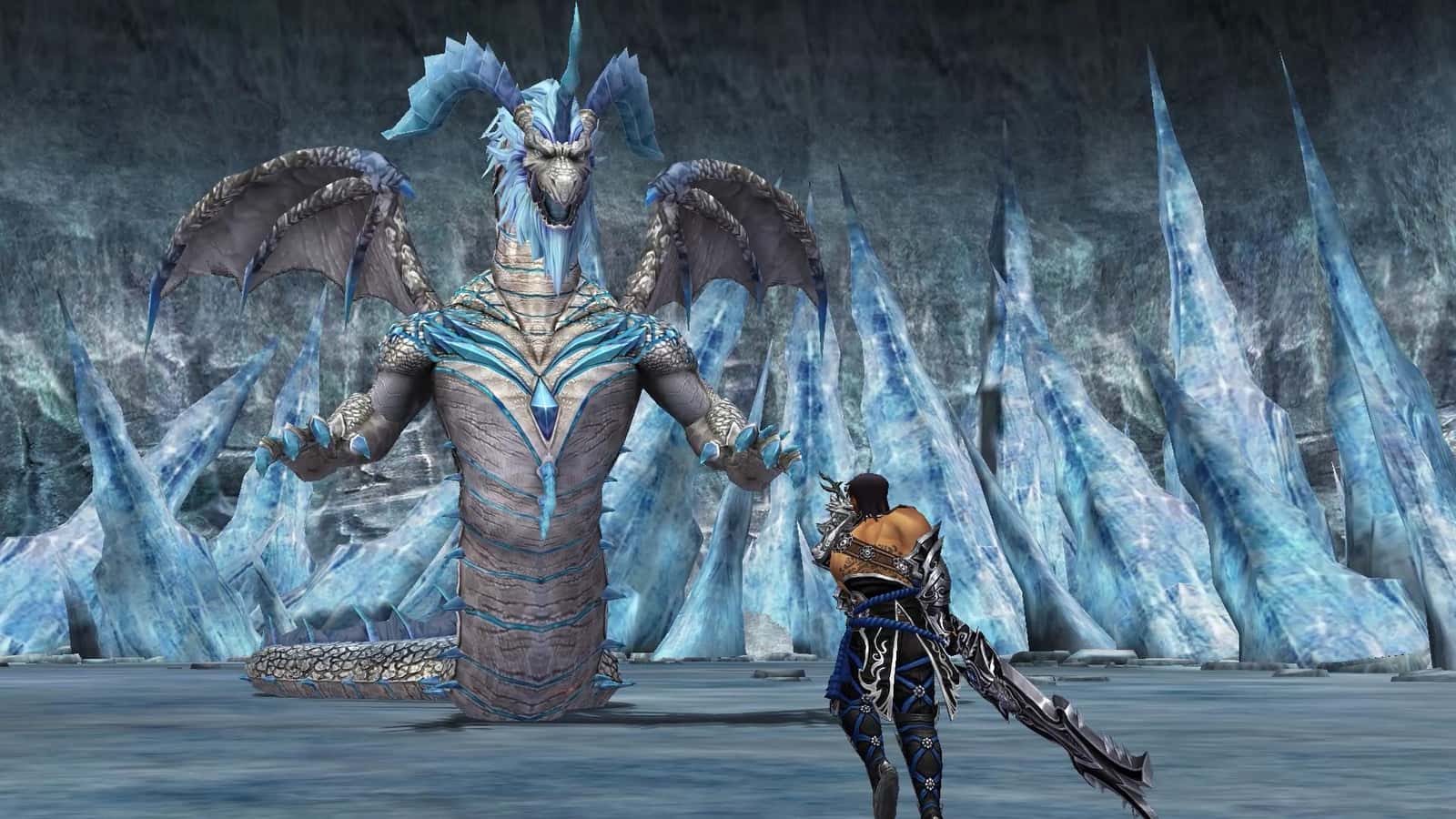
Metin2's character deletion code, given at registration, can be re-sent to your email from the account page and is required to delete a character in-game.

- Metin2's character deletion code is only needed by players who want to quit the game and delete their character.
- The code is issued at registration, and if forgotten, it can be resent to your email from the account page on Metin2's website.
- To delete a character in-game, players click 'Delete Character' on the selection screen and enter the code emailed to them.
The Metin2 character deletion code is something a lot of players are curious about. In this article, we'll answer how to get the Metin2 character deletion code. First, let's make clear that players who want to keep playing don't need to worry about the character deletion code. Only players who want to quit the game and delete their character use the deletion code.

What Is the Metin2 Character Deletion Code?
The character deletion code is what players need when they want to delete their account while quitting the game. We could say that players willing to delete their character to quit the game find their solution in the character deletion code.
How Do You Get the Character Deletion Code?
The character deletion code is a special code given to you when you register for the game. You need to save it or remember it. If you forget this code, don't worry, because you can get it again through the website.
- Go to Metin2's website.
- Log in to the website by entering your account details.
- You'll see the "Character Deletion Code" section near the top of the account area.
- When you click this tab, the "Character Deletion Code" will be sent to the email address you registered with.
Where Do You Get the Character Deletion Code From?
To get the Metin2 character deletion code, you need to go to Metin2's website. After logging in on Metin2's site, you can get this code by going to your account area.
How Do You Use the Character Deletion Code?
- Log in to the game.
- The character selection screen will appear. Click the "Delete Character" button here.
- When you click it, you'll be asked for your character deletion code. Enter the code you just received by email here.
After these steps, your character will be deleted in a way you can never use again.
For the latest news, don't forget to follow our Gamer Papers website and our social media accounts.
Sources
External links cited in this article
Comments (0)
Log in to leave a comment giriş yap.
No comments yet. Be the first!
Related Posts
All News →
Turkey Game Industry Report 2024 Released
Turkey's 2024 Game Industry Report shows the country's gaming market grew to over $810M with 48M+ active players, alongside a new digital guide to local game companies.

Loldle Answers: Daily League of Legends Puzzle
Loldle is a daily League of Legends guessing game with five modes (Classic, Quote, Ability, Emoji, Splash); December 6, 2024's Classic answer was Fiddlesticks.

Monopoly GO Dice Links: Free Dice Rewards
Monopoly GO's free dice links refresh daily and can be redeemed instantly for 25 or 30 free dice each, plus tips like auto refills every 60 minutes, daily gifts, and sticker trading to earn even more.