

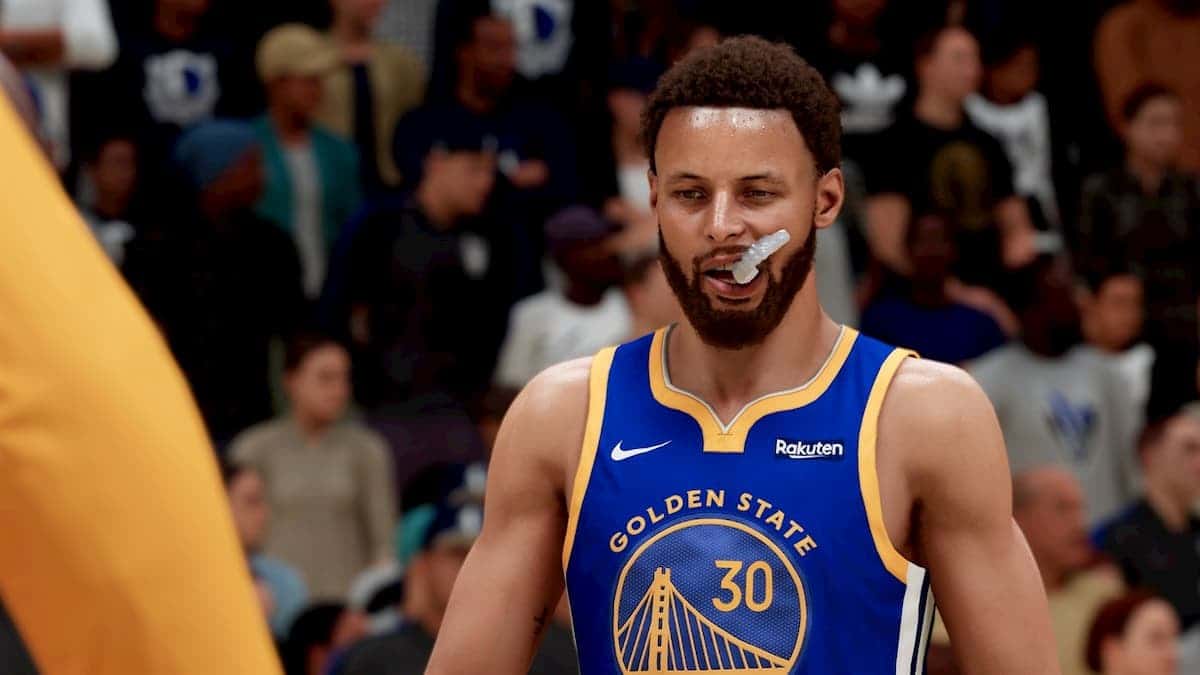
How Do You Change the Camera Angle in NBA 2K22?
In NBA 2K22, you change the camera angle mid-game with the D-Pad in online MyCareer modes or through the pause menu's camera settings in Play Now and MyTeam.
- NBA 2K22 lets players change the camera angle mid-game for the first time, starting on the default Broadcast angle in modes like the park and Rec.
- In online MyCareer games, pressing the D-Pad and cycling with the left and right triggers switches between preset NBA 2K22 camera angles.
- In Play Now or MyTeam, pausing with start and opening camera settings lets players adjust zoom, angle height, auto-rotate and rotation style.
Changing the camera angle in NBA 2K22 is a pretty important thing for many players to be able to play better defense and make better passes. In an NBA game where changing the camera angle wasn't possible for a long time, this feature that will improve the user experience for many players has arrived with 2K22, letting a lot of players breathe a sigh of relief. So, let's answer the question players are wondering about: how do you change the camera angle in NBA 2K22? and walk through how it's done.
 How Do You Change the Camera Angle in NBA 2K22?
Unfortunately, the only way to change your camera angle in any online mode like MyCareer is to start the game first. When you play your first 1v1, 2v2, 3v3 or 5v5 games in The Market, the park, Rec, etc., you'll notice that the game starts on Broadcast by default.
- Be in an online game and press directly on the D-Pad
- Cycle through several preset camera angles with the left and right triggers
- Press Circle/B to confirm your selection
- During a game or a free throw, press start to pause
- Go to camera settings
- Cycle through several preset camera angles with the left and right bumpers
- Check out options like zooming in and out, changing the angle's height, auto-rotate, rotation style, etc.
- Press Circle/B to confirm your selection
Comments (0)
Log in to leave a comment giriş yap.
No comments yet. Be the first!
Related Posts
All News →
Turkey Game Industry Report 2024 Released
Turkey's 2024 Game Industry Report shows the country's gaming market grew to over $810M with 48M+ active players, alongside a new digital guide to local game companies.

Loldle Answers: Daily League of Legends Puzzle
Loldle is a daily League of Legends guessing game with five modes (Classic, Quote, Ability, Emoji, Splash); December 6, 2024's Classic answer was Fiddlesticks.

Monopoly GO Dice Links: Free Dice Rewards
Monopoly GO's free dice links refresh daily and can be redeemed instantly for 25 or 30 free dice each, plus tips like auto refills every 60 minutes, daily gifts, and sticker trading to earn even more.