

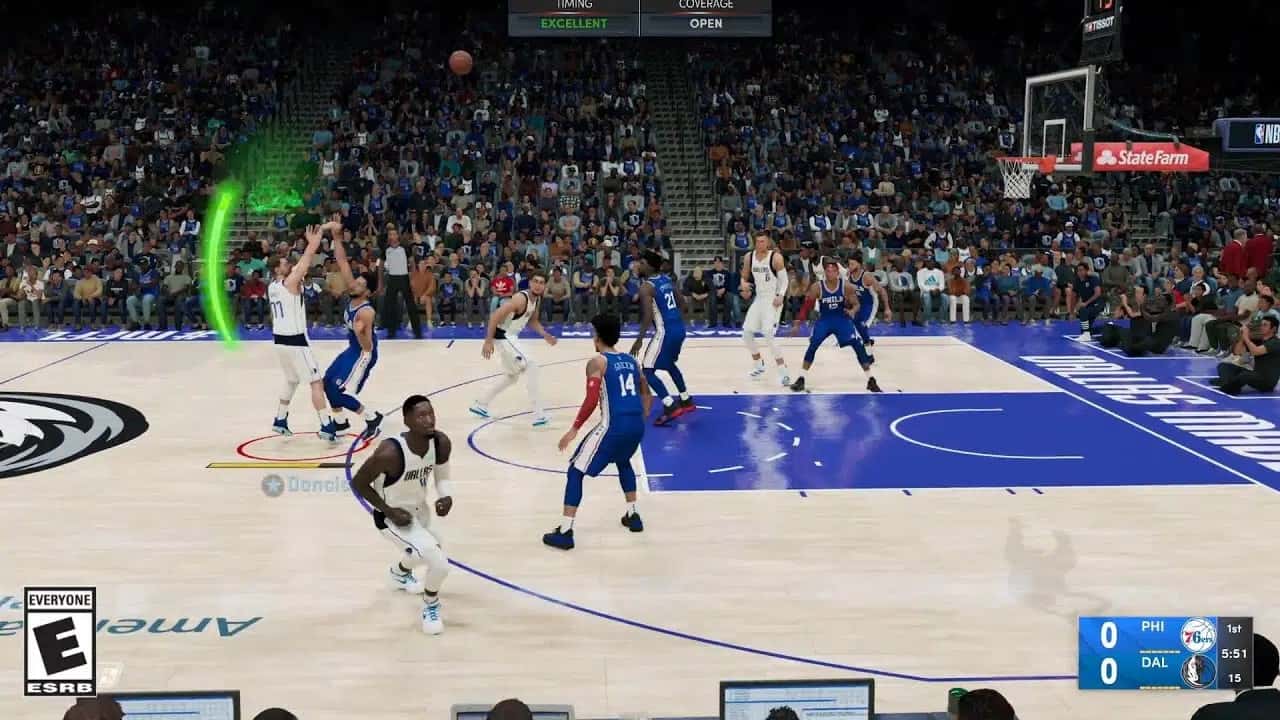
Restarting MyCareer with a new save file is the only way to change your actual MyPlayer name in NBA 2K22, while the Settings tab lets you edit your Secondary Nickname.

- NBA 2K22 players can only change their true MyPlayer name by restarting MyCareer and creating a new save file.
- The Settings tab under the City/The City menu lets players edit a Secondary Nickname that others can call them by.
- Changing the Secondary Nickname also lets players update their MyPlayer's social media username from the same menu.
Some players in NBA 2K22 aren't happy with their MyPlayer name and want to change it. If you're also unhappy with your name, or think it's time for a change, it's worth checking out our article. In this article, we'll answer the question of how to change your name/nickname in NBA 2K22.
 How Do You Change Your Name/Nickname in NBA 2K22?
You can follow the steps below to change your name in NBA 2K22:
- The way to change your MyPlayer name in NBA 2K22 is to restart MyCareer and create a new save file.
- This won't change your MyPlayer name, but people talking to you will be able to call out your name. To make this change, your player needs to enter the NBA. You can follow these steps:
- Go to the City/The City main menu, pause the game, and select exit from the options.
- Then open the Settings tab. Under the Settings tab, you'll find your Secondary Nickname. From here, you can change your name and, in addition, your MyPlayer's social media username.
Also, be sure to check out our article on Which Colleges Can You Choose in NBA 2K22 MyCareer Next Gen.
Bazen yazar, bazen tasarlar. Film bağımlısı, oyunlar hakkında yazmayı sever✨
Comments (0)
Log in to leave a comment giriş yap.
No comments yet. Be the first!
Related Posts
All News →
Turkey Game Industry Report 2024 Released
Turkey's 2024 Game Industry Report shows the country's gaming market grew to over $810M with 48M+ active players, alongside a new digital guide to local game companies.

Loldle Answers: Daily League of Legends Puzzle
Loldle is a daily League of Legends guessing game with five modes (Classic, Quote, Ability, Emoji, Splash); December 6, 2024's Classic answer was Fiddlesticks.

Monopoly GO Dice Links: Free Dice Rewards
Monopoly GO's free dice links refresh daily and can be redeemed instantly for 25 or 30 free dice each, plus tips like auto refills every 60 minutes, daily gifts, and sticker trading to earn even more.