

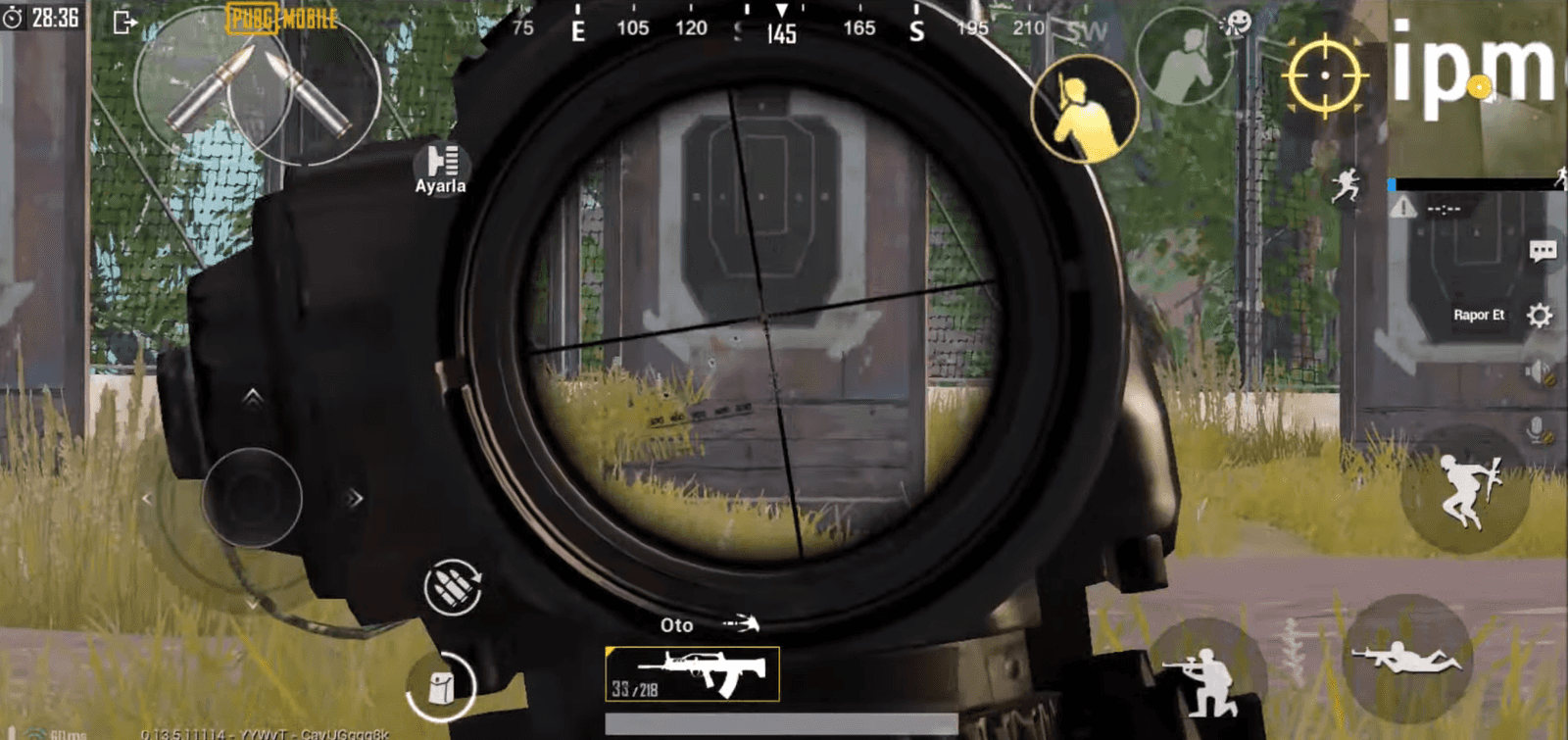
PUBG Mobile's 4-finger control layout puts fire and aim on the index fingers and movement and turning on the thumbs for better in-game control.
- Playing PUBG Mobile with four fingers gives players more control than the game's default settings.
- The 4-finger layout places fire and aim buttons under the index fingers, and the joystick and turning controls under the thumbs.
- PUBG Mobile's 4-finger layout takes time to master, but it delivers much better control of your character.
Playing PUBG Mobile on your phone with the standard settings may not be enough once you get used to the game. Some players are able to play with more control using four fingers, independent of the game's default settings.
How Do You Set Up PUBG Mobile 4-Finger Controls?
This is the best control setup for anyone playing PUBG Mobile on a phone or tablet. Since you need to sync all four fingers together, it will take a while to get used to. Once you do, though, you'll have much more control over your character in the game.

PUBG Mobile Four-Finger Controls

- The fire button goes in the top left, and the aim buttons go in the top right. You should control these buttons with your index fingers.
- The joystick button is placed in the bottom left. You should control it with your left thumb.
- The direction-turning section is in the bottom right. You should use your right thumb to turn left, right, up, and down.
- The other buttons you won't actively use but are still necessary are the gas pedal, loot button, and door button. Placing these wherever is most comfortable for you will give you a smoother experience in the game.
Comments (0)
Log in to leave a comment giriş yap.
No comments yet. Be the first!
Related Posts
All News →
Turkey Game Industry Report 2024 Released
Turkey's 2024 Game Industry Report shows the country's gaming market grew to over $810M with 48M+ active players, alongside a new digital guide to local game companies.

Loldle Answers: Daily League of Legends Puzzle
Loldle is a daily League of Legends guessing game with five modes (Classic, Quote, Ability, Emoji, Splash); December 6, 2024's Classic answer was Fiddlesticks.

Monopoly GO Dice Links: Free Dice Rewards
Monopoly GO's free dice links refresh daily and can be redeemed instantly for 25 or 30 free dice each, plus tips like auto refills every 60 minutes, daily gifts, and sticker trading to earn even more.