

Skibi Defense Codes (August 2024)
Skibi Defense codes on Roblox give free Credits, Chunks, and damage boosts; redeem them through the in-game chat with the /redeem command.
- Skibi Defense is a Roblox tower defense game based on Skibidi Toilet videos, and codes reward players with Credits, Chunks, or boosts.
- Codes like datafixed and wowdelaycrazy were active in August 2024, while codes like ch2farm and ilyguys had already expired.
- Codes are redeemed through the in-game chat using the command /redeem [code], with no time limit before using a valid code.
Skibi Defense Codes August 2024
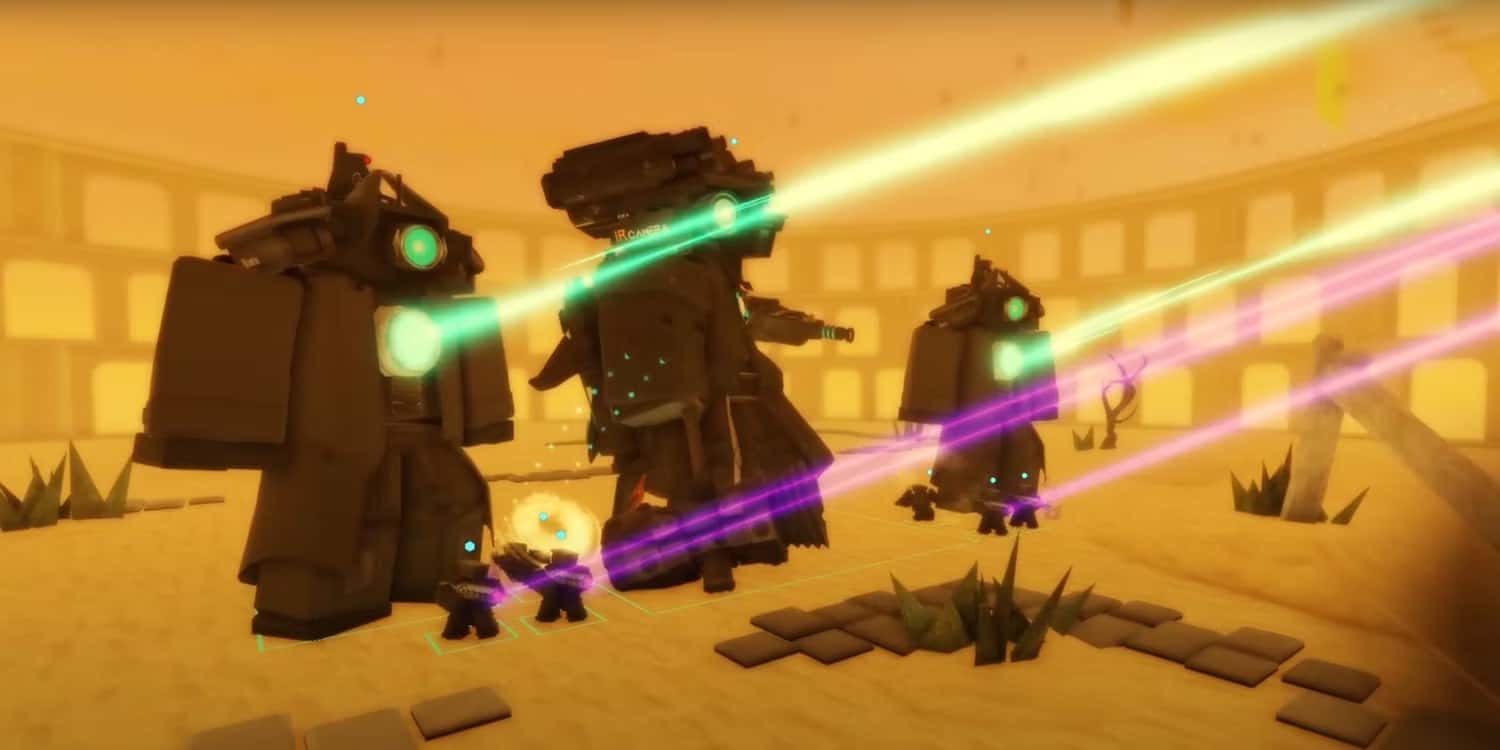
Skibi Defense is a tower defense game based on the concept of the many Skibidi Toilet videos circulating online. Compared to the other Skibidi Toilet games on Roblox, this one is definitely worth checking out because the developers paid attention to nice visuals and mechanics that actually work. Use Skibi Defense codes to progress faster and earn rewards in the game. These codes will give you many useful things like cash or boosts.
Skibi Defense: All Codes August 2024
No matter your playstyle, succeeding and winning the fight will take more than just the right strategy — you'll also need a few tricks up your sleeve. The higher each of these is, the better the items you can secure for yourself during a match. Keep up with everyone else and use Skibi Defense codes to show how fast you're progressing.
Want to see more Roblox codes? Click the link!
Active Codes
- datafixed—Use for a 1-hour 2x and 3x boost and 5k Credits (New)
- wowdelaycrazy—Use for 2k Chunks (New)
- 200milvisits—Use for a 1-hour 3x boost (New)
- update3in0—Use for a 1-hour 3x boost (New servers only)
- 10kfollowers—Use for free rewards (New servers only)
- needmorefollowers—Use for a 1-hour 3x boost
- massping—Use for a 1-hour 3x boost
- stpatricks—Use for a 1-hour 3x boost
- updatein0—Use for 4k Credits
- 100klikes—Use for 3.5k Credits
- sorryfordelays—Use for free rewards (New servers only)
- fixedboost—Use for a 1-hour 3x boost
- 30kagain—Use for a 1-hour 3x boost
- 20kcomeback—Use for 10,000 Credits
- consistentupdates—Use for 3,000 Credits
- early100mil—Use for 5,000 Credits and a 2x boost
- happyvalentines—Use for a 1-hour 2x boost and 2,750 Credits
- thxfor100kmembers—Use for 1,500 Credits and a 30-minute 3x boost
- 50MVisits—Use for a 2-hour 2x boost, a 30-minute 3x boost, and 2,500 Credits
- sorryforshutdowns—Use for a 3-hour 2x boost and 3,000 Credits
- 25kfavs—Use for 250 Credits and a 1-hour 2x boost
- 10kfavs—Use for 250 Credits and a 1-hour 2x boost
- 2.5klikes—Use for 250 Credits and a 1-hour 2x boost
- 50kfavs—Use for 250 Credits and a 1-hour 2x boost
- 50klikes—Use for 500 Credits and a 30-minute 3x boost
- 25klikes—Use for 250 Credits and a 1-hour 2x boost
- 20kplayers—Use for a 30-minute 3x boost
- 10klikes—Use for 250 Credits and a 1-hour 2x boost
- 5klikes—Use for 250 Credits and a 1-hour 2x boost
- 5kplayers—Use for 250 Credits and a 1-hour 2x boost
- 25mvisits—Use for 800 Credits and a 1-hour 2x boost
- 10kplayers—Use for a 30-minute 3x boost
- 10mvisits—Use for 500 Credits and a 1-hour 2x boost
Expired Codes
- ch2farm
- HappyRelease
- 30kplayers
- ilyguys
Skibi Defense: How Do I Redeem Codes?
The code redemption mechanic in Skibi Defense doesn't work like most other Roblox games. You don't need to look for a special menu here — you just need to do everything through the in-game chat. Luckily, there's no time limit before redeeming codes, so here's how to do it:
- Launch Skibi Defense.
- Once it loads, you'll be taken to the main menu, which offers a lot of options.
- Look at the top-left corner of the screen. You'll see a button there with the Roblox logo and a chat icon next to it.
- Click this icon to open chat.
- Select and copy your in-game code using the input field that appears.
- Now, enter the "/redeem [code you copied]" command in the game chat. It should look like this — "/redeem UPD2". Of course, you don't need to type quotation marks in the chat.
- After entering this command, press Enter to submit your request.
- If successful, you'll see an on-screen notification confirming the code was redeemed successfully.
If you don't see a notification about a successful redemption, you may have entered the command or code incorrectly. Check the entire line for mistakes and don't forget capitalization where it's needed. The code may also have expired, since you might be too late to use it. So check the active codes and use them for free rewards as soon as possible.
Sources
External links cited in this article
Comments (0)
Log in to leave a comment giriş yap.
No comments yet. Be the first!
Related Posts
All News →
Turkey Game Industry Report 2024 Released
Turkey's 2024 Game Industry Report shows the country's gaming market grew to over $810M with 48M+ active players, alongside a new digital guide to local game companies.

Loldle Answers: Daily League of Legends Puzzle
Loldle is a daily League of Legends guessing game with five modes (Classic, Quote, Ability, Emoji, Splash); December 6, 2024's Classic answer was Fiddlesticks.

Monopoly GO Dice Links: Free Dice Rewards
Monopoly GO's free dice links refresh daily and can be redeemed instantly for 25 or 30 free dice each, plus tips like auto refills every 60 minutes, daily gifts, and sticker trading to earn even more.