

How Do You Use the Arcane Avatar Creator?
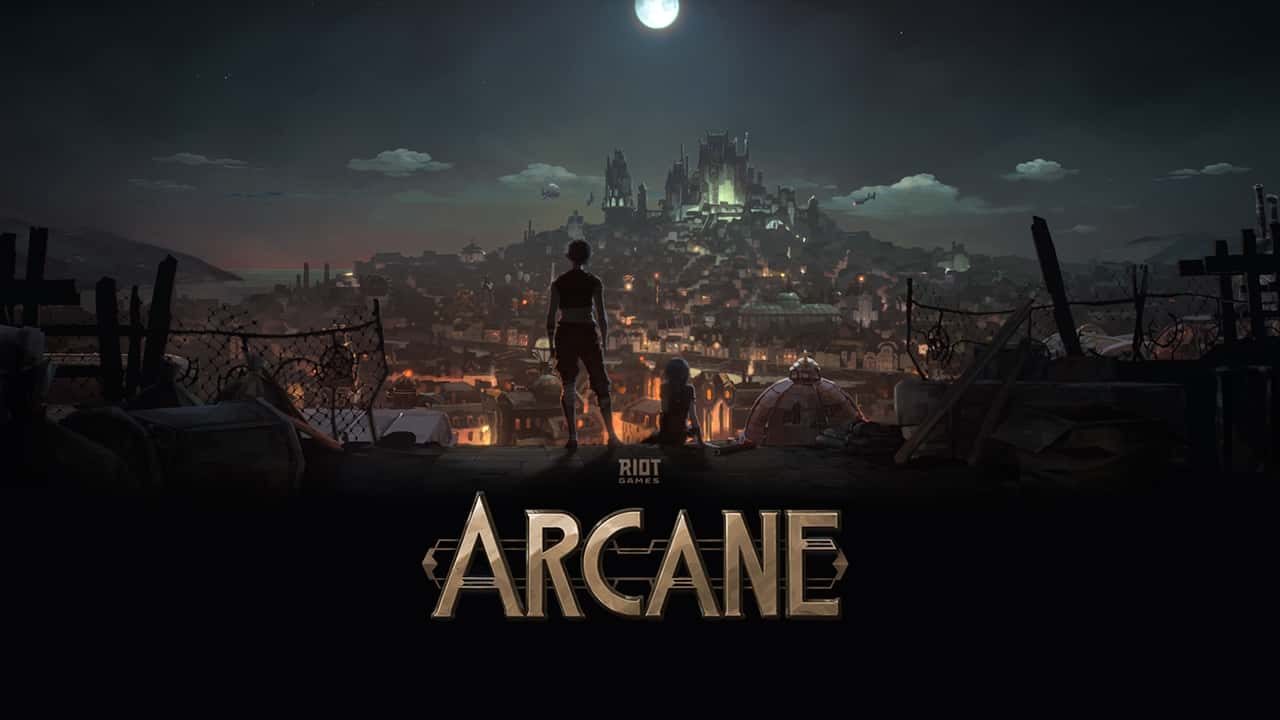
Riot Games' Arcane avatar creator lets you build a League of Legends-styled likeness with outfits, masks and hairstyles, though some cosmetics need the LoL client.

- Riot Games launched a browser-based Arcane avatar creator to coincide with Arcane's second part releasing on November 13.
- The Arcane avatar creator lets players customize a likeness with body types, face shapes, colors, weapons and accessories.
- Some Arcane avatar creator cosmetics only unlock through the League of Legends client's 'Into The Arcane' tab, not the browser version.
Arcane with Arcane's second part releasing on November 13, Riot Games, Riot Games launched an avatar creator on its website. It lets you create a likeness of yourself with outfits, masks, hairstyles and more from the League of Legends and Arcane universe. While you can access the creator through your web browser, some cosmetics only unlock through the League of Legends client.
 How Do You Create an Avatar in Your Browser?
- Go to the Avatar Creator website.
- Choose a body type.
- Pick from various face shapes and features.
- Adjust colors using the color wheel in the bottom left.
- Choose weapons, glasses, piercings, accessories and more for your avatar.
- Finally, pick a background to display your avatar against.
- Once you're happy with your creation, press the Finish button to complete the process. You can then download the avatar as an image.
How Do You Download the LoL Client and Create an Avatar?
- Go to the official League of Legends website.
- Click the "Play Now" button in the top right.
- This will take you to create an account, so enter your email address and date of birth, and create a username and password. This username isn't your in-game name, which you'll choose later.
- Click "Join Now," which will take you to a download screen to start downloading the client.
- Once it's downloaded, run the installer.
- Open the client and go to the "Into The Arcane" tab at the top.
- There will be a box on the screen titled "Avatar Creator." Click it.
- Follow the same steps as the browser to create and save your avatar.
You can also check out the characters from Arcane's second part (episodes 4, 5 and 6) here.
Sources
External links cited in this article
Comments (0)
Log in to leave a comment giriş yap.
No comments yet. Be the first!
Related Posts
All Latest News →
Turkish Wordle Word of the Day Archive
Turkish Wordle's word for December 6, 2024 is "zülüf," and this archive lists every past daily answer plus tips for solving the puzzle.
Coin Master Free Spins Hack: Unlimited Spin Codes
Coin Master's free spins codes refresh daily and can be redeemed for 25 extra spins each, alongside tips like daily gifts, social follows, and friend invites to earn even more.
TFT 2025 Patch Schedule
Teamfight Tactics' projected 2025 patch schedule runs from Patch 14.1 on January 10 through Patch 15.1 on January 15, 2026, roughly every two weeks.