FM 27 Facepack and Skins: Step by Step Install Guide
How to install an FM 27 facepack, logo pack and skin: folder paths, pack sizes and fixes for the most common problems.

5 min read
Contents10 sections
To install an FM 27 facepack, extract it and copy it into Documents\Sports Interactive\Football Manager 27\graphics. Skins go in the skins folder in the same place, and you pick them in Preferences.
This guide covers facepacks, logo packs and skins step by step. All details come from each pack's own page as of 10 November 2026. Our older FM 23 face packs and skins guide shows how things worked before.
Where does FM 27 modding stand?
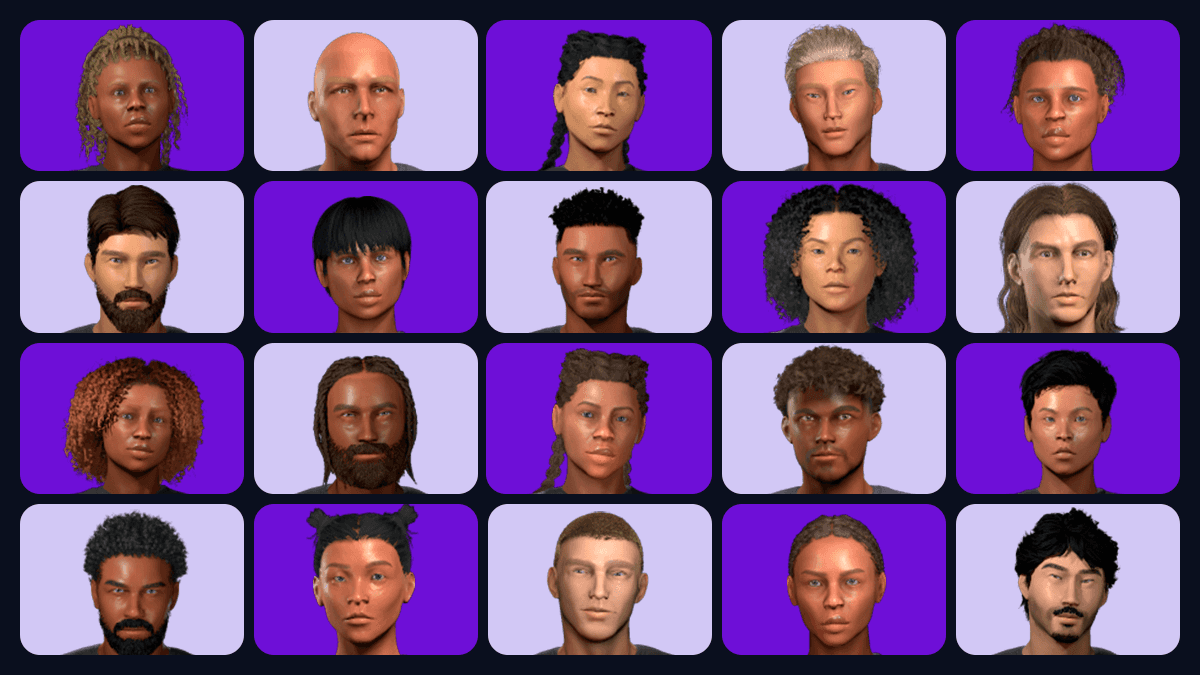
Licensed leagues already have player photos in the game. SI's FM 27 licences list names them. In unlicensed leagues, players appear without faces. Facepacks fill that gap.
The main packs released for FM 27:
| Pack | Source | Size | FM 27 status |
|---|---|---|---|
| Cut-Out Player Faces Megapack 2027.00 | sortitoutsi | 14.9 GiB (complete pack), 91.74 MiB (change pack) | FM 27 version, 26 October 2026 |
| FM Dugout FM27 Skin (Template) | FM Scout | 575 kB | Made for FM 27, 6 November 2026 |
| FM27 Skins Manager | FM Scout | 2.8 MB | Made for FM 27, last updated 4 November 2026 |
| FM27 Real Name Fix v4 | sortitoutsi | 2.48 MiB | Made for FM 27, 9 November 2026 |
Source: the packs' sortitoutsi and FM Scout pages, 10 November 2026.
How do you download and install an FM 27 facepack?
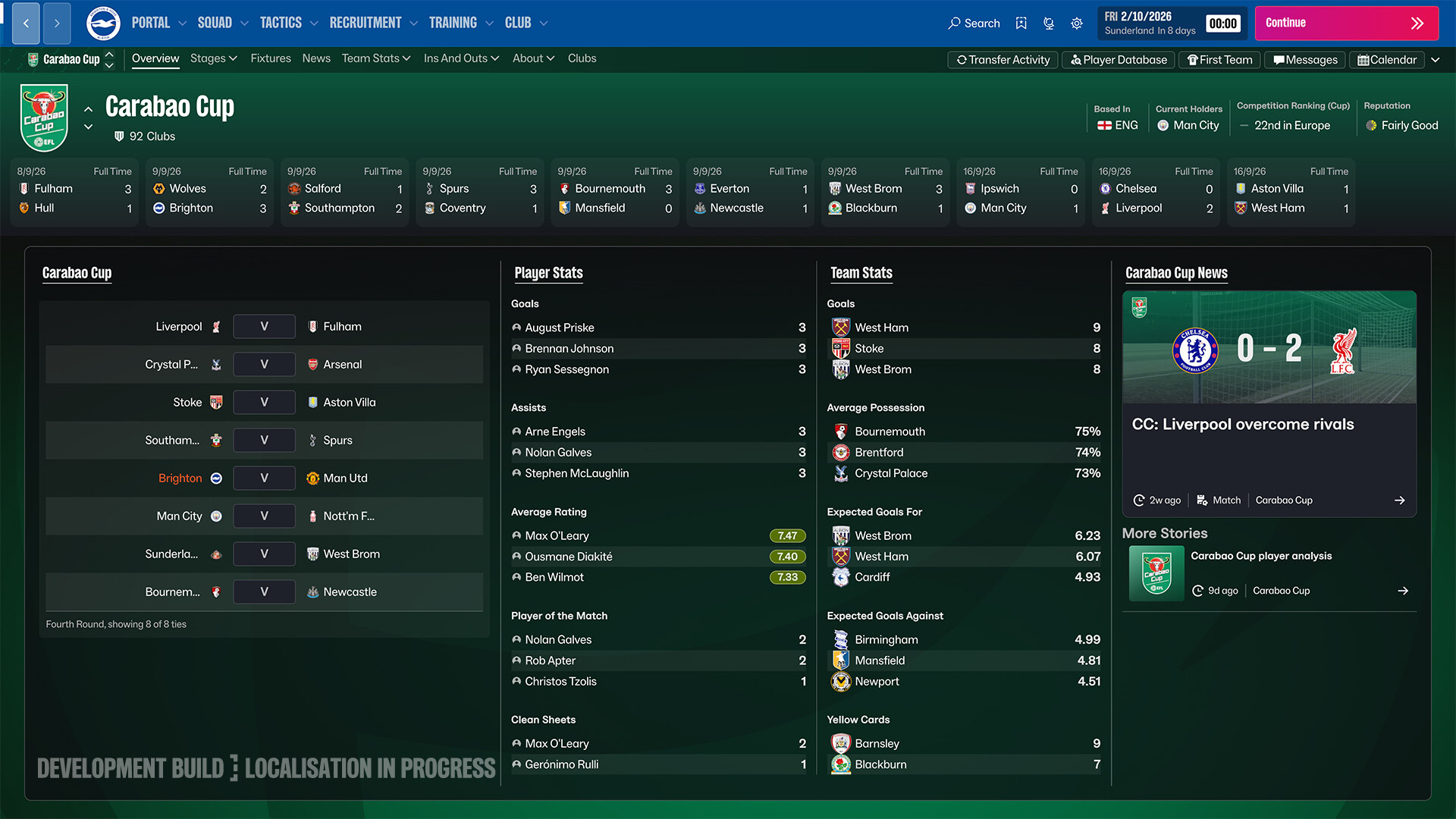
The biggest pack is sortitoutsi's Cut-Out Player Faces Megapack. Version 2027.00 came out on 26 October 2026 with 558,432 faces. The faces have no background, so they match the game's own photos.
- Download the pack: the complete pack is 14.9 GiB. If you are not a premium member, sortitoutsi suggests the torrent for the base pack.
- Get the updates too: after the torrent, download every change pack released since. Premium members can grab the latest complete pack.
- Extract it: use WinRAR or 7-Zip. The file is huge, so this takes a while.
- Copy the folder: on Windows, copy it into Documents\Sports Interactive\Football Manager 27\graphics. Create the folder if it is missing.
- Start the game: FMPortugal says you do not need to change any setting in Preferences.
On a Mac, create the graphics folder under Library > Application Support > Sports Interactive > Football Manager 27 in your user folder. sortitoutsi notes it is still waiting for Mac user feedback.
When updating, apply change packs from oldest to newest and accept overwrites each time. If you prefer faces with a background, FMPortugal points to the sticker-style DF11 Faces FM27 pack.
How do you install a logo pack?
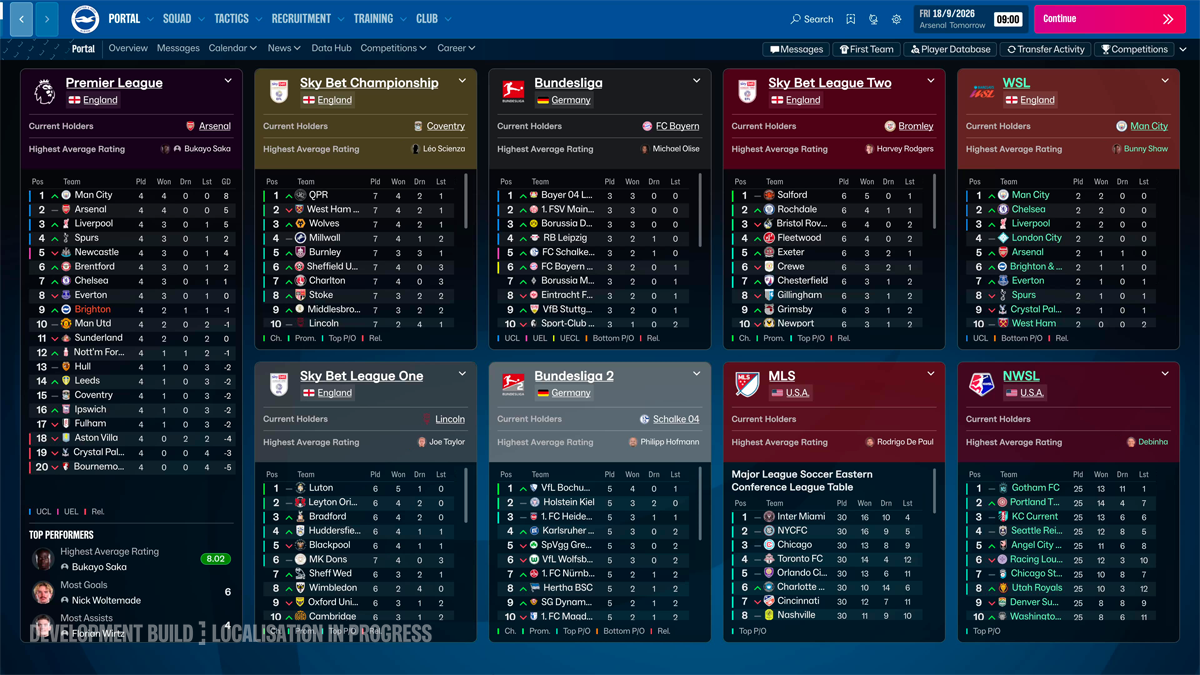
Logo packs also go in the graphics folder, in their own subfolder:
- Windows: Documents\Sports Interactive\Football Manager 27\graphics\logos
- Mac: ~/Library/Application Support/Sports Interactive/Football Manager 27/graphics/logos
Italian FM site FM Religion's guide from 30 October 2026 says to copy the extracted folder, not the ZIP file. Keep the pack's config.xml files too. If your Documents folder sits in OneDrive, look for the right path there.
How do you install an FM 27 skin?
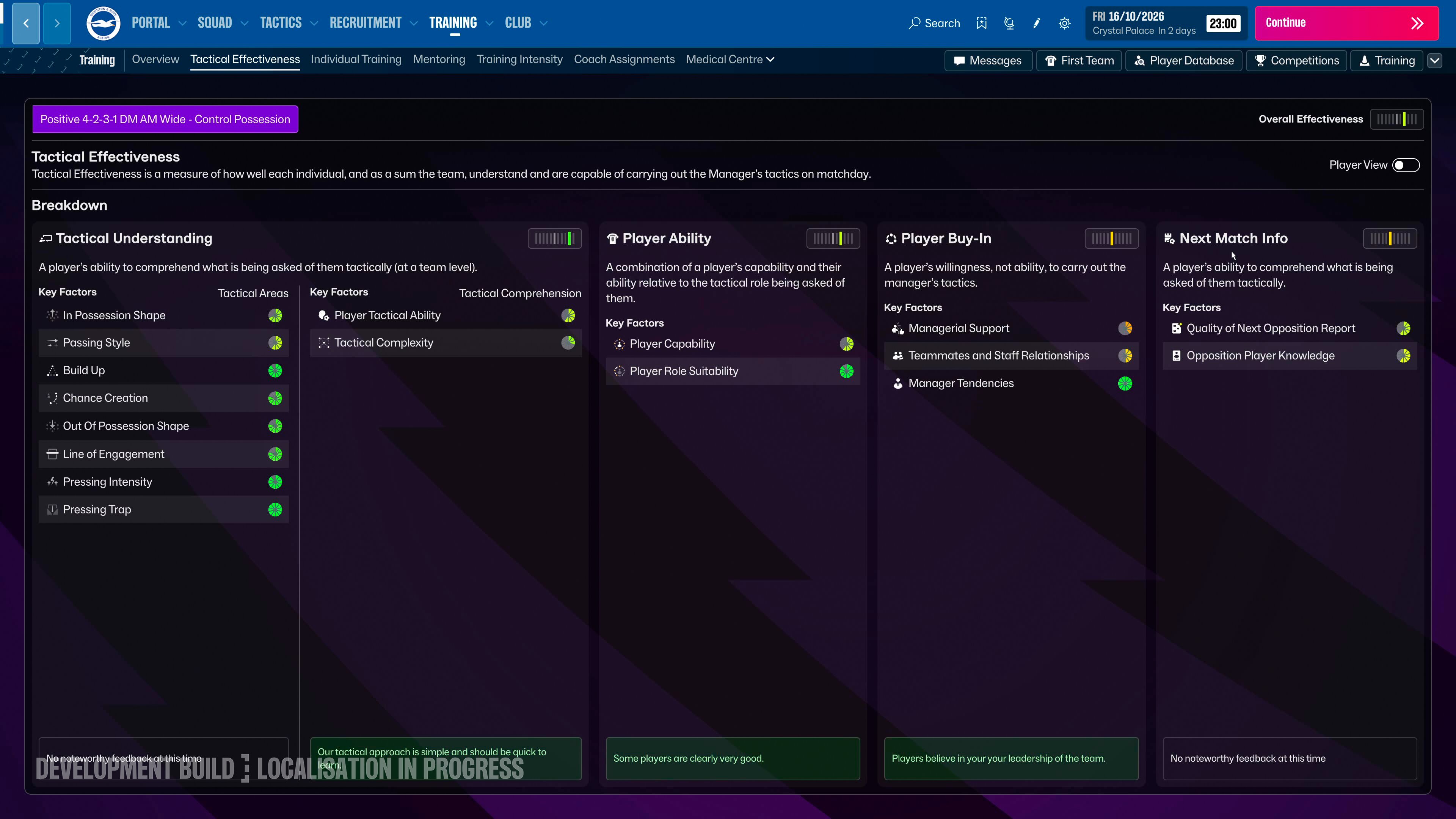
FM 27 skins are built with Unity stylesheets (USS). FM Scout's FM Dugout FM27 Skin page explains the install:
- Download the ZIP and extract it.
- Move the skin folder into Documents/Sports Interactive/Football Manager 27/skins/. On a Mac the path is ~/Library/Application Support/Sports Interactive/Football Manager 27/skins/.
- skin.json and main.uss must sit directly inside the skin folder, with no extra folder in between.
- Open Preferences in the game, select the skin and confirm.
Some skins replace the game's internal files. For those, FM Scout hosts the FM27 Skins Manager tool. It switches skins on and off and backs up game files. The example paths on its page still use FM 26 folder names, so point it at your own FM 27 install folder.
Troubleshooting
- A blank space instead of a face: sortitoutsi says a stray config file in another folder is the usual cause. Search the graphics folder for the player's ID and delete the second image.
- An old iconfaces folder: FMPortugal says FM 27 does not need it and it can cause problems. Delete it if it came from an older version.
- Fewer faces than expected: sortitoutsi says a few bad images cannot be removed from the download, so a gap of a few hundred is normal.
- The skin does not show: check that skin.json is in the right place, then restart the game.
To fix club and competition names as well, see our real names fix guide. Once you are set up, pick a club with our FM 27 best teams to manage list.
Frequently Asked Questions
Where do I install an FM 27 facepack?
On Windows, in Documents\Sports Interactive\Football Manager 27\graphics. On a Mac, in Library > Application Support > Sports Interactive > Football Manager 27 > graphics.
How big is the FM 27 facepack?
The sortitoutsi Cut-Out Megapack 2027.00 complete pack is 14.9 GiB. Change packs are much smaller; the first is 91.74 MiB.
Can you use skins in FM 27?
Yes. FM 27 skins from FM Scout are copied into the skins folder and picked in Preferences.
Will a facepack break my save?
A facepack only adds images. Still, back up your graphics folder and saves before you install anything.
Frequently asked questions
Questions answered in this article
Sources
External links cited in this article
Newsletter
The week's biggest gaming news, every Friday morning
One email every Friday: the week's most-read stories and what's new. No spam, unsubscribe anytime.
LoL, TFT ve VALORANT sever bir oyun sever ve oyuncu. Mobil platformlarda ise tam bir Clash of clans hastası.