Best Zula Crosshair and Sensitivity Settings
Is Zula still active, and what are the best crosshair and sensitivity settings? DPI and eDPI explained, recommended crosshair options and 2026 updates.

In brief
AI summaryZula's recommended crosshair setup uses the Classic 2 style, Color 1, with bullet tracers and blood effects turned on.
Ideal mouse sensitivity in Zula is between 0.2 and 0.4, with mouse smoothing and inversion turned off.
Zula is a Turkish-made MMOFPS where two teams, terrorists and anti-terrorists, compete across various maps and modes.
Contents10 sections
The best Zula crosshair and sensitivity settings start from a simple base: a thin crosshair, mouse smoothing and blur turned off, then a sensitivity picked together with your mouse DPI. That logic works in every version, unlike a copied "best settings" list.
First, the question many people ask: Zula is still alive in 2026. According to the official announcements on Steam, the latest update, v1.92, went live on October 21, 2026, and the game has received a new season or event almost every month this year.
Is Zula still active in 2026?
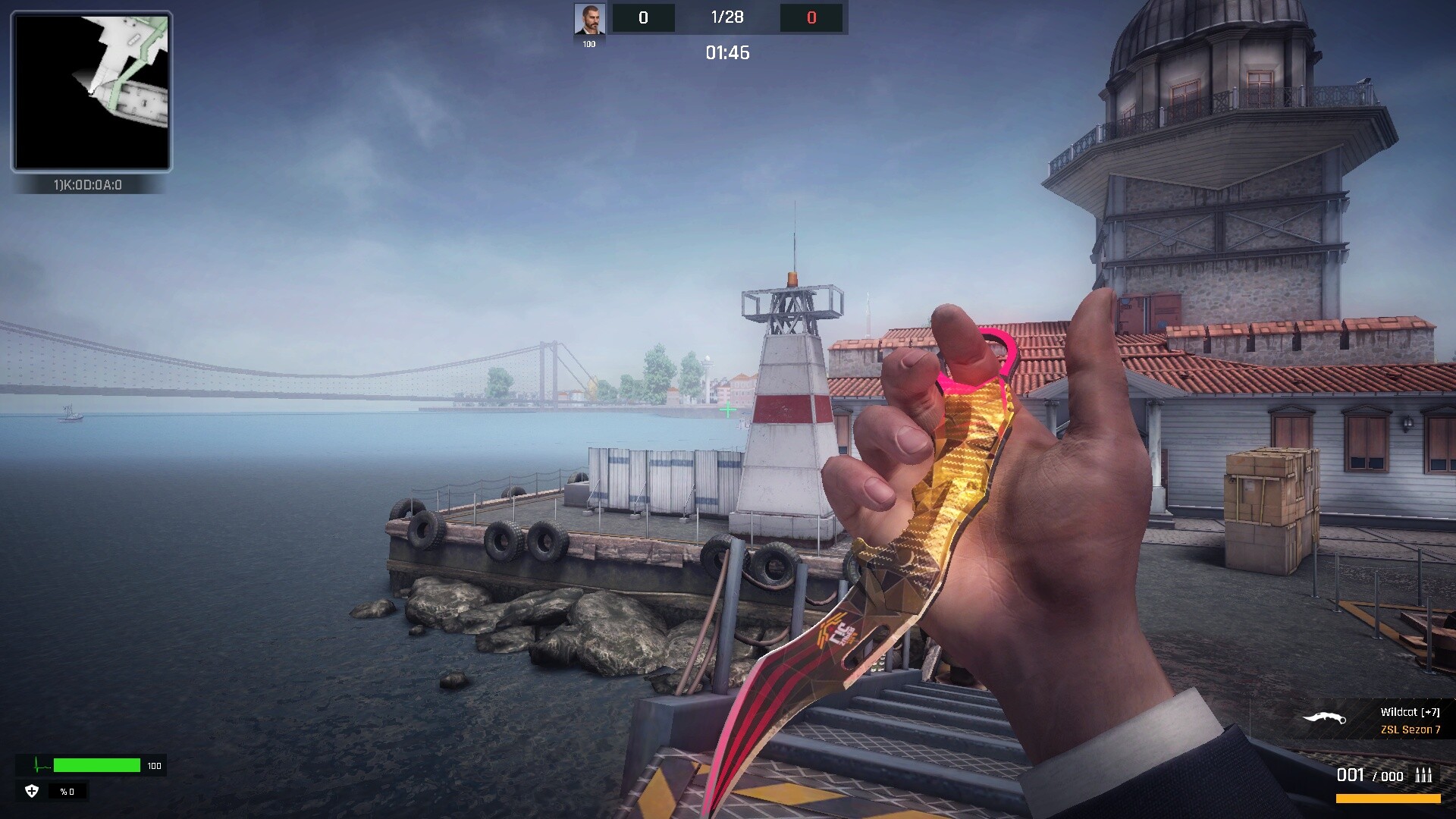
Yes. Zula is a free-to-play Turkish online FPS. On its Steam page (Zula Türkiye) the developer is listed as Madbyte Games, with Madbyte Games and Joygame Select as publishers. The game's Steam news feed shows regular updates through 2026:
| Version | Date | Highlights |
|---|---|---|
| v1.86 | April 22, 2026 | Collection Completion system, Battle Pass x2 rewards |
| v1.87 | May 20, 2026 | World Cup season, 3D preview system |
| v1.88 | June 24, 2026 | Faster game launch |
| v1.89 | July 22, 2026 | Black Widow season, new character Helga Müller |
| v1.90 | August 19, 2026 | Pro Pass (from September 1, Silver rank and above), RK-62 Pro rifle |
| v1.91 | September 23, 2026 | Underground season, new character Bozkurt Doğan |
| v1.92 | October 21, 2026 | Arena point donations, new weapon series |
The competitive scene is running too: Season 9 of the Zula Super League started in April 2026 with a 500,000 TL prize pool, and its finalists were decided in June. A summer competitive season also opened on June 1, 2026.
How to set your Zula sensitivity
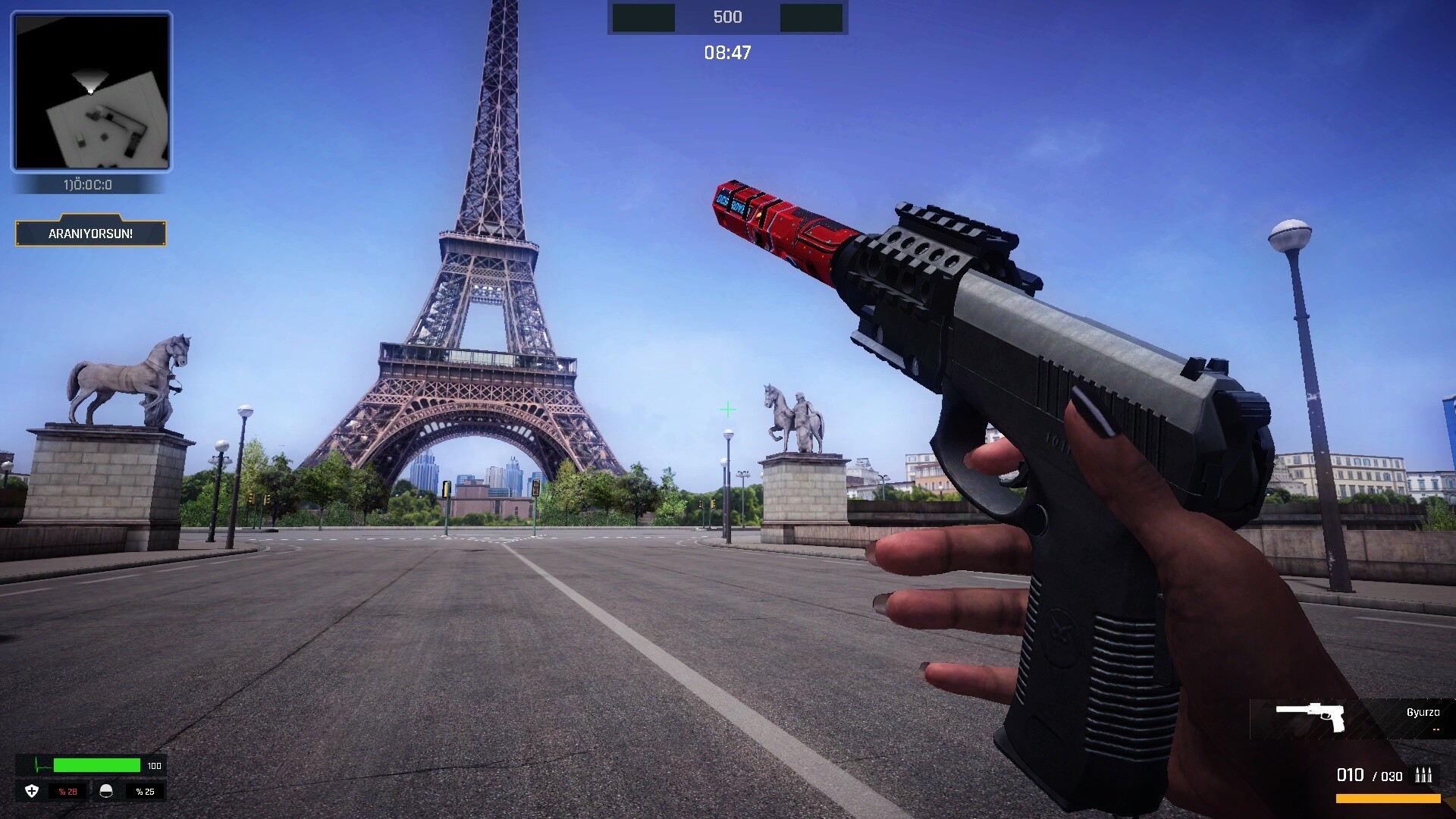
Sensitivity is not a single number. Your mouse DPI multiplied by the in-game sensitivity gives your effective sensitivity (eDPI), and that decides how fast your view turns. 800 DPI at 1.0 feels the same as 1600 DPI at 0.5. So when you copy someone's sensitivity, you also need their DPI.
To find your own value:
- Pick a DPI in your mouse software (400, 800 or 1600, for example) and stick with it.
- Open a private room in game and line your crosshair up with a wall corner.
- Swipe from one edge of your mousepad to the other. If one comfortable arm movement turns you roughly 180 degrees, that is a solid starting point for both rifles and snipers.
- If you keep overshooting targets, lower the value in small steps; if turning around is a struggle, raise it.
- Play a few days on the value you settle on. Changing it after every match stops muscle memory from forming.
In a fast game with tight corridors like Zula, very high sensitivity makes quick turns easy but small aim corrections hard. That is why most FPS players end up somewhere low to medium.
Windows and mouse checks
- Mouse acceleration: Windows' "Enhance pointer precision" makes fast swipes travel further. Turning it off is common FPS advice so the same movement always gives the same result.
- Polling rate: If your mouse software allows it, choose 500 or 1000 Hz; low values can make movement feel choppy.
- Stable FPS: If your frame rate jumps around, the same mouse movement feels different. Zula's recommended specs are modest (4 GB RAM and an Intel HD 520 or Radeon R7 M260 on Steam), so most PCs can hold a steady frame rate.
Zula crosshair settings
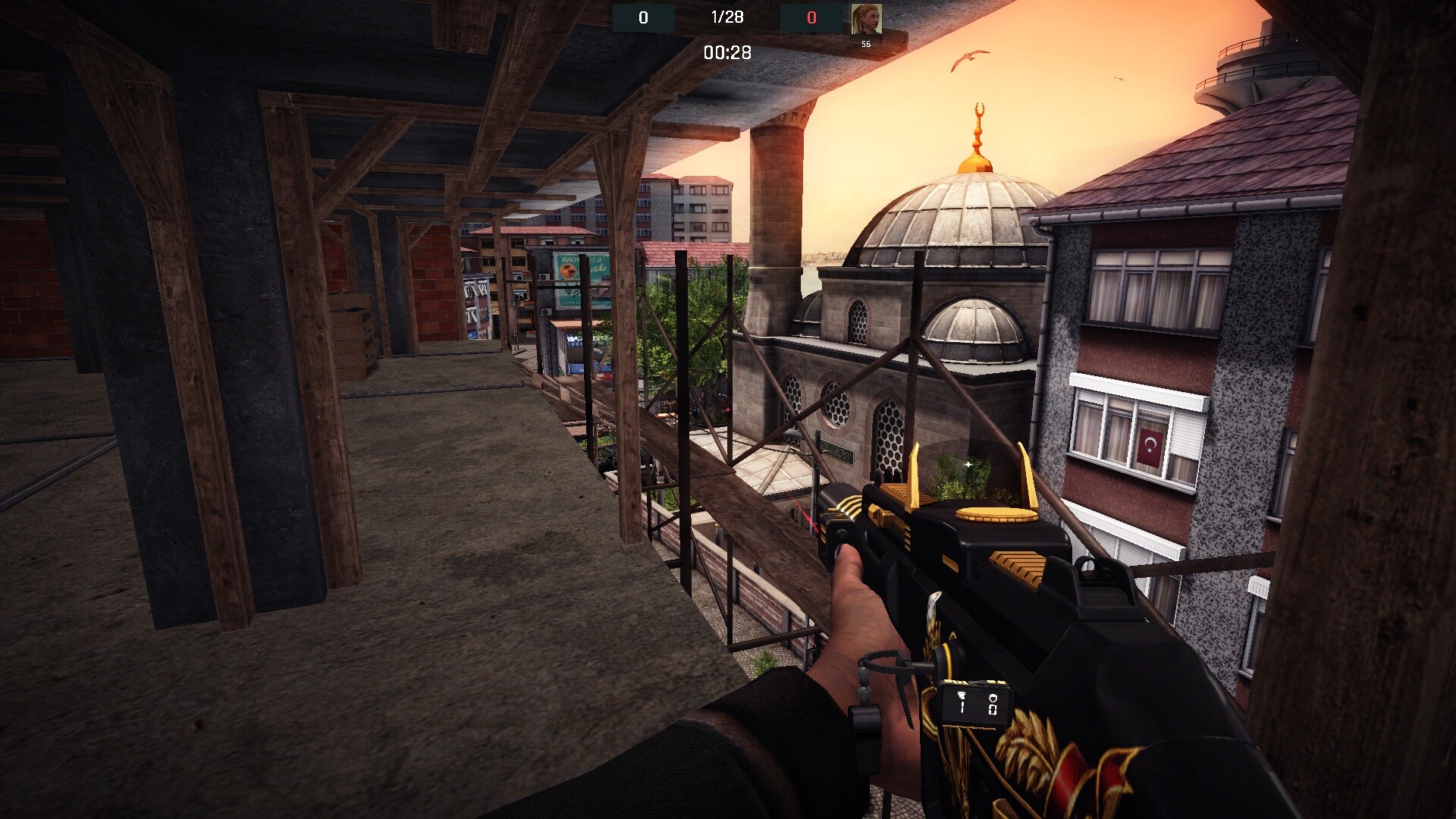
In Zula, you pick a crosshair from preset shapes and colors in the settings menu. Neither the Steam announcements nor official sources mention a shareable crosshair code system like the ones in Valorant or CS2, so a "Zula crosshair code" is really a list of settings like the one below.
The table uses the setting names from the Turkish client as they appeared in our earlier guide (November 2024), with English glosses. Names or positions may have changed in the current client, so look for the options that do the same job.
| Setting (2024 Turkish client) | Recommendation | Why |
|---|---|---|
| Nişangah (Crosshair) | Klasik 2 (Classic 2) | A thin, simple cross does not cover targets |
| Renk (Color) | A color rarely seen on maps | Does not blend into walls and floors |
| Tepki (Hit marker) | Çarpı (Cross) | Shows hits clearly |
| Sağ Tık Zum (Right-click zoom) | Tıklamalı (Toggle) | Scope stays open without holding the button |
| Dürbün Otomatik Geri Zum (Auto unscope) | Kapalı (Off) | You stay in control after a sniper shot |
| Blur / Zum Blur (Blur / Zoom blur) | Kapalı (Off) | Clear image while moving and zooming |
| Zumda Ekstra Hassasiyet Düşürme (Extra zoom sensitivity reduction) | Kapalı (Off) | Keeps scoped and unscoped aim consistent |
| Fare Hareketi Yumuşatma (Mouse smoothing) | Kapalı (Off) | Avoids input lag and floaty aim |
| Fare Ters Çevirme (Invert mouse) | Kapalı (Off) | Standard controls |
| Arkadaş İsimleri (Teammate names) | Açık (On) | Avoids mixing up teammates and enemies |
What makes a good crosshair
- Small and thin: A crosshair that does not hide a distant head makes single taps with rifles easier.
- High contrast: Zula's maps are set in places like Turkey, Brazil, Iraq and China, so choose a color that reads on both bright and dark backgrounds.
- Minimal spread animation: Crosshairs that open wide as you move are distracting. Every gun has different recoil; control it with short bursts and practice, not with the crosshair.
The same color logic from other shooters applies here. For hex codes and visibility tips, see our Valorant crosshair color codes guide.
Frequently Asked Questions
Has Zula shut down?
No. According to the official Steam announcements, the game received the v1.92 update on October 21, 2026, and the Underground season started on September 23. Weekly events are still running.
Does Zula have crosshair codes?
Official sources do not mention a shareable crosshair code system like Valorant's or CS2's. The crosshair is set with the shape and color options in the settings menu.
What is the best mouse sensitivity for Zula?
There is no single best value, because the result depends on your mouse DPI. Pick a fixed DPI, find the value that lets you comfortably turn half a circle in a private room, and keep it for a few days.
Where can I download Zula?
The game is free and listed on Steam as "Zula Türkiye". According to the Steam page, you need to be over 15 to play.
Frequently asked questions
Questions answered in this article
Sources
External links cited in this article
Newsletter
The week's biggest gaming news, every Friday morning
One email every Friday: the week's most-read stories and what's new. No spam, unsubscribe anytime.