

How to Cancel Xbox Game Pass Core and Get a Refund
Cancel Xbox Game Pass Core on PC via Microsoft Services & subscriptions (Manage, then Cancel subscription), on console under Settings > Account > Subscriptions, or in the Game Pass mobile app.
2 min read
In brief
AI summaryTo cancel Xbox Game Pass Core on PC, sign in to Microsoft Services & subscriptions with your Xbox account, click Manage on the Game Pass Core subscription and choose Cancel subscription.
On an Xbox console, press the Xbox button, open Settings, go to Account > Subscriptions, select Game Pass Core and choose Cancel subscription at the bottom.
Xbox Game Pass Core replaced Xbox Live Gold at the same price and offers online multiplayer plus discounts of up to 20%; a refund request is available under Manage if eligible.
Contents6 sections
Xbox Game Pass Core is a game subscription system. This system gives you access to a constantly updated catalog of AAA blockbuster games and indie games that you can discover and play whenever you want, on both Xbox and PC. Here is some information on what Xbox Game Pass Core is and how to cancel the subscription. We hope this guide helps you with canceling your subscription!
 What Is Xbox Game Pass Core?
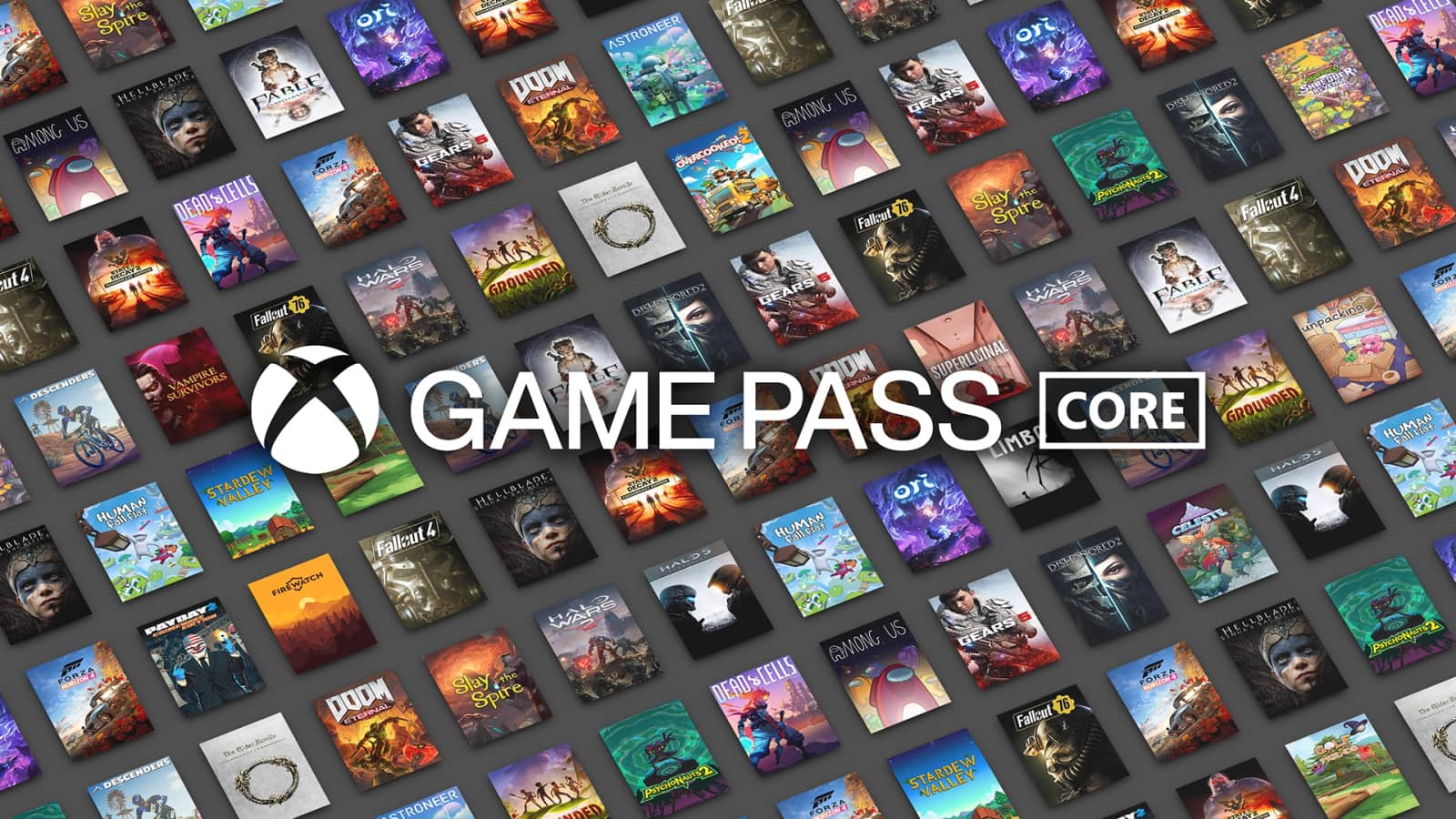
Xbox Game Pass Core is a new service that replaces Microsoft's long-running Xbox Live Gold service. The subscription system, which has the same pricing as Xbox Live Gold, offers access to online multiplayer on Xbox, exclusive discounts of up to 20% on certain games and exclusive discounts of up to 10%.
You can also get access to some of Microsoft's iconic series and indie games, including Gears 5, Halo 5: Guardians, Fable Anniversary and Bethesda hits such as Fallout 4 and Dishonored 2.
How Do You Cancel an Xbox Game Pass Core Subscription?
Cancel Xbox Game Pass Core Subscription on PC
By following these steps, you can cancel your subscription through the Microsoft website:
- Visit Microsoft Services & subscriptions and sign in with your Xbox account credentials.
- Find your Game Pass Core subscription and click Manage.
- Click Cancel subscription.
Cancel Xbox Game Pass Core Subscription on Console
If you have your Xbox device at hand, this is a faster method. Throughout this guide we are using a Series S device:
- Press the Xbox button on your controller.
- Select Settings.
- Go to the Account tab, then select Subscriptions.
- Select the Game Pass Core subscription.
- Click the "Cancel subscription" option at the bottom.
Cancel Xbox Game Pass Core Subscription on Mobile
You can cancel your subscription using the Xbox mobile app on Android and iOS devices:
- Open the Game Pass app on your Android or iOS device.
- Sign in using your Xbox account credentials.
- Tap the Profile icon in the bottom right corner of the screen.
- Tap the Settings icon in the top right corner of the screen.
- To view your active subscriptions, select My subscriptions under Manage account in Settings.
- Select Cancel subscription.
If you still have trouble canceling your subscription, we recommend contacting Xbox support directly.
How Do You Get a Refund for an Xbox Game Pass Core Subscription?
The process is the same as canceling your subscription, so the steps to follow at this point are quite simple. Go to Microsoft Subscriptions & services. For the subscription you want to cancel, choose Manage > Cancel subscription. If available, click Request a refund.
Frequently asked questions
Questions answered in this article
What Is Xbox Game Pass Core?
Xbox Game Pass Core is a new service that replaces Microsoft's long-running Xbox Live Gold service. The subscription system, which has the same pricing as Xbox Live Gold, offers access to online multiplayer on Xbox, exclusive discounts of up to 20% on certain games and exclusive discounts of up to 10%. You can also get access to some of Microsoft's iconic series and indie games, including Gears 5, Halo 5: Guardians, Fable Anniversary and Bethesda hits such as Fallout 4 and Dishonored 2.
Go to sectionHow Do You Cancel an Xbox Game Pass Core Subscription?
A post shared by Gamer Papers (@gamerpaperscom) By following these steps, you can cancel your subscription through the Microsoft website: If you have your Xbox device at hand, this is a faster method. Throughout this guide we are using a Series S device: You can cancel your subscription using the Xbox mobile app on Android and iOS devices: If you still have trouble canceling your subscription, we recommend contacting Xbox support directly.
Go to sectionHow Do You Get a Refund for an Xbox Game Pass Core Subscription?
The process is the same as canceling your subscription, so the steps to follow at this point are quite simple. Go to Microsoft Subscriptions & services. For the subscription you want to cancel, choose Manage > Cancel subscription. If available, click Request a refund.
Go to sectionSources
External links cited in this article


