Best Cities: Skylines II Mods to Install
As of November 2023, the best Cities: Skylines II mods are Extended Tooltip, Traffic Light Improvements, Transparent Zone Color, Custom Tree Growth and the Midgar Map.
3 min read
In brief
AI summaryAs of November 2023, Cities: Skylines II supports community-made mods despite low performance and optimization issues at launch.
The Extended Tooltip mod for Cities: Skylines II shows a hover box with details such as a citizen's name, education and happiness, or a road's length and maintenance cost.
Cities: Skylines II mods include Traffic Light Improvements (split-phase lights), Transparent Zone Color, Custom Tree Growth and the Final Fantasy 7-inspired Midgar Map.
Contents6 sections
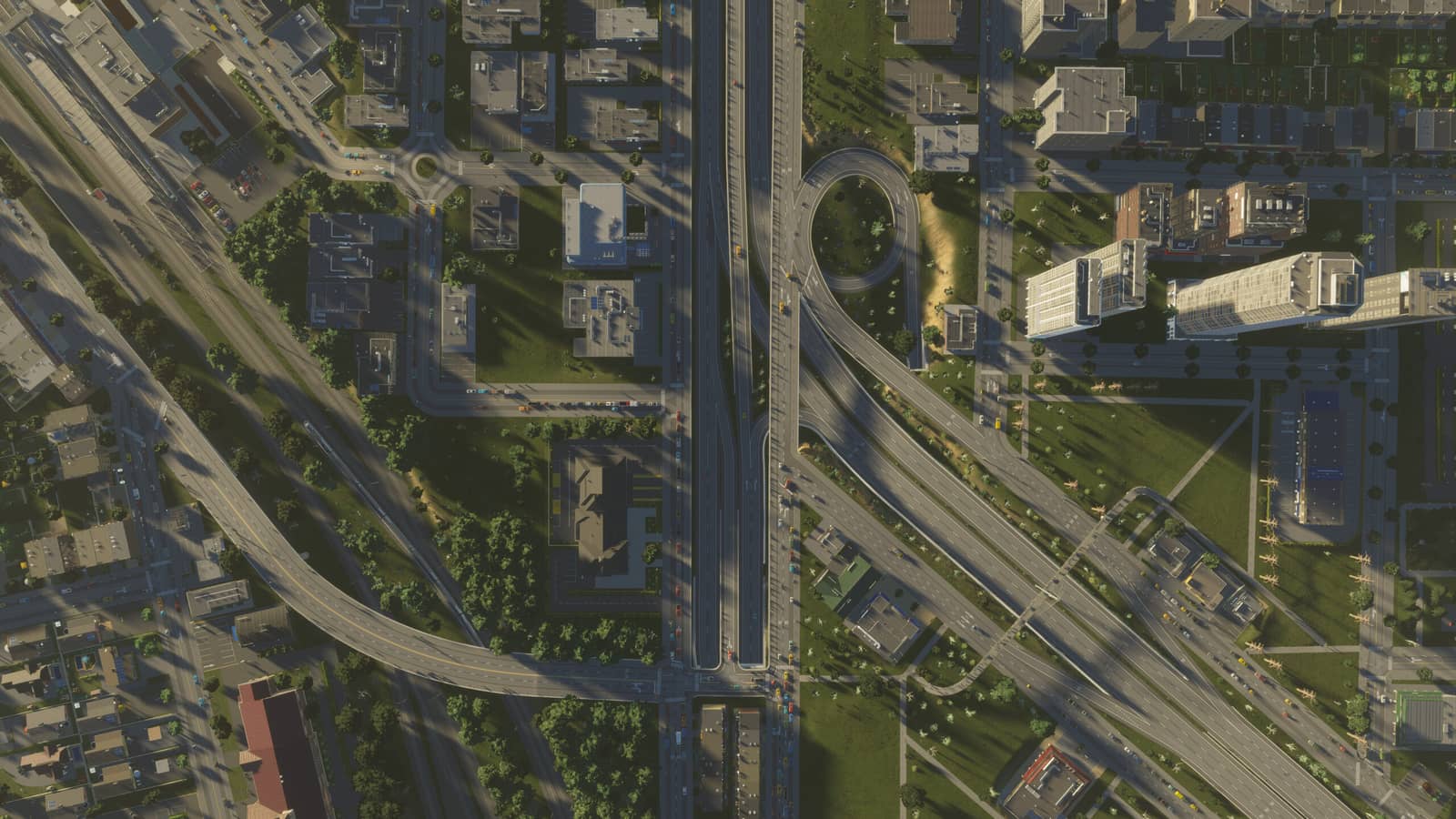
As you know, Cities: Skylines II is out. Although it has some issues with low performance and optimization (in our earlier articles we covered the performance settings you can adjust in the game), we can say it is a very good simulation game. As in the previous version, the game supports community-made content. In this article we cover the best mods in the game, and we are sure they will make your job easier! So what are the best Cities: Skylines II mods? Here is our Cities: Skylines II mod recommendations...
 Best Cities Skylines 2 Mods 2024
Extended Tooltip Mod
The Extended Tooltip mod for Cities: Skylines II is a small quality-of-life mod that gives players useful information when they hover over many elements of the game. It adds a small box to everything, containing specific information depending on your selection. For example, hovering over a citizen shows that person's name, activity, education level and happiness level.
Selecting roads shows their length, name and maintenance cost; schools show their efficiency levels and the number of employees and students. You can get a lot of information by hovering your cursor over assets, which makes this mod a small but important improvement to the overall feel of the game. It removes the need to search through menus to find out how much a single road costs.
Traffic Light Improvements Mod
The game has many traffic light mods you can carry over from the previous game. However, you can also choose the Traffic Light Improvements mod, an experimental mod that changes how traffic lights work to provide better traffic flow at large intersections. The mod changes all traffic lights to run on a split-phase system and generally increases the volume of vehicles passing through an intersection.
 Transparent Zone Color Mod
This mod changes the opaque color of zones that block your view of the city, giving you better planning and an overall view while designing different parts of your city. Because zones are usually attention-grabbing, your city's look can change dramatically when you try to see where each zone is placed and get an overview from a distance.
Custom Tree Growth Mod
This custom mod adjusts the time a tree needs to grow, making the process similar to that in real cities. With this mod, you can turn your city into a green, eco-friendly one.
Midgar Map Mod
Inspired by Final Fantasy 7, the Midgar Map is a rich map with plenty of pre-built roads, railways and abundant resources that lets you create the city of your dreams. With this mod, you can recreate your city and make it uniquely your own. The map is also quite flat, so you can test or experiment with different structures without worrying about nature's geological or geometric limits.
These are our favorite mods we have seen in the game so far. We hope they make your job easier and help you get the best performance out of the game...
For the latest news, follow Gamer Papers on our website and our social media accounts.
Sources
External links cited in this article