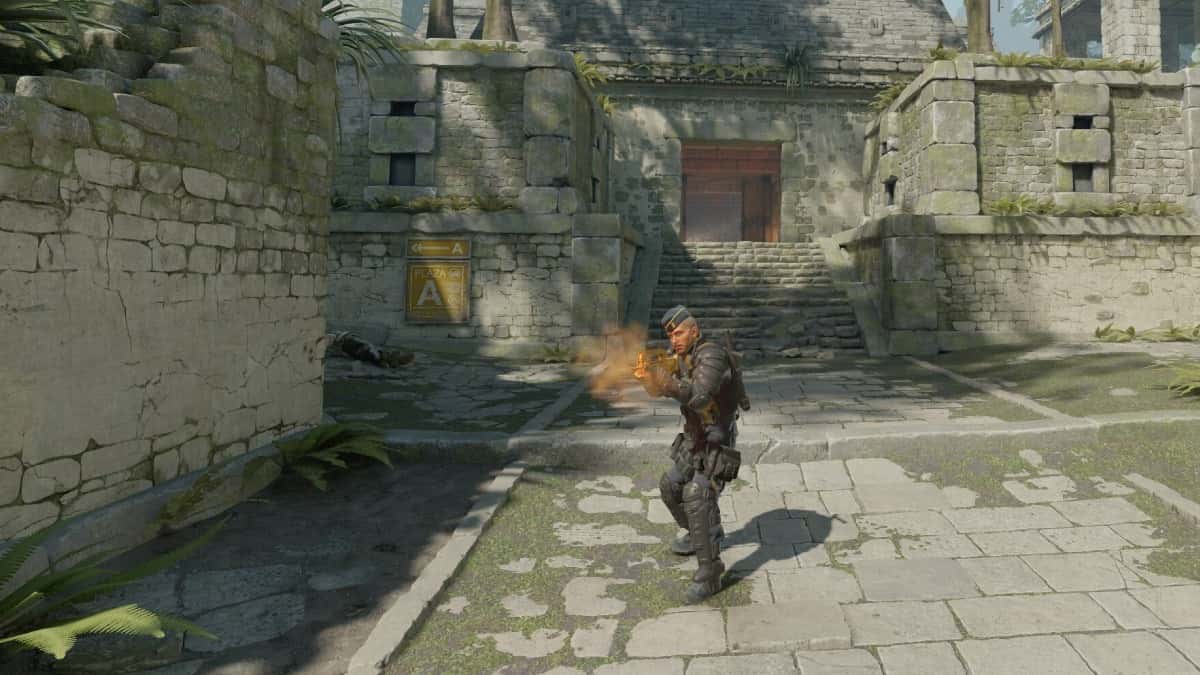
CS2 Console Commands: The Best Commands and How to Enable Them
In CS2, open the console by setting 'Enable Developer Console (~)' to 'Yes' in the Game tab, then press ~ or `. Useful commands include cl_showfps 1, sv_cheats 1 and bot_kick.
2 min read

In brief
AI summaryCounter-Strike 2 console commands cover FPS display, latency info, volume, voice chat, practice cheats, bot control and launch options.
To enable the console in CS2, open the Game tab in settings and set 'Enable Developer Console (~)' to 'Yes', then press the ~ or ` key.
CS2 practice commands include sv_cheats 1, noclip, sv_infinite_ammo 1 and mp_roundtime 60; bot commands include bot_kick, bot_place and bot_mimic 1.
Contents7 sections
CS2 Console Commands 2024! How Do You Enable Console Commands?
Counter-Strike 2 gives players a versatile tool in the form of the console. This powerful feature also houses some commands that can improve your gameplay experience. To get the most out of CS2, it is important to know some of the key commands. There are plenty of useful console commands you can use. So let's take a look at the best console commands in CS2:
 How Do You Enable Console Commands in CS2?
- Go to your in-game settings
- Go to the 'Game' tab
- Find the 'Enable Developer Console (~)' option and change it to 'Yes'
- Press the ~ or ` key on your keyboard to open the console
- You can change the key you press in the keyboard settings
Counter-Strike 2 (CS2) Console Commands 2024
Common Commands
- cq_netgraph 1: Show latency information in the top right corner (formerly net_graph)
- cl_showfps 1: Display FPS on screen
- bind [action] [key]: Bind actions to keys, for example, bind jump to q
- volume: Adjust the game's master volume, scaled from 0 to 1
- voice_modenable: Enable or disable in-game voice chat
- disconnect: Leave the server instantly
- quit: Exit CS2 completely
Practice Commands
- sv_cheats 1: Enables certain overrides for practice
- noclip: Lets you fly through maps and walls
- sv_infinite_ammo 1: Gives infinite ammo
- mp_respawn_on_death_ct 1; mp_respawn_on_death_t 1: Respawn instantly upon death
- mp_roundtime 60: Extends the round time
- mp_buytime 60000; mp_buy_anywhere 1; mp_maxmoney 65535; mp_startmoney 65535: Lets you buy from anywhere with maximum money
- mp_restartgame 1: Restarts the game
- r_drawOtherModels 2: Draws outlines of other players and bots
- sv_rethrow_last_grenade: Rethrow the last grenade
- kill: Instantly kills your character so you can respawn
 Bot Commands
- bot_kick: Kicks all bots from the server
- bot_add_[t or ct]: Adds bots back to the server
- bot_place: Places a bot where you are looking
- bot_stop 1: Stops all bots from moving
- bot_mimic 1: Makes bots mimic your inputs
Commands for Playing Against Bots
- bot_kick: Kicks all bots from the server
- mp_autoteambalance 0: Removes the automatic team balance function
- mp_limitteams 6: Limits team sizes to 6
- bot_add: Adds bots back to the server; repeat this command for more bots
Launch Commands
- novid: Skips the intro video before launch
- high: Gives CS2 high CPU priority
- nojoy: Disables joystick input for potential RAM savings
- fps_max [value]: Limits your fps; with fps_max 0 the limit is removed
Frequently asked questions
Questions answered in this article
How Do You Enable Console Commands in CS2?
Go to your in-game settings • Go to the 'Game' tab • Find the 'Enable Developer Console (~)' option and change it to 'Yes' • Press the ~ or ` key on your keyboard to open the console • You can change the key you press in the keyboard settings cq_netgraph 1: Show latency information in the top right corner (formerly net_graph) • cl_showfps 1: Display FPS on screen • bind [action] [key]: Bind actions to keys, for example, bind jump to q • volume: Adjust the game's master volume, scaled from 0 to 1 • voice_modenable: Enable or disable in-game voice chat • disconnect: Leave the server instantly
Go to section