

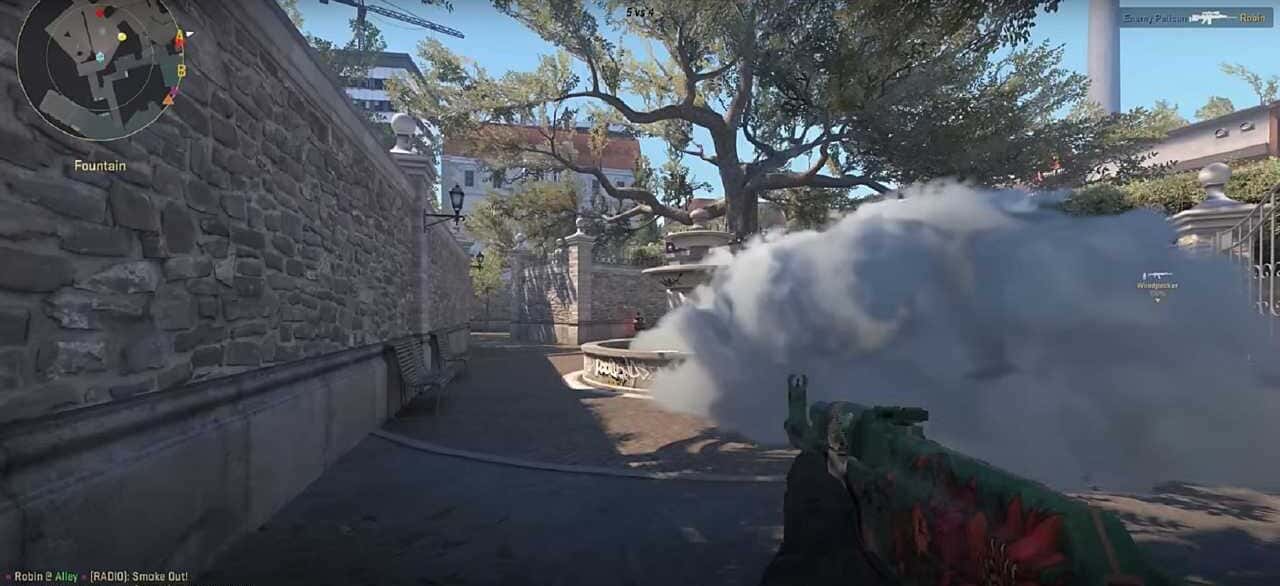
CS2 freezing and stuttering is usually caused by weak hardware, driver issues, background apps, or a poor connection, and can be fixed with a few settings changes.

- CS2 freezing issues are most often caused by insufficient hardware, outdated drivers, background apps, or an unstable network connection.
- Lowering graphics settings, closing background apps, and verifying game files through Steam can all help fix CS2 freezing.
- Updating graphics drivers and using a wired internet connection are recommended for more stable CS2 performance.
CS2 Freezing Issue 2025! Stuttering Issue! Game Freezes Up!
Counter-Strike 2 (CS2) is one of the world's most popular FPS games. Players choose CS2 for competitive, fun matches. However, some players may experience freezing issues in CS2. This problem can be annoying enough to ruin the fun of the game. In this article we'll cover the causes and the fix for CS2 freezing and stuttering issues.
Causes of CS2 Freezing Issues
Freezing issues in CS2 can have several different causes. These range from insufficient hardware to software bugs. Here are the most common causes:
Insufficient Hardware
CS2 stands out with its advanced graphics and dynamic game mechanics. Because of this, it's important for players to make sure their systems meet the requirements. If a player's computer doesn't meet the minimum system requirements recommended for the game, freezing issues can occur. In particular, components like the processor, graphics card, and RAM need to be sufficient.
Software Issues
Game updates or patches that aren't applied properly can also cause freezing issues. CS2's updates can sometimes conflict with old version files, which can cause a drop in performance.
Apps Running in the Background
Unnecessary apps running in the background of your computer can affect the game's performance. Apps with high CPU and RAM usage in particular can cause the game to freeze.
Network Problems
Freezing issues can sometimes stem from network connection problems. A slow or unstable internet connection can affect the game's flow and cause freezes.
Find our latest CS2 news here!
 CS2 Freezing Issue 2025 Fix
Check the System Requirements
First, make sure your computer meets CS2's minimum system requirements. If the requirements aren't met, upgrading your hardware can help the game run more stably.
Optimize Game and Graphics Settings
Lowering the in-game graphics settings can reduce freezing issues. Lowering settings like shadows, effects, and resolution in particular can improve performance.
Close Apps Running in the Background
Closing unnecessary apps that affect the game's performance can free up system resources and help CS2 run more smoothly. You can open Task Manager to check which apps are open.
Update Your Drivers
Make sure the drivers for your graphics card and other hardware components are up to date. Updates can improve game performance and reduce freezing issues.
Verify Game Files
Verifying CS2's files through Steam can help repair missing or corrupted files. This helps the game run more stably.
Check Your Network Connection
Check your internet connection. A slow or unstable connection can cause freezing issues. Using a wired connection where possible can give you a more stable internet connection.
Restart Your Computer
A simple restart can sometimes fix everything. Restarting your computer can close unnecessary background processes and refresh the system.
 CS2 Freezing Issue Frequently Asked Questions (FAQ)
What Is the Freezing Issue in CS2?
The freezing issue in CS2 refers to a situation where players' games unexpectedly freeze or lock up during play. This can negatively affect the player experience.
What Factors Cause Freezing Issues?
Freezing issues are usually caused by weak system resources, a poor internet connection, graphics driver issues, or in-game bugs.
How Can I Fix the Freezing Issue?
To fix freezing issues, check your computer's system requirements, update your graphics drivers, use a strong internet connection, and optimize your in-game settings.
What Should I Do If I Run Into Freezing Issues During a Match?
If you experience a freezing issue during a match, first check your system resources, check your connection, and make sure you're running the game with the latest updates. If the problem persists, contact the support team.
What Can I Do to Avoid Freezing Issues?
To avoid freezing issues, regularly update your computer's hardware and software, use a strong internet connection, close apps running in the background, and optimize your in-game settings.
How Can the CS2 Support Team Help With Freezing Issues?
The CS2 support team can provide technical support for the freezing issues you're experiencing. Explaining your issue in detail and sharing your system information will help you get more effective assistance.
You can play the game here !
For the latest news;
Sources
External links cited in this article
LoL, TFT ve VALORANT sever bir oyun sever ve oyuncu. Mobil platformlarda ise tam bir Clash of clans hastası.
Comments (0)
Log in to leave a comment giriş yap.
No comments yet. Be the first!
Related Posts
All CS 2 →
CS2 FPS Boost Codes and Console Commands
These CS2 console commands and settings tweaks, including fps_max and cl_showfps, help you boost FPS and monitor performance in Counter-Strike 2.
How to Fix the CS2 Downloading Content Error
CS2's Downloading Content error is usually caused by server issues, weak connections, low disk space or corrupted files, and is often fixed by verifying game files or restarting Steam.
CS2 FPS Drop Fix: Causes and Solutions
CS2 FPS drops usually come from outdated GPU drivers, mismatched graphics settings, background apps, or an unstable network connection.