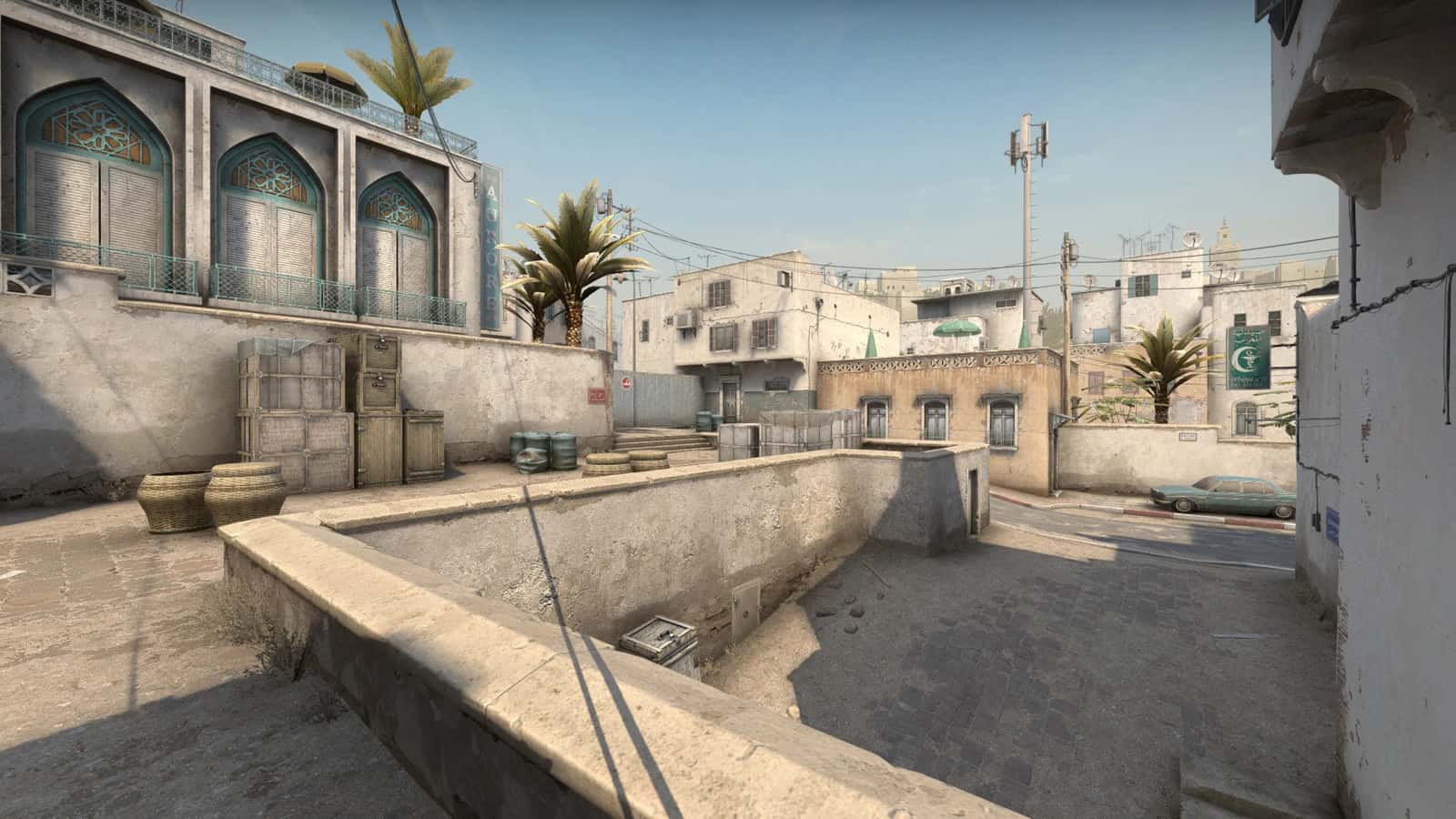
CS:GO Net Graph Code: How to Shrink the FPS Display
In CS:GO, type net_graph 1 in the console to show the FPS display, net_graphproportionalfont 0 to shrink it, and net_graphpos 2 to center it; net_graph 0 turns it off.

2 min read

In brief
AI summaryIn CS:GO, the console command net_graph 1 turns on the FPS display, and net_graph 0 turns it off.
To shrink the CS:GO net graph, type net_graphproportionalfont 0 in the console.
CS:GO net graph positions in the source: net_graphpos 2 puts it in the middle of the screen, while the left and right corners use the commands written as net_graphos 3 and net_graphos 1.
Contents2 sections
CS:GO Net Graph Shrink Code 2022! Shrinking the FPS Display
Counter Strike Global Offensive, better known as “CS GO”, is the most preferred first-person shooter among players. The game came out in August 2020, but it still manages to draw attention. Many players find CS GO matches quite fun. In the game, which has skill groups, people are divided into groups according to their standing in competitive matches. After placement, each skill group begins to compete within itself. In the game, which is also played with friends, players gain various advantages by using various codes in the game.
The CS GO net graph shrink code is also one of the important codes in the game. When the FPS display is turned on in Net Graph, it takes up most of the screen, and this causes difficulties while playing. That is why shrinking the CS:GO graph makes the game easier to control. What is the CS:GO net_graph shrink code? How do you shrink the FPS display?
 CS:GO Net Graph Shrink Code 2022
With the CS GO graph shrink code you can move the display to various parts of the screen. For this you need to use several codes. Shrinking the CS GO net graph FPS display is done as follows:
- To activate Net Graph, go to the console. You need to type “net_graph 1”. This turns on the FPS display. However, the display that appears will be very large.
- To shrink the graph FPS display, type “net_graphproportionalfont 0” in the console.
- To bring the graph FPS display to the middle of the screen, type “net_graphpos 2”
- To move the graph FPS display to the left corner of the screen, type “net_graphos 3”.
- To move the graph FPS display to the right corner of the screen, type “net_graphos 1”.
- If you want to turn off the graph, type “net_graph 0” for the FPS display.
Current CS:GO Codes
Bazen yazar, bazen tasarlar. Film bağımlısı, oyunlar hakkında yazmayı sever✨