

Escape From Tarkov: Steam Release, Price, and Requirements
Escape From Tarkov is a beta survival FPS planned for Steam at v1.0, with editions ranging from 34.99 to 109.99 Euro.
3 min read
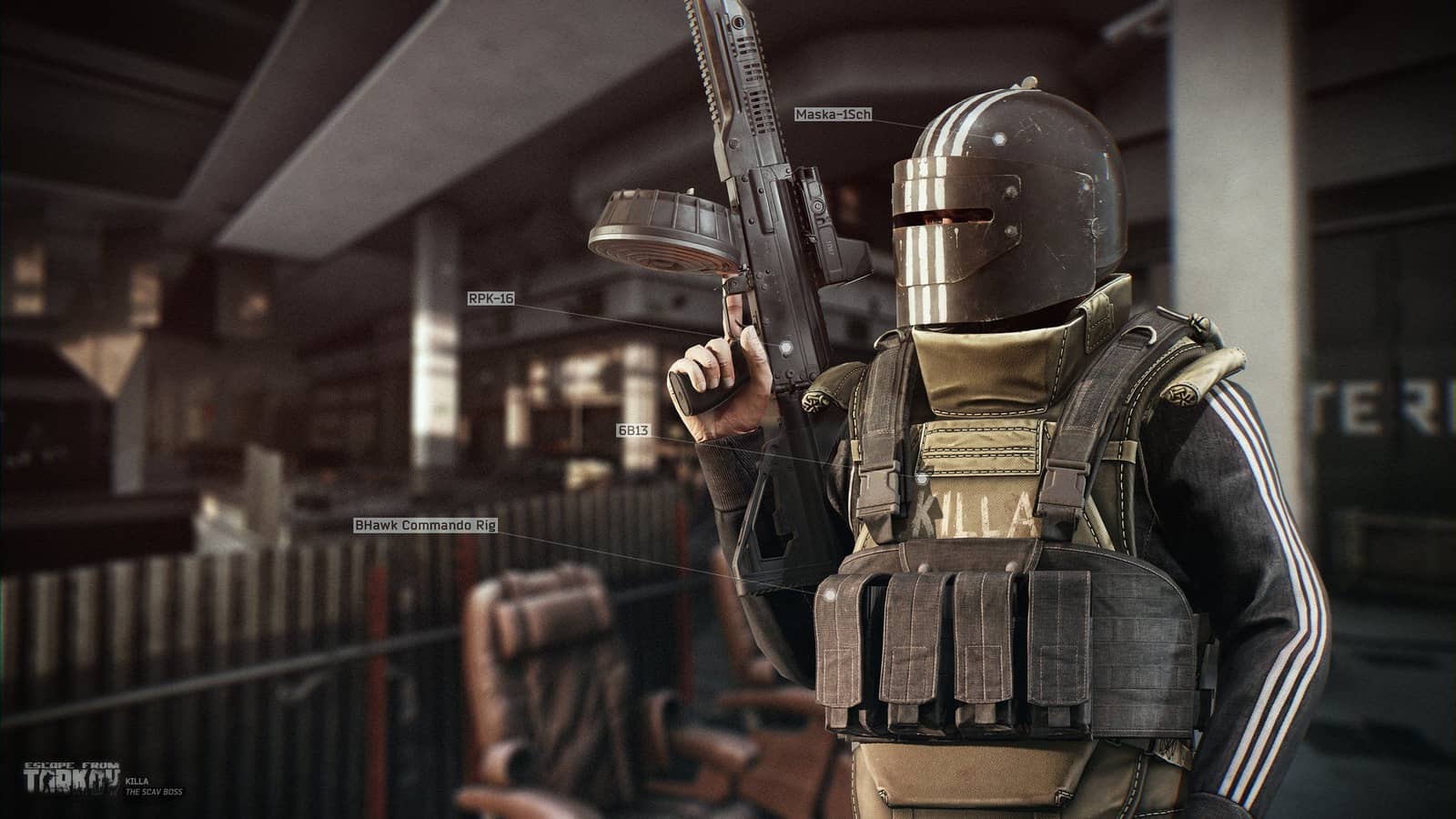
In brief
AI summaryEscape From Tarkov tasks players with reaching a map's extraction point, using a SCAV character to help gather loot.
The game was in beta in 2021, with a Steam release expected once it reached version 1.0.
Editions ranged from the 34.99 Euro Standard Edition to the 109.99 Euro Edge Of Darkness Edition, needing 20 GB of storage.
Contents7 sections
Tarkov, one of the most talked-about FPS games of recent times, is a survival game planned to come to Steam soon. What makes Tarkov appealing to players is that it's harder than similar games. Whoever you are, watch your back! In this article, we've answered the most common questions about Escape From Tarkov, a game that has earned a great deal of praise from players.

Escape From Tarkov's Premise and Objective
At first glance, Escape From Tarkov may look like a Battle Royale game, but the logic behind it is a bit different. You win the game if you manage to escape from the extraction point set for you on the map. Alongside your own main character, the game also gives you a SCAV character to help you out. The SCAV, which has a 20-minute cooldown, is designed so that when your main character has no items, it gathers the loot needed and transfers it to your main character. On top of that, Escape From Tarkov's risky loot system makes things a bit tougher for players. Because your Inventory resets when you die, it may not always make sense to run around with a full loadout! You can earn money and develop your character by completing the quests the game gives you.
Will Escape From Tarkov Come to Steam?
Escape From Tarkov is a game currently in beta. An interview with the game's developer, Pavlov Dyatlov, is the clearest proof that the game will become accessible via Steam once it reaches v1.0.
What Is the Price of Escape From Tarkov?
- Escape From Tarkov: Standard Edition: 34.99 Euro.
- Escape From Tarkov: Left Behind Edition: 57.99 Euro.
- Escape From Tarkov: Prepare For Escape Edition: 79.99 Euro.
- Escape From Tarkov: Edge Of Darkness Edition: 109.99 Euro.
How Do You Download Escape From Tarkov?
You can reach and download Escape From Tarkov from the game's official website.
How Do You Install Escape From Tarkov?
When you buy the game, you receive a Key . After entering this key into the ''Active Prome Code'' field on the official website, you can download and install Escape From Tarkov as the ''BattleState Launcher''.
Best Escape From Tarkov Settings
- Always Show Interface Elements – Off.
- Enable NVidia Highlights – Off.
- Auto RAM Cleaner – On.
- Only Use Physical Cores – On.
- FOV – 60.
Escape From Tarkov System Requirements 2021
- OS: Windows 7 64-Bit and above.
- Processor: Intel Core 2 Duo / i3 2.4 GHz or AMD Athlon / Phenom II 2.6 GHz processor.
- RAM: 6 GB.
- Graphics card: Minimum 1 GB memory graphics card.
- DirectX: DX 9 / Version 9.
- Storage: 20 GB.
Frequently asked questions
Questions answered in this article
Will Escape From Tarkov Come to Steam?
Escape From Tarkov is a game currently in beta . An interview with the game's developer, Pavlov Dyatlov, is the clearest proof that the game will become accessible via Steam once it reaches v1.0.
Go to sectionWhat Is the Price of Escape From Tarkov?
Escape From Tarkov: Standard Edition: 34.99 Euro. • Escape From Tarkov: Left Behind Edition: 57.99 Euro. • Escape From Tarkov: Prepare For Escape Edition: 79.99 Euro. • Escape From Tarkov: Edge Of Darkness Edition: 109.99 Euro.
Go to sectionHow Do You Download Escape From Tarkov?
You can reach and download Escape From Tarkov from the game's official website.
Go to sectionHow Do You Install Escape From Tarkov?
When you buy the game, you receive a Key . After entering this key into the '' Active Prome Code '' field on the official website, you can download and install Escape From Tarkov as the '' Battle State Launcher ''. Always Show Interface Elements – Off. • Enable NVidia Highlights – Off. • Auto RAM Cleaner – On. • Only Use Physical Cores – On. • FOV – 60.
Go to section

