

Tag
8 articles
IOS 16
Tech
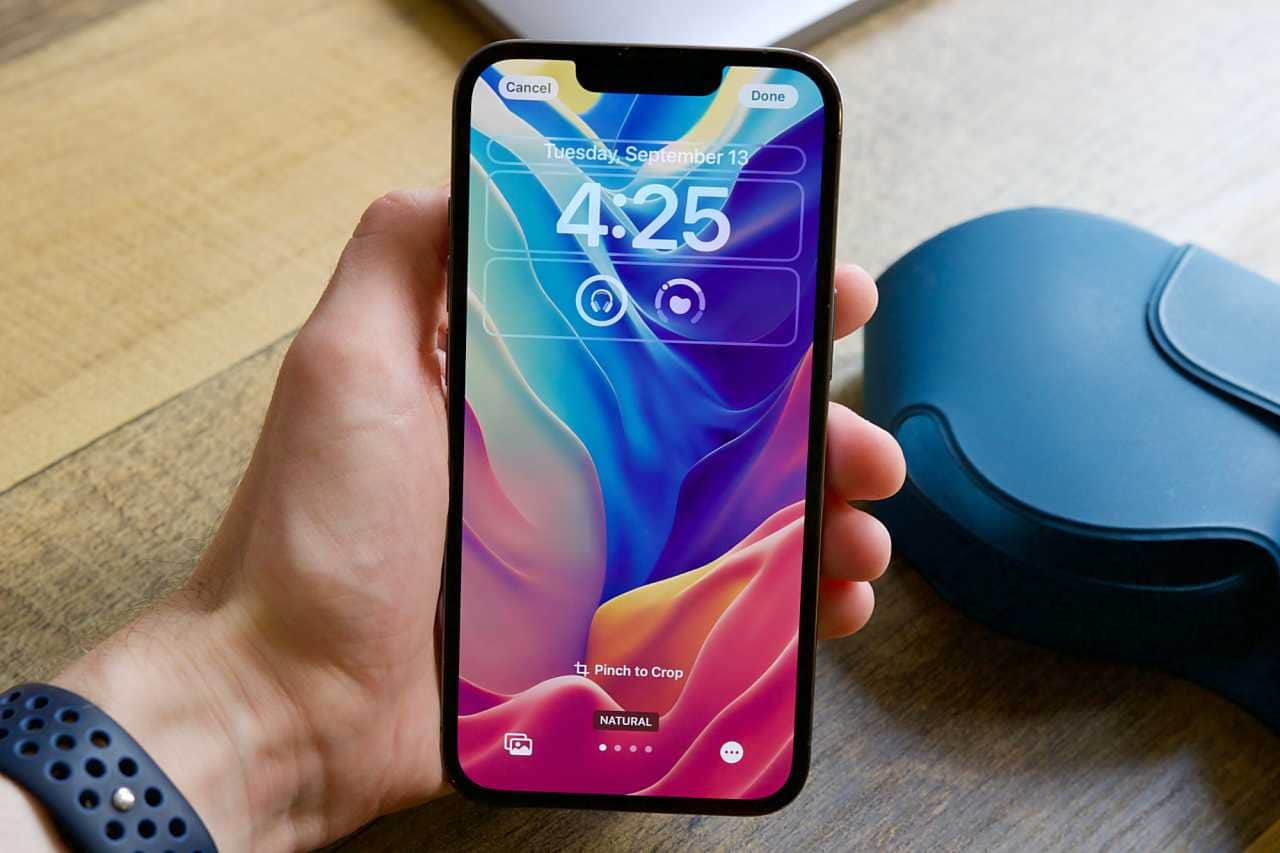
How Do You Change the iOS 16 Clock Font?
You can change the iOS 16 lock screen clock font by pressing and holding the lock screen, tapping the Clock, then picking a font and color from the menu.
2 min
Tech
How to Hide Photos on an iPhone in iOS 16
To hide photos in iOS 16, open the Photos app, tap Select, choose your photos, tap the (...
2 min
Tech
How to Turn On the Haptic Keyboard in iOS 16
To turn on the iOS 16 haptic keyboard, open Settings, go to Sounds & Haptics, tap Keyboard Feedback and switch on Haptic; you can also enable Sound.
2 min

Tech
How to Copy and Paste a Photo Subject on iOS 16
iOS 16 lets you cut out a photo's subject and paste it into another app, similar to the Photoshop cutout tool.
2 min
Tech
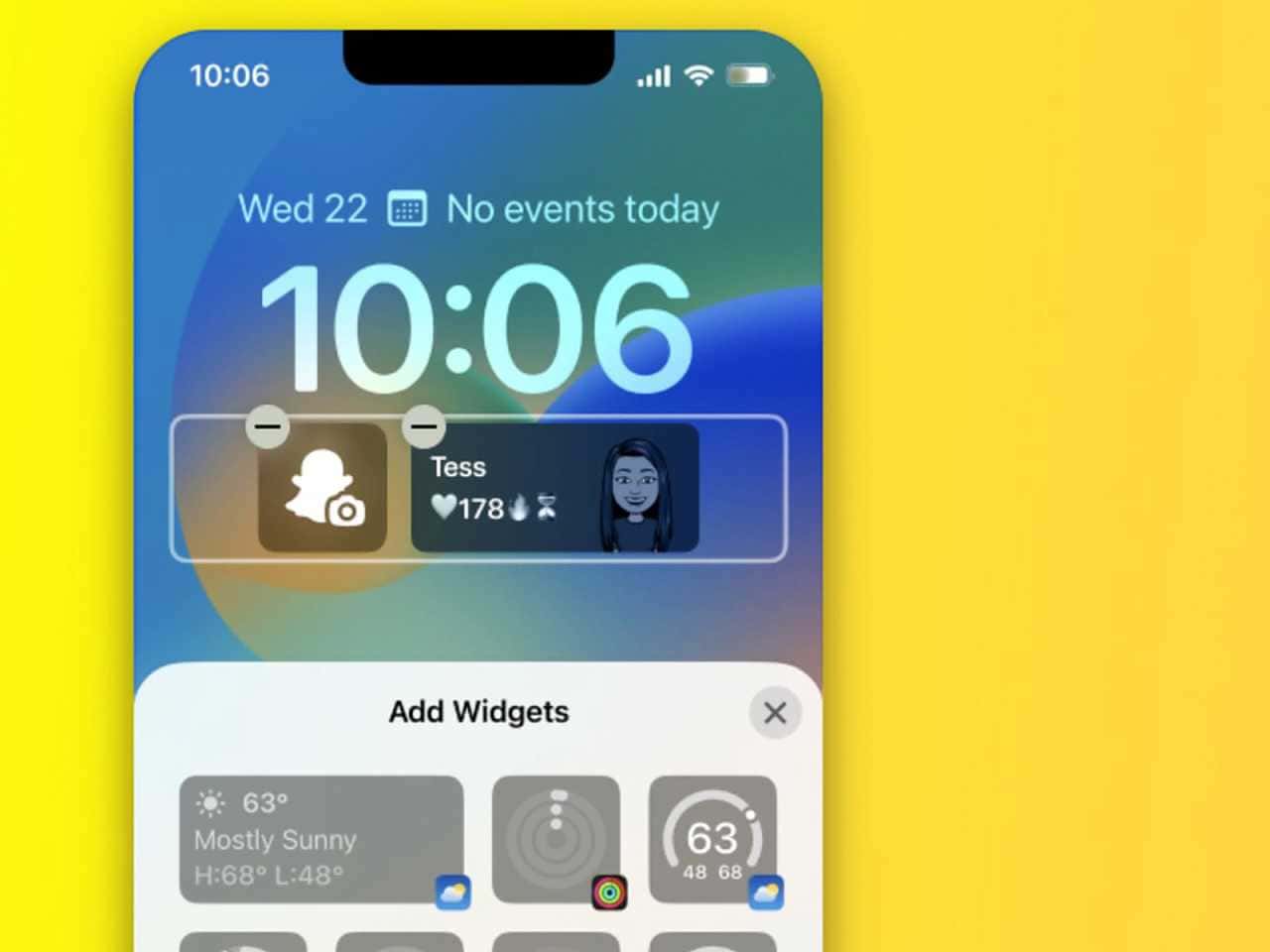
How to Add Widgets to the iOS 16 Lock Screen
To add widgets to the iOS 16 lock screen, press and hold the lock screen, tap Customize, tap Add Widgets under the clock, pick up to four widgets and tap Done.
2 min

Tech
How to Filter Unknown Messages in iOS 16
To filter unknown messages in iOS 16, open Settings > Messages, go to Message Filtering and turn on Filter Unknown Senders; it works on iPhone 8 through iPhone…
2 min

Tech
How to Edit and Unsend Messages in iOS 16 on iPhone
In iOS 16, press and hold a sent iMessage and choose Edit or Undo Send; Apple limits both editing and unsending to 15 minutes after sending.
2 min

Tech
How to Download the iOS 16 Developer Beta (June 2022)
In June 2022, the iOS 16 developer beta required the $99 Apple Developer Program, while a free public beta was expected in late June or early July through the…
8 min