

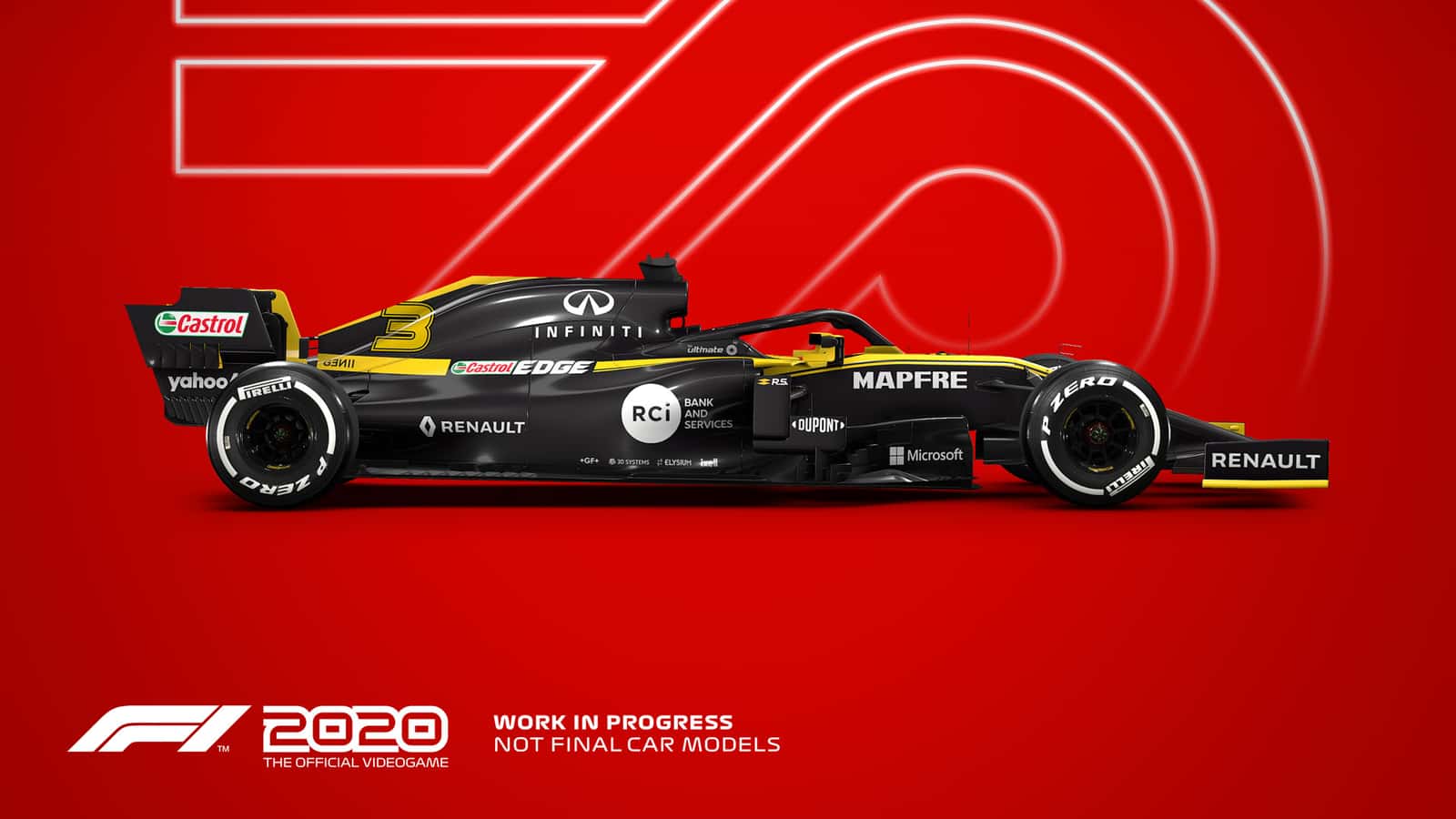
F1 2020 Review, My Team Mode, and System Requirements
F1 2020 adds a My Team mode that lets players own and race for their own Formula 1 team across the game's 22 tracks.
- F1 2020 introduces a My Team mode letting players act as both team owner and driver across 22 tracks.
- F1 2020's minimum system requirements call for an Intel Core i3 2130 or AMD FX 4300, 8 GB RAM, and 80 GB of storage.
- The recommended system requirements list an Intel Core i5 9600K or AMD Ryzen 5 2600X, 16 GB RAM, and an NVIDIA GTX 1660 Ti or AMD RX 590.
F1 2020 Updates
In F1, the latest Formula 1 racing simulation game, the goal is to overtake the other 19 drivers to finish first and score the most points. Unlike previous games, F1 2020 lets you build your own F1 team for the first time and race against official teams and drivers. With multiple race options, you can challenge your friends and race more comfortably in split-screen view. With a total of 22 tracks, F1 has done everything it can to give players the Formula 1 experience from the comfort of their own home.

New Mode: My Team
In previous years, we could only experience the F1 driver simulation through career mode, but in the new F1 game we can experience it as a team owner and racer. With this new mode, the actions you take now carry on day by day. In the time between race weekends, you can strengthen your newly founded brand or develop your second driver through suitable events and training sessions.
Making Money in F1 2020
We need to offer contracts to the drivers we bring in, and we need money to develop our factories. To earn money, we have to sign deals with sponsors and successfully complete the tasks they give us. The success we achieve in races raises both the team's reputation and our own reputation as a driver, helping us develop. Becoming more popular lets us sign with more sponsors or land better second drivers, which again contributes to our development.

F1 2020 Gameplay Review
The F1 development team has managed to further improve what was already a very high-level game engine. If you watch how the engine handles and how you take corners, the difference will be obvious right away. Unlike other racing games, this game aims for a genuine F1 simulation, and it's hit that goal spot on!
In My Team mode, you'll find races much more challenging when you first start the team, and overtaking everyone will feel almost impossible. But don't let that discourage you; getting used to this new game engine and developing your car is part of the process. A few of my friends even returned the game 30 minutes after buying it, so if you're looking for just any racing game, this isn't it.
One thing that bothers us, something we've also run into in past games, is having to give the same interviews over and over and over and over. The fact that the game puts weight on these interviews and treats them as an important factor in developing your car bothers us even more.
F1 2020 System Requirements
Minimum System Requirements:
- OS: 64-bit Windows 10
- Processor: Intel Core i3 2130 / AMD FX 4300
- Memory: 8 GB RAM
- Graphics: NVIDIA GT 640 / AMD HD 7750 (DirectX 11 graphics card)
- Storage: 80 GB available space
Recommended System Requirements:
- OS: 64-bit Windows 10
- Processor: Intel Core i5 9600K / AMD Ryzen 5 2600X
- Memory: 16 GB RAM
- Graphics: NVIDIA GTX 1660 Ti / AMD RX 590 (DirectX 12 graphics card)
- Storage: 80 GB available space
Comments (0)
Log in to leave a comment giriş yap.
No comments yet. Be the first!
Related Posts
All News →
Turkey Game Industry Report 2024 Released
Turkey's 2024 Game Industry Report shows the country's gaming market grew to over $810M with 48M+ active players, alongside a new digital guide to local game companies.

Loldle Answers: Daily League of Legends Puzzle
Loldle is a daily League of Legends guessing game with five modes (Classic, Quote, Ability, Emoji, Splash); December 6, 2024's Classic answer was Fiddlesticks.

Monopoly GO Dice Links: Free Dice Rewards
Monopoly GO's free dice links refresh daily and can be redeemed instantly for 25 or 30 free dice each, plus tips like auto refills every 60 minutes, daily gifts, and sticker trading to earn even more.