

How to Install the Fallout 3 GOTY Turkish Patch
To install the Fallout 3 GOTY Turkish patch, download it from a trusted mod site, back up the game files, run the patch installer in the game directory, then launch the game to test it.

3 min read
In brief
AI summaryFallout 3 GOTY Turkish patch installation has four steps: download the patch, back up the game files, install the patch, and test the game.
For the Fallout 3 GOTY Turkish patch, back up the game directory first by copying all files from the Fallout 3 install folder to another folder.
The Fallout 3 GOTY Turkish patch changes the game files to translate the text, and you can undo it by restoring the original backed-up files.
Contents9 sections
How Do You Install the Fallout 3 GOTY Turkish Patch?
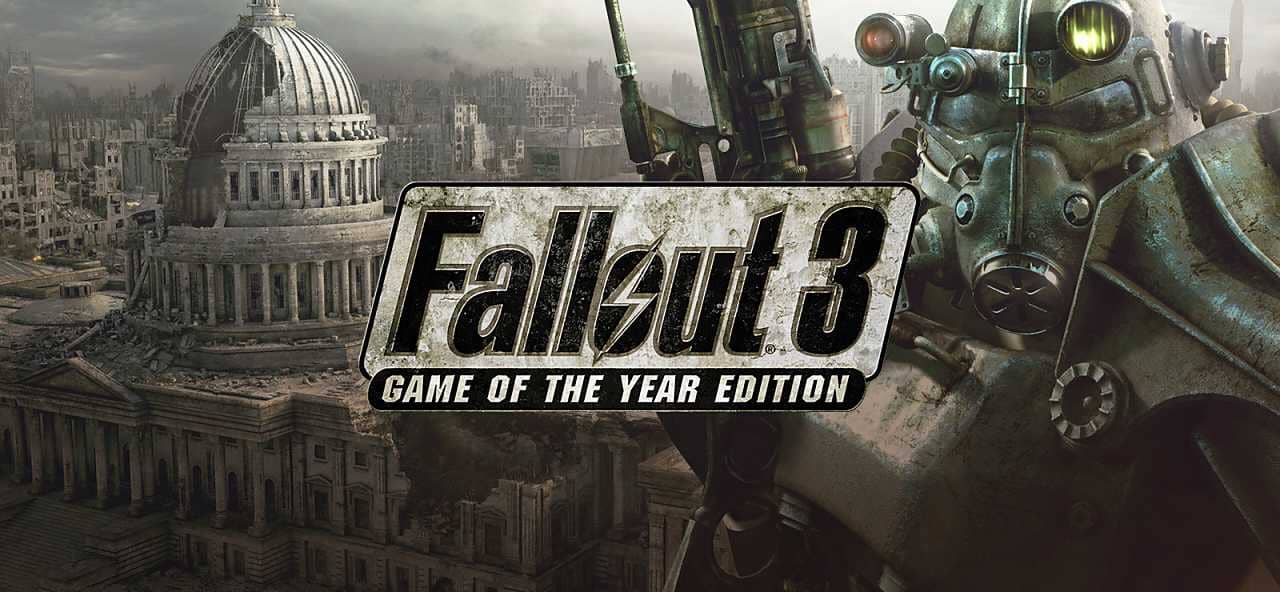
Fallout 3, an unforgettable part of the popular RPG series Fallout, offers a deep post-apocalyptic experience for gamers. The game's Game of the Year (GOTY) edition includes all the extra content and expansions, which enriches the game even more. However, for those who do not want to play in the original language, there is also a Turkish patch option. Here is a step-by-step explanation of how to install the Fallout 3 GOTY Turkish patch:
 How Do You Install the Fallout 3 GOTY Turkish Patch?
Downloading the Fallout 3 GOTY Turkish Patch
The first step is to download the Turkish patch for the game. These patches can usually be found on various mod sites and forums. By downloading from a trusted source, you can avoid unwanted problems. Extract the files you downloaded into a folder.
Backing Up the Game Files
Before starting the patch installation, it is important to back up the Fallout 3 GOTY game files. Backing up the game files is vital for fixing problems that may arise from accidental changes or a faulty installation. To back up your game files, find the directory where Fallout 3 is installed and copy all the files to another folder.
Installing the Turkish Patch
Open the Turkish patch files you downloaded. They usually include an installation wizard or an instruction file. Launch the installation wizard and install the patch by following the necessary steps. Installation usually requires installing the patch into the directory where the game files are. Once the installation is complete, the game will be in Turkish.
Testing the Game
Launch the game to make sure the Turkish patch has been loaded correctly. Check that Turkish text appears in the main menu or in the game. Check the accuracy and any gaps in the translation by looking through different sections and texts of the game.
For the latest news and new free games shared every day, follow Gamer Papers and our social media accounts. 🙂
 Fallout 3 GOTY Turkish Patch FAQ
Where Can You Download the Game's Turkish Patch?
Fallout 3 Turkish patches can usually be found on various mod sites and forums. It is important to download from trusted sources.
How Does the Turkish Patch Affect My Game Files?
The Turkish patch changes the game files to translate the game's text into Turkish. That is why making a backup is important.
Can I Undo the Patch Installation?
Yes, if you want to remove the patch, you can restore the original game files you backed up.
Playing Fallout 3 GOTY in Turkish gives players a greater chance to immerse themselves in the game's universe and enriches the gaming experience. However, you should make sure you follow the steps above carefully to be sure the patch is installed correctly and works properly.
Frequently asked questions
Questions answered in this article
How Do You Install the Fallout 3 GOTY Turkish Patch?
The first step is to download the Turkish patch for the game. These patches can usually be found on various mod sites and forums. By downloading from a trusted source, you can avoid unwanted problems. Extract the files you downloaded into a folder. Before starting the patch installation, it is important to back up the Fallout 3 GOTY game files. Backing up the game files is vital for fixing problems that may arise from accidental changes or a faulty installation. To back up your game files, find the directory where Fallout 3 is installed and copy all the files to another folder.
Go to sectionWhere Can You Download the Game's Turkish Patch?
Fallout 3 Turkish patches can usually be found on various mod sites and forums. It is important to download from trusted sources.
Go to sectionHow Does the Turkish Patch Affect My Game Files?
The Turkish patch changes the game files to translate the game's text into Turkish. That is why making a backup is important.
Go to sectionCan I Undo the Patch Installation?
Yes, if you want to remove the patch, you can restore the original game files you backed up. Playing Fallout 3 GOTY in Turkish gives players a greater chance to immerse themselves in the game's universe and enriches the gaming experience. However, you should make sure you follow the steps above carefully to be sure the patch is installed correctly and works properly.
Go to sectionSources
External links cited in this article
Bazen yazar, bazen tasarlar. Film bağımlısı, oyunlar hakkında yazmayı sever✨


