

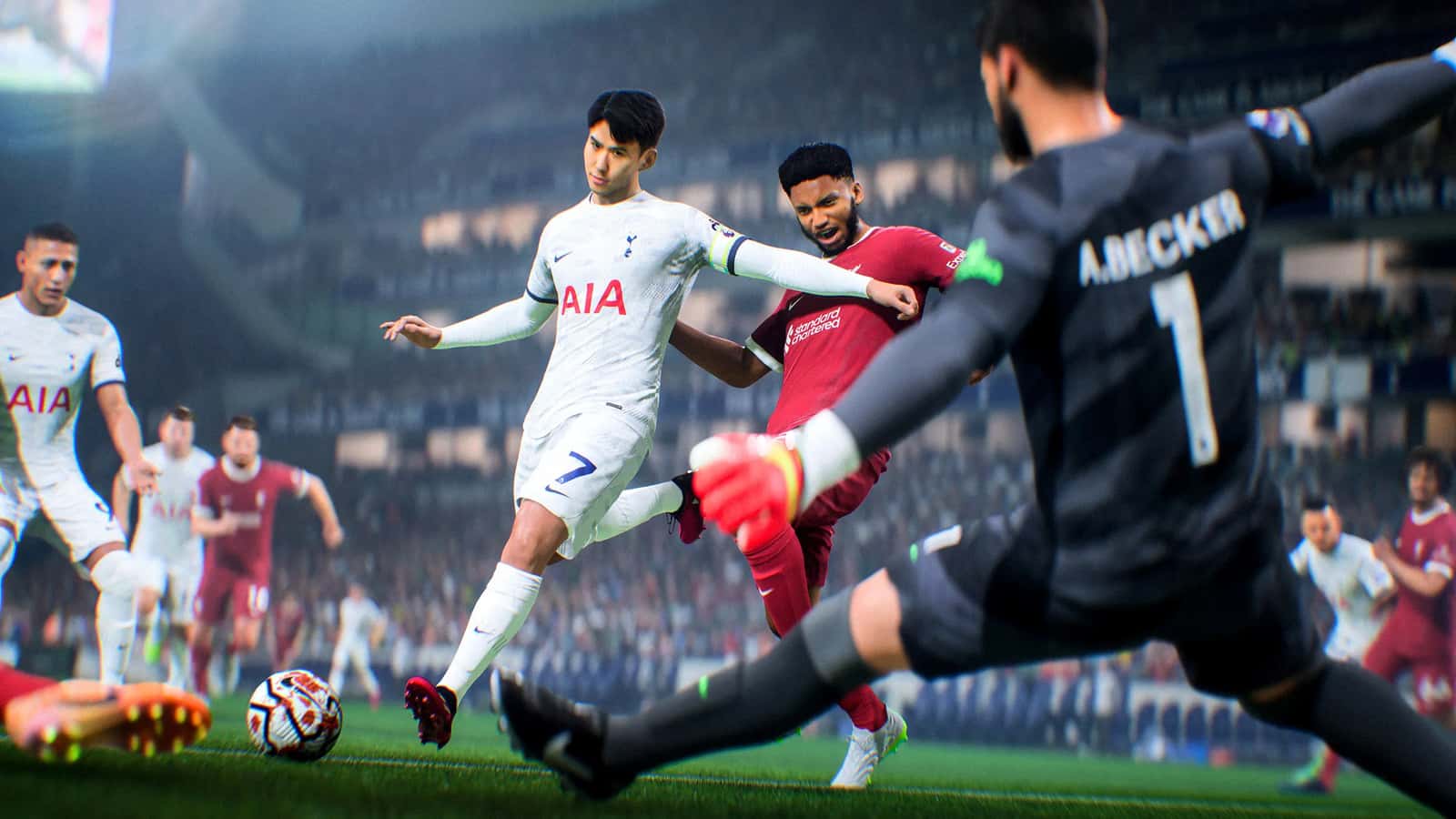
The FC 24 DirectX error can be fixed by switching to Windowed Mode, updating Windows and GPU drivers, or reinstalling the DirectX Runtime.
- FC 24 players can run into a DirectX error that interrupts their gameplay experience.
- Fixes include running the game in Windowed Mode, installing Windows updates, and updating GPU drivers.
- If the issue persists, players are advised to contact EA Sports support or reinstall the game.
FC 24 has been working to give players the best gaming experience since launch. Players can sometimes run into the DirectX error, a significant issue that affects the flow of the game. The DirectX error largely keeps players from enjoying the football game. But in this article, we'll go over the fixes for the EA FC 24 DirectX error and aim to get your gaming experience back to normal!
 FC 24 DirectX Error 2024 Fix
Use EA FC 24 Windowed Mode
One way to fix the DirectX error in EA FC 24 is to run the game in Windowed Mode. This mode can sometimes bypass the error and let you play the game without further interruptions. You can enable Windowed Mode as follows:
- While on the Start Menu, press Alt + Enter at the same time. This keyboard shortcut will switch the game to Windowed Mode.
- Navigate the game's start menu and continue into the game. You should no longer run into the DirectX error while playing in Windowed Mode.
Install Windows Updates
- Click the Start button and select "Settings."
- In the Settings window, click "Update & Security."
- In the Update & Security section, click "Windows Update" in the left panel.
- Click the "Check for updates" button to search for and install available updates.
- Restart your computer once the updates have been installed.
 Don't Forget to Update Your GPU Drivers
Keep in mind that outdated graphics card drivers can also cause this error:
- Check your GPU manufacturer's official website for driver updates.
- For Nvidia GPUs, visit the Nvidia Drivers Download Link.
- For AMD GPUs, go to the AMD Drivers Download Link.
- Download and install the latest graphics card drivers suited to your specific GPU model.
- Restart your computer after installation to apply the driver updates.
Install the DirectX Runtime
Installing the DirectX Runtime can resolve compatibility issues on your computer, and with them, this error:
- Visit the Microsoft DirectX End-User Runtime Web Installer page.
- Click the "Download" button to download the DirectX Runtime installer.
- Run the downloaded installer and follow the on-screen instructions to complete setup.
- Restart your computer once setup is finished.
- You shouldn't get the error anymore.
If you keep getting the error, you can submit a support request directly to EA Sports or try reinstalling the game. We always recommend submitting a support request, as it's the most reliable route.
For the latest news, don't forget to follow our Gamer Papers website or our social media accounts.
Sources
External links cited in this article
Comments (0)
Log in to leave a comment giriş yap.
No comments yet. Be the first!
Related Posts
All EA FC →
FC 25 Open World Mode: What We Know
EA has confirmed that future EA Sports FC versions will add an NBA 2K "The City"-style open world mode, though no release date has been set yet.

FC 25 Title Update 3 Brings Major Gameplay Changes
FC 25's Title Update 3 weakens the 5-at-the-back formation and trivela shots, reduces lobbed pass accuracy, and fixes Ultimate Team bugs.

How to Do Cole Palmer's Goal Celebration in FC 25
In FC 25, players can trigger Cole Palmer's signature "Cold" goal celebration by pressing X on PlayStation or A on Xbox right after scoring with him.