FC 27 Transfer Market Locked: How to Unlock It
FC 27 Ultimate Team transfer market locked? Check the in-game objectives and the Web App active-day rule. EA's official requirements and timings explained.

8 min read
In brief
AI summaryThe in-game Transfer Market unlocks after completing the Ultimate Team starter objectives, usually within 24 hours on consoles and 48 hours on PC.
Web and Companion App access is separate and usually requires two active days of three full matches plus an app login, or at least four days if other accounts were used on the device.
Players must log in to Ultimate Team on PC or console by November 7, 2026, to keep Web and Companion App access.
Contents15 sections
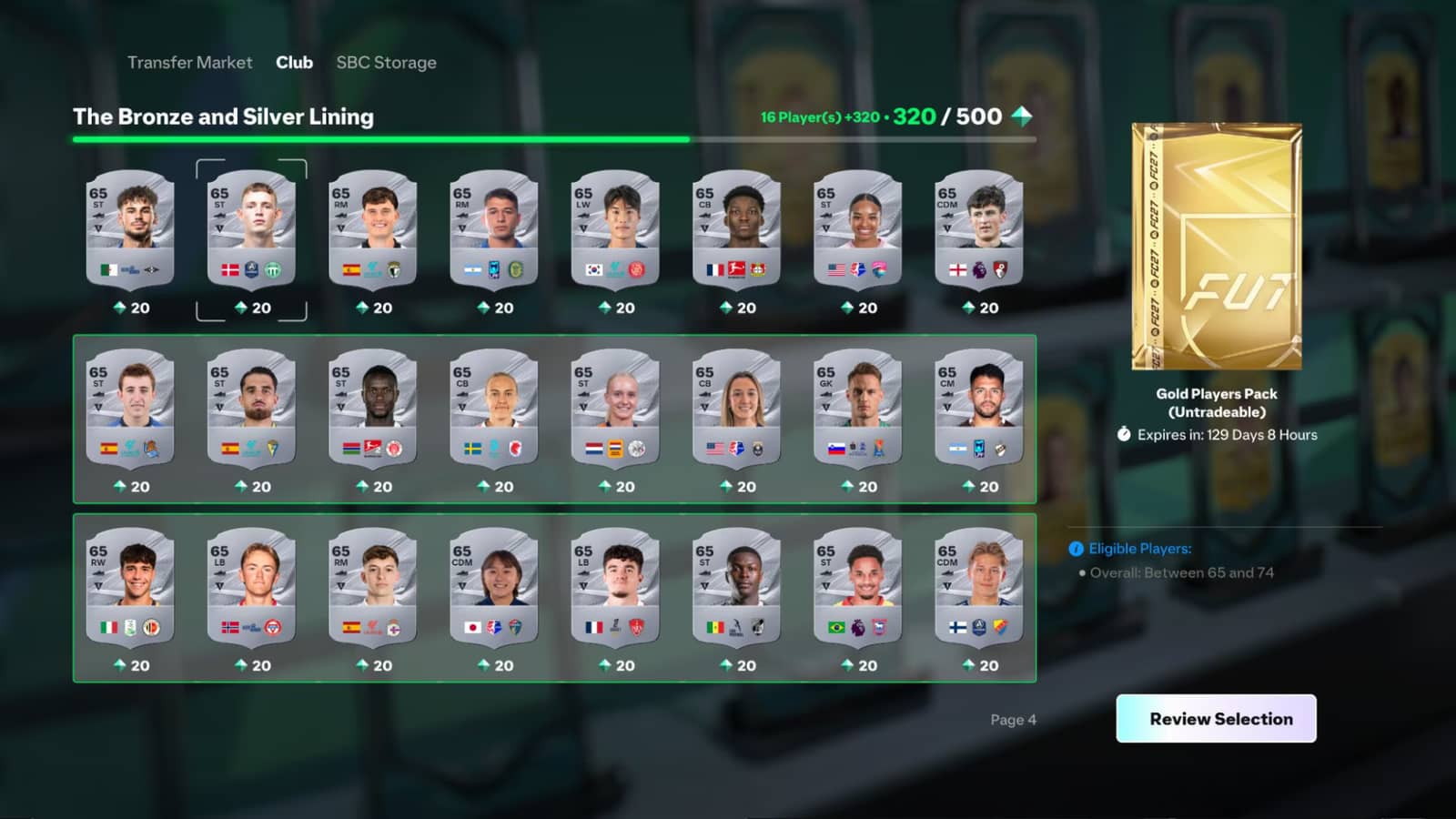
FC 27 transfer market locked? There are two separate gates behind it. The in-game market opens after you finish Ultimate Team's starter objectives. The Web App and Companion App market is gated separately, by "active days" of three full matches plus an app login.
Below you will find EA Help's current FC 27 rules, how long each unlock takes, what the block messages mean and the new login requirement that kicks in on November 7, 2026.
FC 27 transfer market locked: two different gates
The most common mistake is treating the two locks as one. EA states clearly that completing Graduated Access in-game does not automatically unlock the market on the Web and Companion Apps.
| Lock | Who it affects | How to unlock | How long |
|---|---|---|---|
| In-game Transfer Market | Players new to FC | Complete the Ultimate Team starter Objective Groups | Within 48 hours on PC, 24 hours elsewhere |
| Web App and Companion App market | Anyone without automatic access | Build up active days in Ultimate Team | Usually 2 active days; at least 4 if other accounts used your device |
| Rule-breaking block | Accounts that broke the rules | Playing will not lift it; appeal instead | Per EA's email and your penalty history |
How to unlock the in-game Transfer Market
If you are new to EA SPORTS FC, you need to complete some Ultimate Team Objectives before you can use the market or play Champions. Eligible returning players in good standing skip this step. According to EA Help, the order is:
- Go to Ultimate Team and open Objectives.
- Complete The Journey Begins to unlock First Team Dreams.
- Complete First Team Dreams to unlock Rising Through the Ranks.
- Complete Rising Through the Ranks to unlock the Transfer Market and Champions.
Beebom's FC 27 guide notes that these groups sit under the Foundations tab in Objectives.
Full access does not arrive the moment you finish. EA says it is granted within 48 hours on PC and 24 hours on other platforms. In the meantime you can list items for sale, but you cannot search the market, bid or use Buy Now. Champions also requires Division Rivals progress and Champions Qualification Points.
The Web App and Companion App lock
The FC 27 Web App went live on September 16, 2026 and the Companion App on September 17, 2026. Log in with the EA Account linked to the platform you play on; if your club and squad load, you are on the right account.
Do returning players get automatic access?
EA says you may have access at launch if your EA Account is in good standing and you previously earned app market access:
- in FC 26 before August 1, 2026
- in FC 25 before August 1, 2025
- in FC 24 before August 1, 2024
What is an active day and how many do you need?
Without automatic access, you earn it by playing Ultimate Team. EA defines an active day as playing three full Ultimate Team matches and logging in to the Web or Companion App within the same calendar day, based on UTC. If you play late at night outside the UK, keep in mind that the day resets at midnight UTC, not your local midnight.
- A clean account with no other Ultimate Team accounts created or used on the device normally needs 2 active days.
- If other Ultimate Team accounts have been created or used on the device, it normally takes at least 4 active days.
- The more accounts on a device, the longer each one may take.
- Playing more than three matches a day does not speed things up.
EA sends an in-game message to your Ultimate Team account once you unlock access. EA's advisors cannot grant access or tell you when it will arrive, so a support ticket will not speed things up.
November 7, 2026: log in to the game to keep app access
According to EA, after November 7, 2026 at 11:59:50 PM UTC you must have logged in to Ultimate Team in FC 27 on PC or console at least once to keep using the Web and Companion Apps. If you have only been playing through the apps so far, boot up the game and enter Ultimate Team before that date.
If you are blocked from the Transfer Market
If your access was removed for breaking the rules, you will see one of these messages in the Web or Companion App:
- "Your account has been blocked from using the Transfer Market on the Web and Companion Apps due to breaking our rules." The app market is off, but you can still use the in-game market.
- "Your account has been blocked from using the Transfer Market due to breaking our rules." This is a full block.
In both cases EA emails the address on your EA Account with the reason. Active days will not lift either block. You can check details on the My Penalty History page of your EA Account and appeal if you think it was a mistake.
A Transfer Market ban from FC 26 does not carry over to FC 27, but you will not get automatic access and must earn it by playing. A franchise-wide FC ban does carry over.
Security and rules: how not to lose the market
EA's coin safety page makes clear that coin rules are behind most market restrictions:
- Buying coins from third parties is against the rules.
- Sending coins to anyone, even a friend, counts as coin distribution.
- Buying or selling items far above or below their average price to move coins is not allowed.
- Funnelling coins and items from multiple accounts into one is not allowed.
If you think your account was compromised, follow EA's account security steps. EA also recommends turning on two-factor authentication, which asks for a code whenever a new device logs in.
Step-by-step checklist
- Have you completed the starter Objective Groups in-game? If so, wait 24 hours (48 on PC).
- Are you logging in to the Web App with the same EA Account you play on? If your club does not load, you are on the wrong account.
- Have you played 3 full matches and logged in to the app within the same UTC day?
- Has another Ultimate Team account been used on your device? Then expect at least 4 active days.
- Do you see a block message? Check your email and My Penalty History.
- Objectives missing entirely? Some players on EA's forums report the market staying locked because FC 27 starter objectives were missing; report it to EA.
For how the rules used to work, see our FIFA 22 transfer market guide. For the official, current rules, EA Help's Web and Companion App market article is the reference.
Frequently Asked Questions
How many matches does it take to unlock the FC 27 Web App market?
EA counts active days rather than matches. Each active day needs 3 full Ultimate Team matches and an app login. With a single account on your device that is usually 2 active days, so at least 6 matches; if other accounts have been used, at least 4 active days.
Will playing more matches per day unlock it faster?
No. EA says playing more than three matches a day does not increase your chances of unlocking the market.
Can EA support unlock the Transfer Market for me?
No. According to EA Help, advisors cannot grant Transfer Market access or tell you when you will get it.
Is the Transfer Market available in FC 27 Lite?
No. EA says FC 27 Lite does not include Ultimate Team, so there is no Transfer Market. If you upgrade to the full game, your progress carries over on the same platform and EA Account.
I finished the in-game objectives, so why is the Web App still locked?
Because the two gates are separate. In-game objectives do not unlock the Web and Companion Apps; you still need to build up active days.
Frequently asked questions
Questions answered in this article
- How to unlock the in-game Transfer Market
- Do returning players get automatic access?
- What is an active day and how many do you need?
- Security and rules: how not to lose the market
- How many matches does it take to unlock the FC 27 Web App market?
- Will playing more matches per day unlock it faster?
- Can EA support unlock the Transfer Market for me?
- Is the Transfer Market available in FC 27 Lite?
Sources
External links cited in this article
Newsletter
The week's biggest gaming news, every Friday morning
One email every Friday: the week's most-read stories and what's new. No spam, unsubscribe anytime.
LoL, TFT ve VALORANT sever bir oyun sever ve oyuncu. Mobil platformlarda ise tam bir Clash of clans hastası.