

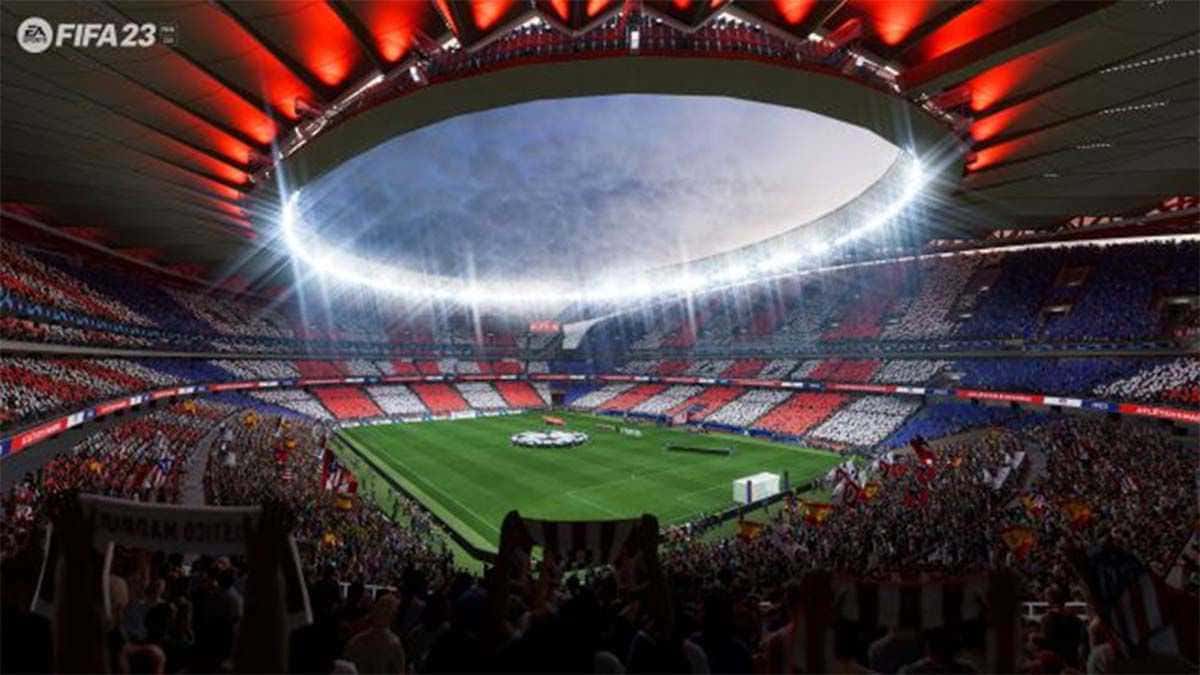
The best FIFA 23 graphics settings are 2560x1440 resolution, fullscreen mode, limited frame rate, and Dynamic Resolution Scale turned off for best performance.

- FIFA 23 reached thousands of players and became one of the most-played games shortly after release.
- Recommended graphics settings include 2560x1440 resolution, fullscreen display mode, and limited frame rate.
- Turning off Windows HDR, setting compatibility mode, and running as Administrator can help boost FPS.
FIFA 23 is now out. Since its release, it has reached thousands of players and even managed to become one of the most-played games in a short time. We're talking about the many new features and the latest news around the game. But we also want to share with you some settings you'll need in the game. One of these is the FIFA 23 graphics settings. Let's take a look at what your graphics settings should be:
FIFA 23 Current Graphics Settings
 What Should FIFA 23's Graphics Settings Be?
Game Settings
After launching the game, first go to the Customize section, then to the game settings from the Settings section. You can make some graphics adjustments in the display configuration.
Resolution 2560 x 1440 (16:9)
Use this setting to prevent performance issues or FPS drops. If your graphics card isn't powerful enough, set a lower resolution. Although this will change the game's visuals, it will give you good FPS.
Display Mode: Fullscreen
The game will give you HDR by default. Although it's recommended by the game that you turn on HDR for Windows to take advantage of this feature, you can keep it off to get better performance.
Frame Rate: Limited
If you experience stuttering or sudden frame spikes in the game, try limiting it to your monitor's native refresh rate.
Dynamic Resolution Scale: Off
If you want to get good performance, you can also keep this setting off.
Strand-Based Hair: On
You can keep this feature on to get a better visual experience from the game, it's up to your preference.
Rendering Quality: High
This feature determines the render quality of the visuals or graphics. For the best experience, you should keep this at Medium or High. If you have a processor like a 1660, 1050Ti, and an i3 or i5 CPU, you can set it to low.
FIFA 23 FPS Boost October 2022
You can also try these steps to boost FPS:
- Windows HDR: Search for it in the Windows search bar and turn it OFF.
- Compatibility Mode: Right-click the icon and set Compatibility Mode for FIFA 23.
- Admin Mode: Always run the game as Administrator.
- NVIDIA Settings: Set it to performance mode.
FIFA 23 Other News
Time to Attack in FUT 23! How Do You Build a 4-2-4 Tactic? Click the link to read the article!
Time for Harakiri Against the Opponent! Japan 3-4-3 Tactic and Team (Player) Instructions! Click the link to read the article!
Looking for a Strong Custom 4-3-3(2) Tactic in Ultimate Team? Here's England! Click the link to read the article!
FIFA 23 France (4-2-3-1) "Mbappe-Flying" Custom Tactic! Click the link to read the article!
FIFA 23's "World Cup Netherlands Special Tactic" (3-5-2)! Click the link to read the article!
How Do You Set Up the FIFA 23 4-2-2-2 Tactic in the New Meta? Click the link to read the article!
FIFA 23's Most Current Tactics and Instructions! (4-3-3) – (4-4-2)! Click the link to read the article!
No More Struggling to Defend in FIFA 23! Click the link to read the article!FIFA 23 Secure Boot Cannot Be Enabled on This Machine Error, Click the link to read the article!
No More Searching for Promising Turkish Players in FIFA 23 Career Mode! Click the link to read the article!
Bazen yazar, bazen tasarlar. Film bağımlısı, oyunlar hakkında yazmayı sever✨
Comments (0)
Log in to leave a comment giriş yap.
No comments yet. Be the first!
Related Posts
All FIFA →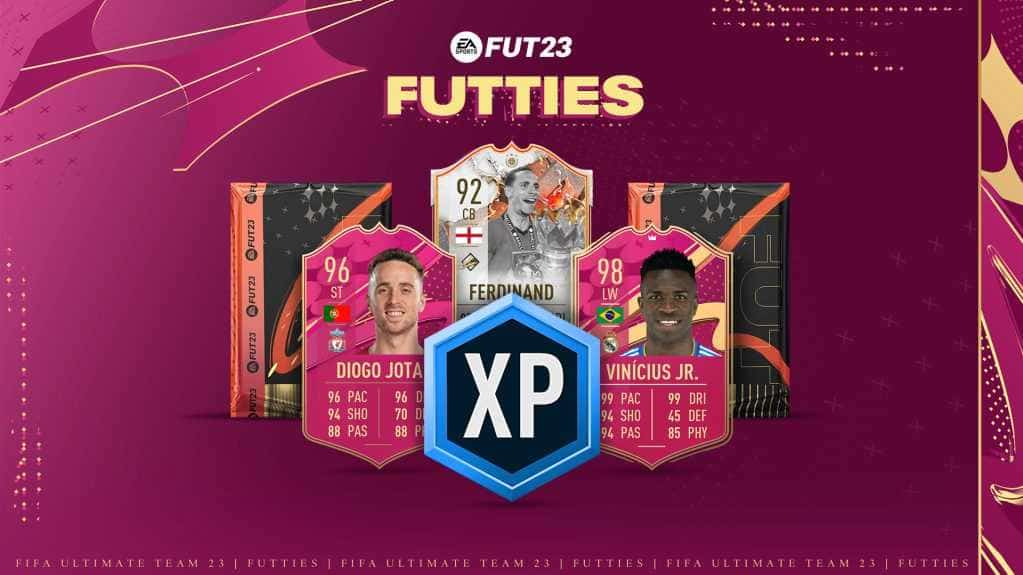
FIFA 23 FUTTIES Team 2: Player Predictions
FIFA 23's FUTTIES Team 2 was predicted to launch July 28, 2023, with Messi, Ibrahimovic, Mudryk, Diaby, and Brahim Diaz tipped for pink cards.
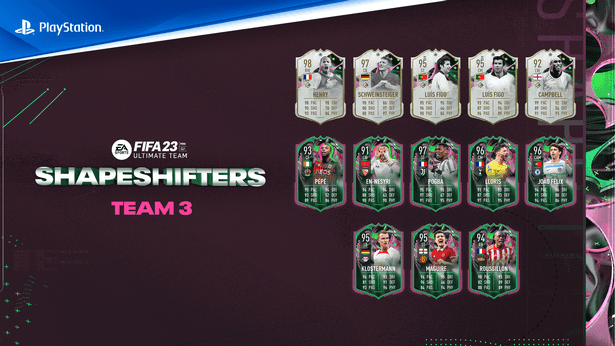
FIFA 23 Shapeshifters Team 3 Review
FIFA 23 Ultimate Team's Shapeshifters Team 3 has arrived, featuring Thierry Henry at RW (98 OVR) and Bastian Schweinsteiger converted to centre-back (97 OVR).
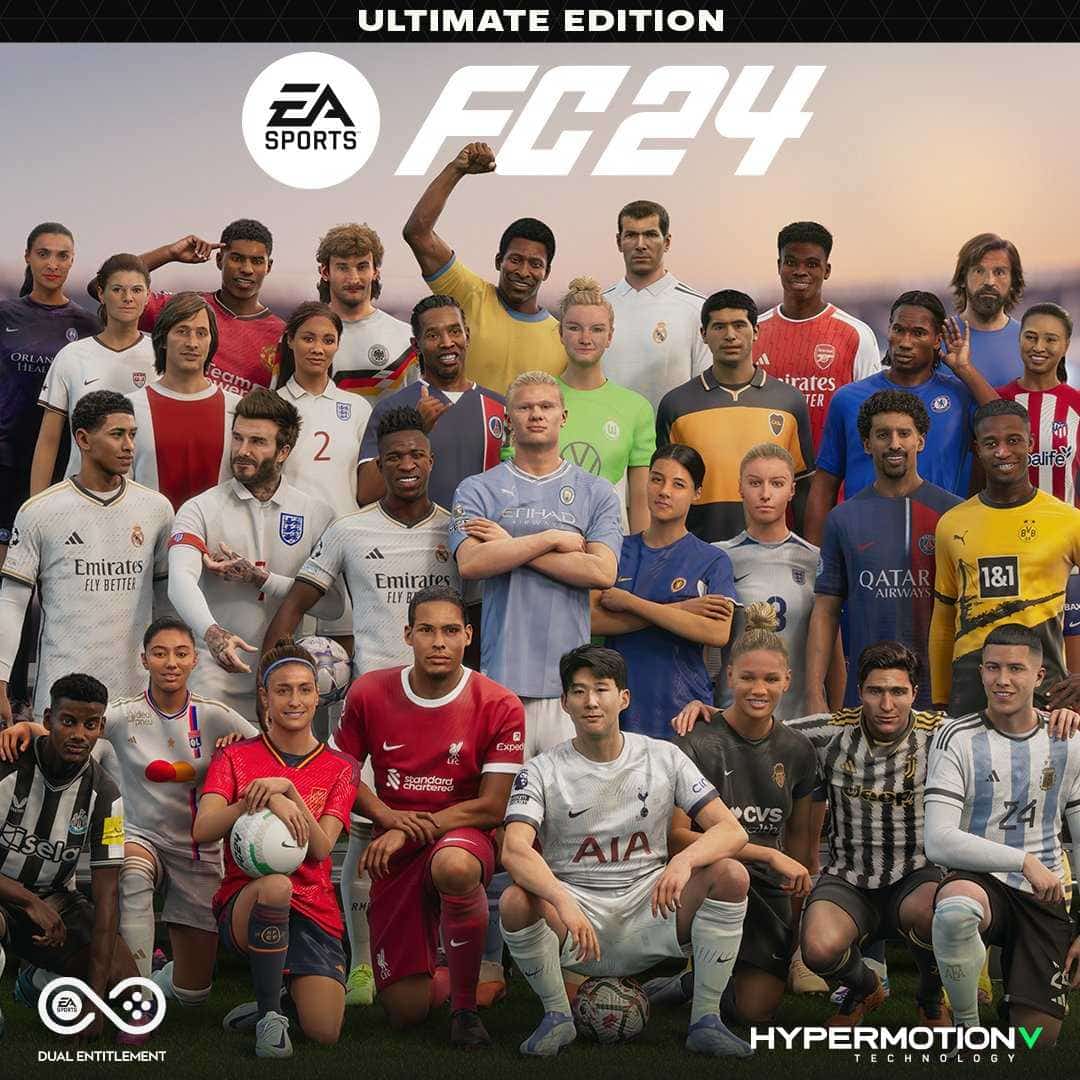
Why Fans Criticized FC 24's Player Faces
EA's FC 24 Ultimate Edition cover drew criticism over face scans of players like Ronaldinho, Marta and Bukayo Saka not matching their real likenesses.