

Google Gemini Advanced: Price and Features Explained
Google Gemini Advanced is a paid AI plan costing 720 TL that unlocks Gemini 1.5 Pro, a 1-million-character context window, and 2 TB of storage.
3 min read
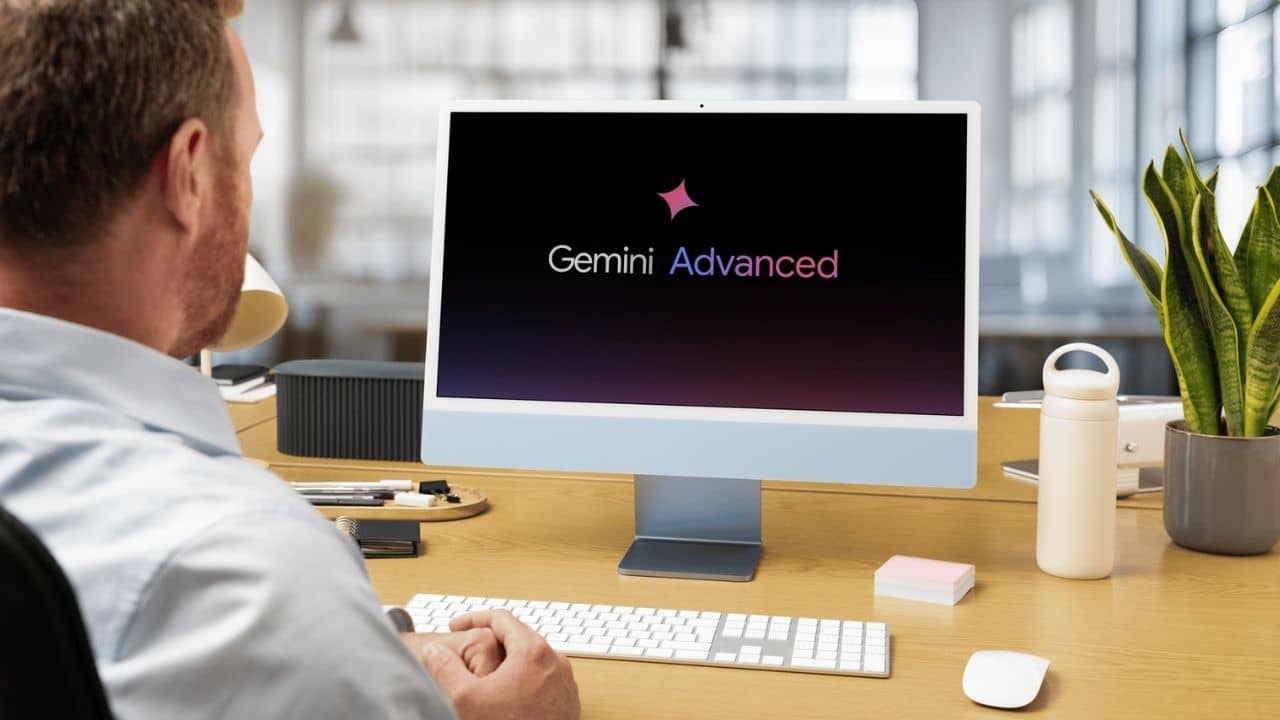
In brief
AI summaryGoogle Gemini Advanced is Google's paid AI service, giving access to the Gemini 1.5 Pro model with a 1-million-character context window.
The service comes bundled with the Google One AI Premium Plan, which also includes 2 TB of cloud storage.
Gemini Advanced costs 720 TL per month, with the first month free for new subscribers.
Contents4 sections
As Google continues to revolutionize AI technology, one of these innovations is an advanced AI service called Google Gemini Advanced. This platform offers a wide range of features aimed at making our daily lives and work processes easier with Google's AI technology. However, you need a subscription plan to take advantage of these advanced features. You can find the features that set Google's Gemini Advanced apart from other AI services, along with subscription details, below.
 What Is Google Gemini Advanced?
Google Gemini Advanced is a paid, advanced version of Google's AI assistant Gemini. This service, which provides access to Gemini 1.5 Pro, Google's latest AI model, offers users higher performance and advanced features. While the standard version of Gemini is available for free, you need to subscribe to the Google One AI Premium Plan to access the Advanced version.
One of Gemini Advanced's most important features is that it significantly increases the amount of data users can process. While the standard version's context window is limited to just 32,000 characters, that limit goes up to 1 million characters in the Advanced version.
Additionally, this service, which is part of the Google One subscription package, comes with extra perks like 2 TB of cloud storage and access to Gemini through Google Workspace apps. However, to take advantage of these perks, you must be a member of Google One's AI Premium Plan. You can't access these advanced features with a free Google account.
The main features of Gemini Advanced:
- Gemini 1.5 Pro Model: Access to Google's most advanced AI model.
- 1 Million Character Limit: An expanded context window for large projects and more detailed analysis.
- 2 TB Cloud Storage: Extra storage space for Google One subscribers.
- Google Workspace Integration: Advanced AI integration in Gmail, Google Docs, and other apps.
How Much Does Gemini Advanced Cost?
The cost of Google Gemini Advanced has been set at 720 TL. This fee is charged as part of the Google One AI Premium Plan. Additionally, the first month is free for new users. That means you can fully take advantage of everything Gemini Advanced offers during the trial period. However, if you want to continue your subscription after the trial period ends, you'll be charged 720 TL.
Is Gemini Advanced Paid?
Yes, Google Gemini Advanced is a paid service. While the standard Gemini version is offered for free, you need to subscribe to Google One's AI Premium Plan to take advantage of the advanced features. This plan offers users advanced features and services for a fee of 720 TL. However, specifically for new users, the first month is completely free.
You Might Be Interested In: What Is Capilot Pro?
 How Do You Sign Up?
- Log in to your free-tier Gemini account: If you have a Google account, you can begin the steps to upgrade to Gemini Advanced.
- Click the "Try Gemini Advanced!" button: This is located in the top right corner of the screen and opens a browser tab.
- Click the "Start trial" button: At this stage, you'll be asked to accept the payment terms and enter your credit card details if required.
- Click Subscribe: The first month is free, after which the monthly subscription kicks in.
Once you subscribe to Gemini Advanced, one of the first visual changes you'll see is Dark Theme being automatically enabled. If you'd rather not use the dark theme, you can change this setting from the gear icon in the bottom left corner. You may also get a notice that some of your saved chats are reviewed by human moderators. If this moderation notice bothers you, you can turn it off by following the steps under "How to manage your Gemini Advanced activity."
Switching between Gemini Advanced and the standard version is also quite easy. You can select the version you want by clicking the radio button at the top of the screen.
For the latest news;
follow our Gamer Papers website and our social media accounts.
Frequently asked questions
Questions answered in this article
What Is Google Gemini Advanced?
Google Gemini Advanced is a paid, advanced version of Google's AI assistant Gemini. This service, which provides access to Gemini 1.5 Pro, Google's latest AI model, offers users higher performance and advanced features. While the standard version of Gemini is available for free, you need to subscribe to the Google One AI Premium Plan to access the Advanced version. One of Gemini Advanced's most important features is that it significantly increases the amount of data users can process. While the standard version's context window is limited to just 32,000 characters, that limit goes up to 1 million characters in the Advanced version. Additionally, this service, which is part of the Google…
Go to sectionHow Much Does Gemini Advanced Cost?
The cost of Google Gemini Advanced has been set at 720 TL . This fee is charged as part of the Google One AI Premium Plan. Additionally, the first month is free for new users. That means you can fully take advantage of everything Gemini Advanced offers during the trial period. However, if you want to continue your subscription after the trial period ends, you'll be charged 720 TL.
Go to sectionIs Gemini Advanced Paid?
Yes, Google Gemini Advanced is a paid service. While the standard Gemini version is offered for free, you need to subscribe to Google One's AI Premium Plan to take advantage of the advanced features. This plan offers users advanced features and services for a fee of 720 TL. However, specifically for new users, the first month is completely free. You Might Be Interested In: What Is Capilot Pro?
Go to sectionHow Do You Sign Up?
Once you subscribe to Gemini Advanced, one of the first visual changes you'll see is Dark Theme being automatically enabled. If you'd rather not use the dark theme, you can change this setting from the gear icon in the bottom left corner. You may also get a notice that some of your saved chats are reviewed by human moderators. If this moderation notice bothers you, you can turn it off by following the steps under "How to manage your Gemini Advanced activity." Switching between Gemini Advanced and the standard version is also quite easy. You can select the version you want by clicking the radio button at the top of the screen. follow our Gamer Papers website and our social media accounts .
Go to sectionSources
External links cited in this article


