

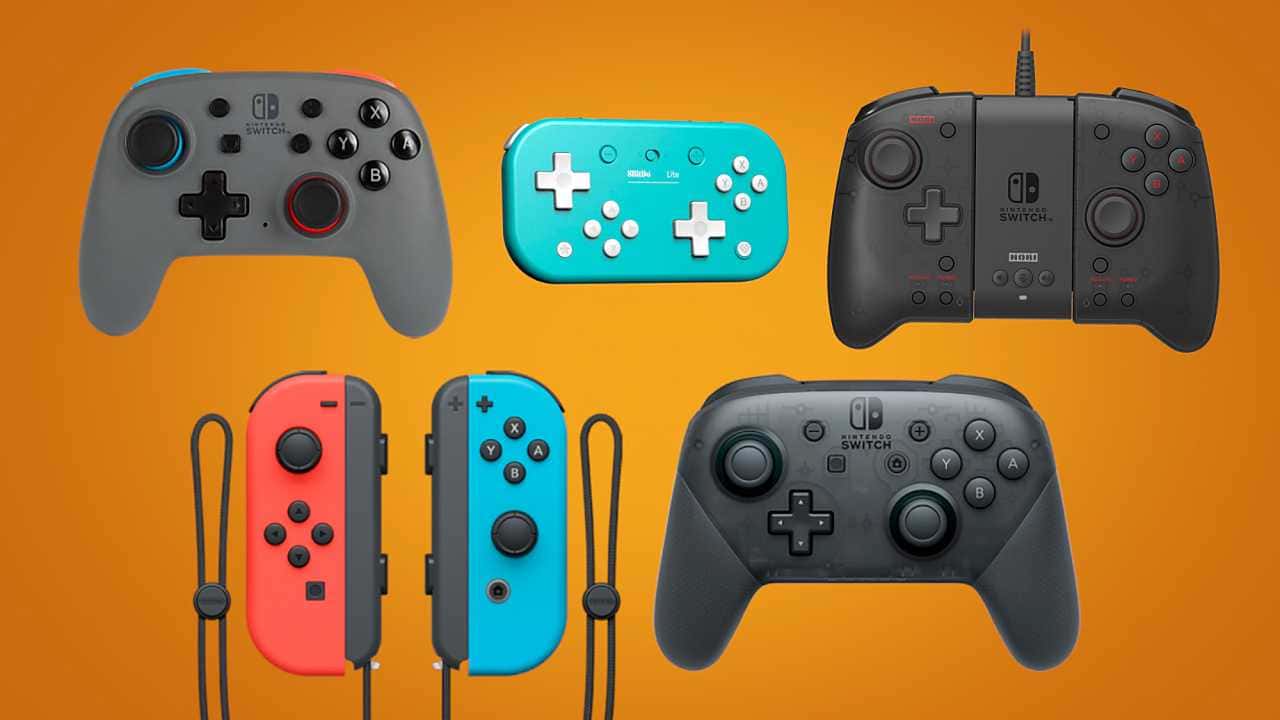
Running out of Joy-Con or Pro Controller battery mid-game is avoidable: dock the Joy-Cons, use a charging grip, or plug a Pro Controller into the Switch dock's USB port for a full charge.

- Nintendo Switch Joy-Con controllers can be charged by docking them on the console or using a separate charging grip.
- To charge Joy-Cons while playing, connect an AC adapter via USB-C to the port on the bottom of the console.
- The Pro Controller charges by plugging into the USB port on the Switch dock and can still be used while charging.
Nintendo Switch controller running out of juice can ruin any gaming session. Seeing the blinking indicator on screen tells you your battery is low and that your ability to play your favorite Switch games is about to grind to a halt. Fortunately, there are several ways to charge your controller. So how can you charge your Joy-Cons or Pro Controller for the Nintendo Switch?
 How to Charge Nintendo Switch Joy-Cons
If you use the Joy-Con Grip as your primary Nintendo Switch controller, its battery life will run out before you notice. The easiest way to charge Joy-Con controllers requires no extra cables, accessories, or shelf space.
- With the console on, attach the Joy-Con controllers to both sides of the console until they click into place.
- Make sure the Switch dock or the AC adapter is plugged into a power outlet.
- Put your Nintendo Switch into "sleep" mode by pressing the power button on top.
- To see how much charge they have, simply press the Joy-Con icon on the Switch's home menu.
You Can Use a Charging Grip
- For the Joy-Con charging grip, plug the included cable into the USB port on the Switch dock.
- Place up to four Joy-Con controllers into the grip and make sure the lights on top are red.
How to Charge Joy-Cons While Playing
- Get a Nintendo Switch AC adapter, plug it into a wall outlet within reach of where you'll be playing, and plug the USB-C end into the port on the bottom of the console.
- Attach the Joy-Con controllers and you can start playing.
How to Charge the Nintendo Switch Pro Controller
The simplest way to charge a Pro Controller is to use the included cable to plug it into the USB port on the front of the Switch dock.
- Once plugged in, an orange light will turn on at the top of the Pro Controller. A full charge should take about six hours. When the battery is full, the light will turn off.
- You can keep using the controller while it charges.
- The Pro Controller doesn't need the Nintendo Switch to be docked in order to charge. You can take the console out while the controller keeps charging.
Comments (0)
Log in to leave a comment giriş yap.
No comments yet. Be the first!
Related Posts
All News →
Turkey Game Industry Report 2024 Released
Turkey's 2024 Game Industry Report shows the country's gaming market grew to over $810M with 48M+ active players, alongside a new digital guide to local game companies.

Loldle Answers: Daily League of Legends Puzzle
Loldle is a daily League of Legends guessing game with five modes (Classic, Quote, Ability, Emoji, Splash); December 6, 2024's Classic answer was Fiddlesticks.

Monopoly GO Dice Links: Free Dice Rewards
Monopoly GO's free dice links refresh daily and can be redeemed instantly for 25 or 30 free dice each, plus tips like auto refills every 60 minutes, daily gifts, and sticker trading to earn even more.