

How to Reset AirPods (Factory Reset Steps)
To reset AirPods, put them in the charging case, open the lid and hold the setup button on the back for about 15 seconds until the status light flashes yellow.

3 min read
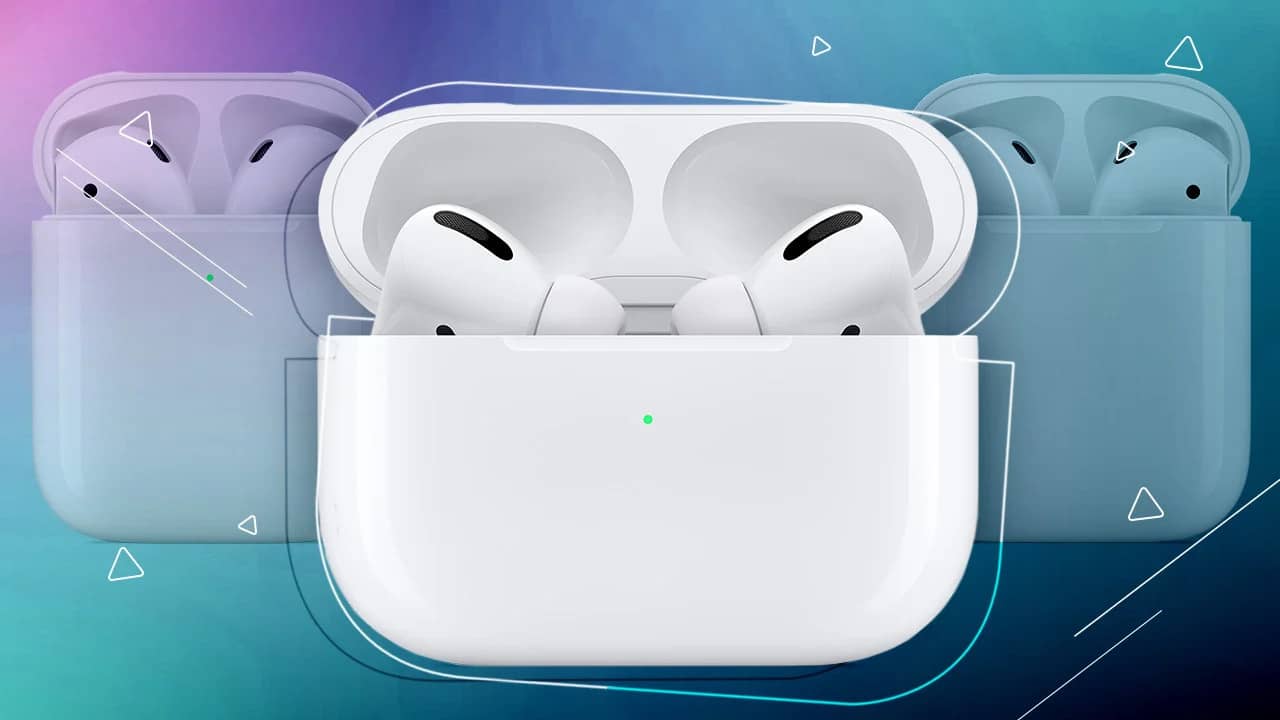
In brief
AI summaryTo reset Apple AirPods, place them in the charging case with enough charge, open the lid and hold the setup button on the back for about 15 seconds.
Hold the AirPods case setup button until the status light flashes yellow, which returns the AirPods to factory settings.
Resetting AirPods usually fixes pairing problems, no sound from connection issues and touch controls not working, unless the device has been dropped in water or taken an impact.
Apple offers us a great audio experience with its technological marvel AirPods, and continues to raise the quality of this experience even further with its new models. How do you reset Apple AirPods? How do you reset Apple AirPods? How do you factory reset AirPods? How can I reset my AirPods? In this article, we showed you how you can reset your Apple AirPods. Here are the details..

How Do You Reset AirPods? 2023
To reset your AirPods, put them in the charging case, open the lid and hold the setup button on the back of the case for about 15 seconds until the status light flashes yellow. Apple's AirPods make things easier for us in many ways. One of the most important features this product gives us is that the earphones are used wirelessly. The device lets us connect instantly and wirelessly. Moreover, with these earphones, whose connection continues over quite a long range, we can listen to music or hold conversations wirelessly for hours.
This device, which makes things easier for us in many ways, generally gives users what they want. In addition, software updates to the device also prevent software problems. Many AirPods users have not experienced any software problem with their devices so far. However, this does not mean no user has problems with AirPods. As with every technological product, some users occasionally experience some issues with Apple AirPods too.
The biggest problems users experience are usually connection problems (pairing) or no sound caused by connection issues. Apart from these, situations such as the touch controls on the earphones not working can also occur. If it is not a technical problem, such situations can be easily solved by resetting the device. If you have not dropped your device in water or it has not taken any impact (such as a drop), resetting your device will offer a solution to this. When you reset your device, many connection problems with your AirPods will probably be solved.
So how can I reset my Apple AirPods? How do you reset AirPods? We showed you below, step by step, how this is done. By following the steps below, you can simply reset your Apple AirPods.
To reset your Apple AirPods;
- Put your earphones in the charging case and make sure your device has enough charge.
- Open the lid of the charging case.
- Then, with the lid of the charging case open, press and hold the setup button on the back of the charging case for about 15 seconds, until you see the status light flashing yellow.
At the end of these steps, your AirPods will have been reset, that is, returned to factory settings. Now you can pair your earphones with any Apple product as if you had just bought them.
Frequently asked questions
Questions answered in this article
How Do You Reset AirPods? 2023
To reset your AirPods, put them in the charging case, open the lid and hold the setup button on the back of the case for about 15 seconds until the status light flashes yellow. Apple's AirPods make things easier for us in many ways. One of the most important features this product gives us is that the earphones are used wirelessly. The device lets us connect instantly and wirelessly. Moreover, with these earphones, whose connection continues over quite a long range, we can listen to music or hold conversations wirelessly for hours. This device, which makes things easier for us in many ways, generally gives users what they want. In addition, software updates to the device also prevent…
Go to sectionLoL, TFT ve VALORANT sever bir oyun sever ve oyuncu. Mobil platformlarda ise tam bir Clash of clans hastası.


