

How to Reset and Restart Your iPhone (iPhone X and Later)
To soft reset an iPhone X or later, hold the sleep/wake and Volume Down buttons and slide to power off; to restart it, press Volume Up, Volume Down, then hold sleep/wake until the Apple logo appears.

2 min read
In brief
AI summaryOn iPhone X and later, a soft reset means holding the sleep/wake and Volume Down buttons, sliding to power off and pressing sleep/wake until the Apple logo appears; no data is lost.
The iPhone restart steps in this guide: press and release Volume Up, press and release Volume Down, then hold the sleep/wake button until the Apple logo appears.
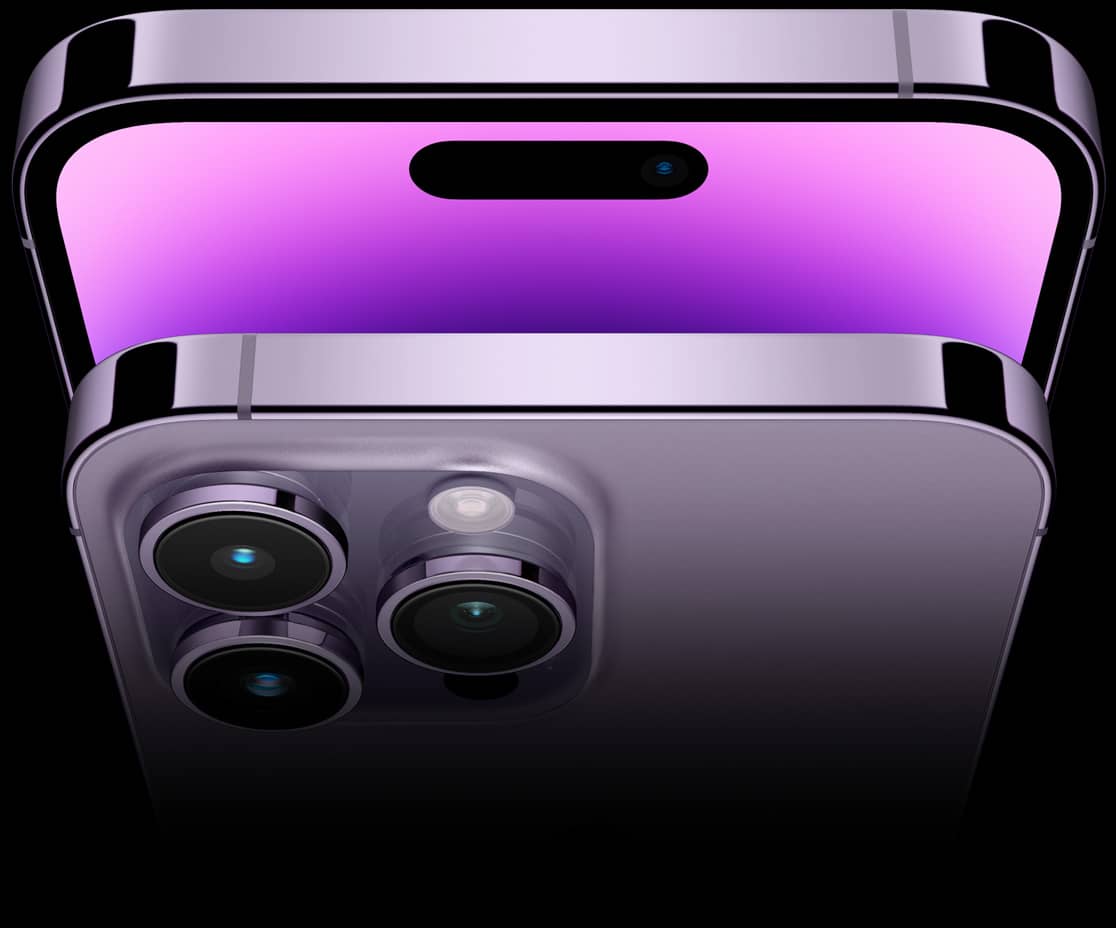
The iPhone X replaced Touch ID with Face ID and has no Home button, which changed the reset steps for models up to the iPhone 14 and iPhone 14 Pro.
Contents2 sections
After our long years with the iPhone, we have discovered countless tips and tricks to get the most out of it, but it is always good to refresh some important basics. One thing every iPhone user should know is how to reset the phone. The steps used to be exactly the same on every device, but things have changed a bit since the iPhone X, because it replaced Touch ID with Face ID and has no Home button. If you have upgraded from an older iPhone model to one of the latest models such as the iPhone 14 or iPhone 14 Pro but have never had to reset it, you may not know how to start the process. We explain how to reset your iPhone, when you should restart it, and how to force restart it when your phone is unresponsive. We also lay out the differences between a restart, a soft reset and a factory reset.

How Do You Soft Reset Your iPhone?
The easiest way to soft reset your iPhone is to turn it off. This method is usually called a "soft reset" because, unlike a factory reset, you don't lose any data and nothing is erased from your phone. Consider a soft reset when your phone runs slowly, an app won't launch or doesn't work properly, or when you have a minor problem but your iPhone still responds. Apple changed how a soft reset is performed on the X, 11, 12, 13 and 14 series iPhones, where it requires you to hold two buttons. All you do here is turn off your phone.
- Press and hold the sleep/wake button and the Volume Down button. On the iPhone X and later, you will find the sleep/wake button on the right side of the phone.
- Place your finger on the Slider that appears to turn it off, then slide it to the right.
- When nothing is left on the screen and the display goes dark, press and hold the sleep/wake button again until the Apple logo appears to turn it back on.
How Do You Restart an iPhone?
- Press the Volume Up button and release it immediately.
- Press the Volume Down button and release it immediately.
- Press and hold the sleep/wake button until you see the Apple logo.
Frequently asked questions
Questions answered in this article
How Do You Soft Reset Your iPhone?
The easiest way to soft reset your iPhone is to turn it off. This method is usually called a "soft reset" because, unlike a factory reset, you don't lose any data and nothing is erased from your phone. Consider a soft reset when your phone runs slowly, an app won't launch or doesn't work properly, or when you have a minor problem but your iPhone still responds. Apple changed how a soft reset is performed on the X, 11, 12, 13 and 14 series iPhones, where it requires you to hold two buttons. All you do here is turn off your phone.
Go to sectionHow Do You Restart an iPhone?
Press the Volume Up button and release it immediately. • Press the Volume Down button and release it immediately. • Press and hold the sleep/wake button until you see the Apple logo.
Go to section

