

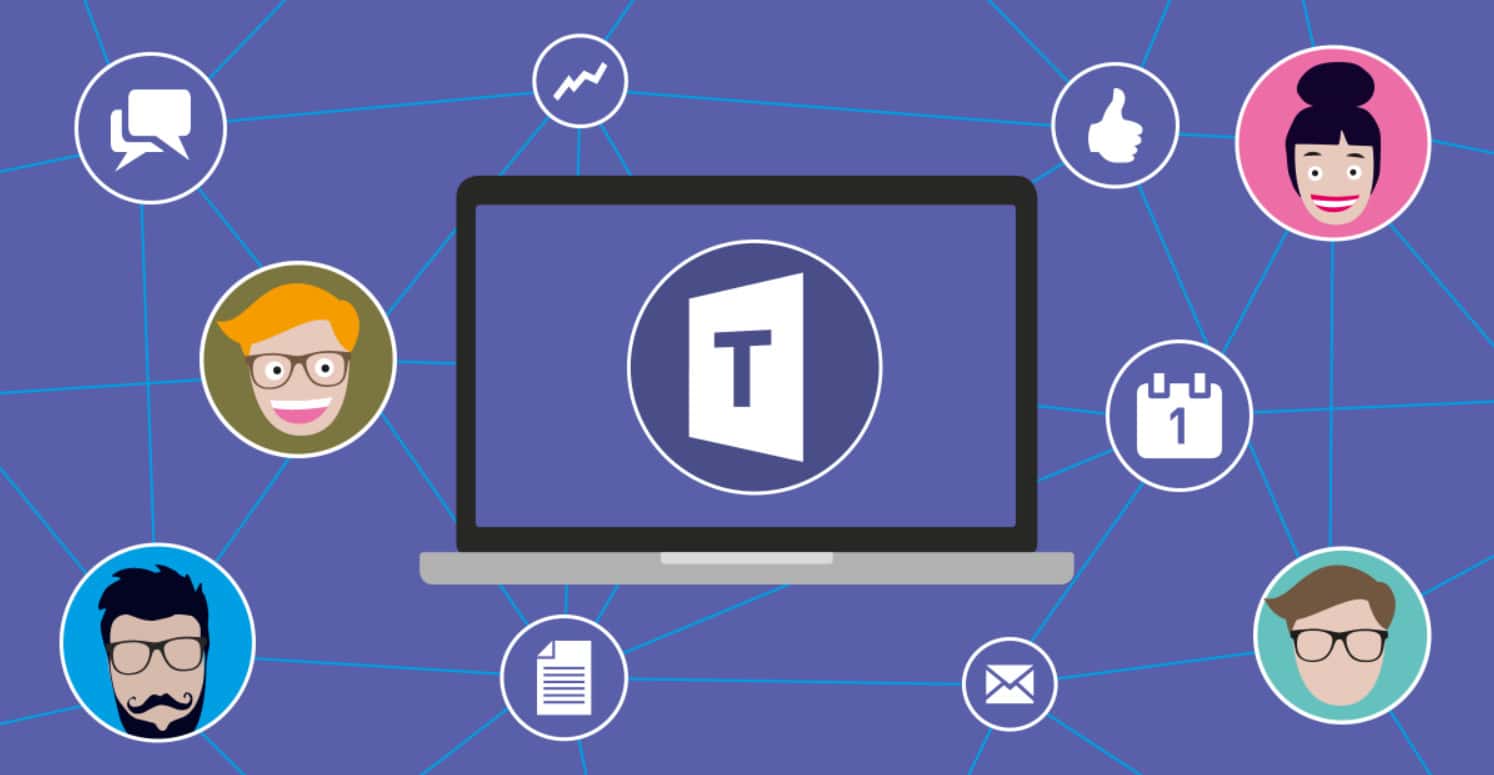
Microsoft Teams' new Communities feature lets Microsoft 365 Personal and Family and Teams Essentials users organize and collaborate from the mobile app's Home tab.

- Microsoft added a Communities feature to the free Microsoft Teams platform for Microsoft 365 Personal and Family and Teams Essentials accounts.
- The Communities feature is currently available on iOS and Android, with desktop support coming soon according to Microsoft.
- Users with a work or school Teams account must switch to a personal account to access the Communities feature.
Microsoft has announced a new Communities feature for the free Microsoft Teams communication platform, designed not just for large businesses but for personal use too. The Communities feature is available for Microsoft 365 Personal and Family and Teams Essentials accounts, and lets users easily organize, share, communicate, and collaborate in a hybrid way. This feature doesn't just let you connect directly online, it also lets you prepare for in-person meetings. How do you use Microsoft Teams' new Communities feature? Let's take a look!

How Do You Use the Microsoft Teams New Communities Feature? 2023
The Communities feature in Microsoft Teams is currently available for iOS and Android and, according to Microsoft, will soon be available for desktop computers too. You can access this feature from a mobile device by going to the Home tab in the free Microsoft Teams mobile app and selecting communities.
From there, you'll see a list of the communities you're a member of. Tap the name and you'll find the messages, files, events, and calendar belonging to that community.
If you have a work or school Teams account, you'll need to switch to a personal account to use the Communities feature. Microsoft guarantees that data taken from communities cannot be shared with an employer.
How Do You Start a Community in Teams?
You can find instructions for starting a community right on the Microsoft Teams Home screen, without needing to download another app. Fill in the suggested community types, and you can brand the community with a photo of your choosing. Sharing and inviting members is also easy, and includes sending the community's email address, phone number, physical link, or QR code.
Those responsible for communities also have the ability to control settings and guidelines, moderate content, and manage participants.
LoL, TFT ve VALORANT sever bir oyun sever ve oyuncu. Mobil platformlarda ise tam bir Clash of clans hastası.
Comments (0)
Log in to leave a comment giriş yap.
No comments yet. Be the first!
Related Posts
All News →
Turkey Game Industry Report 2024 Released
Turkey's 2024 Game Industry Report shows the country's gaming market grew to over $810M with 48M+ active players, alongside a new digital guide to local game companies.

Loldle Answers: Daily League of Legends Puzzle
Loldle is a daily League of Legends guessing game with five modes (Classic, Quote, Ability, Emoji, Splash); December 6, 2024's Classic answer was Fiddlesticks.

Monopoly GO Dice Links: Free Dice Rewards
Monopoly GO's free dice links refresh daily and can be redeemed instantly for 25 or 30 free dice each, plus tips like auto refills every 60 minutes, daily gifts, and sticker trading to earn even more.