

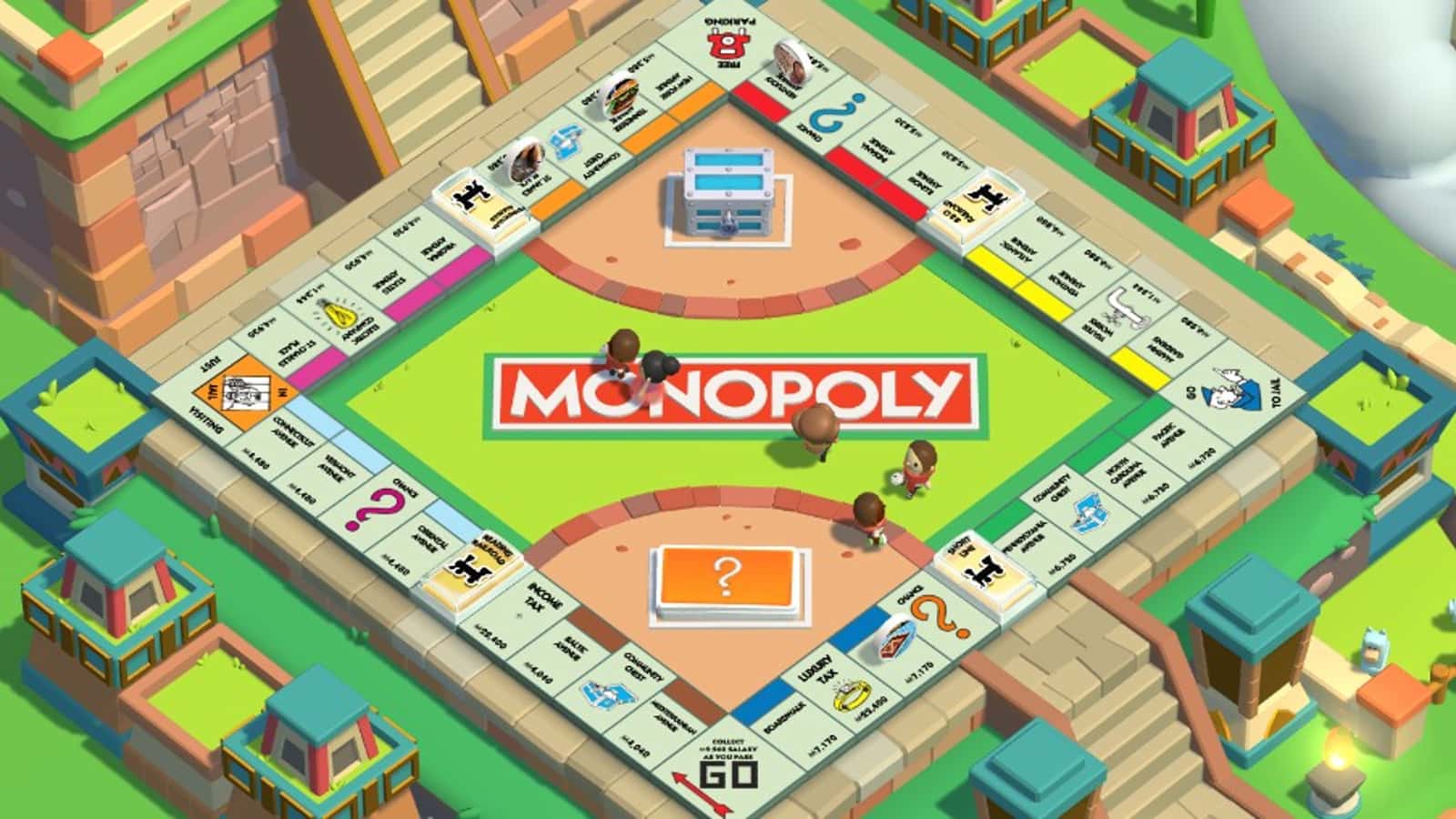
Change your in-game name in Monopoly GO through the sidebar profile menu; you get three free name changes total.
- Monopoly GO lets players personalize their in-game name through the sidebar profile menu.
- New names must be at least three characters long and follow the game's naming rules.
- Players get three free name changes total in Monopoly GO, after which no further changes are possible.
Monopoly GO Name Change! How Do You Change Your Name?
Monopoly GO comes to us as a fun game that brings the classic board game to mobile devices and offers players a new competitive environment. The game gives you a platform where you can play with friends, make strategic moves, and personalize your own character. To personalize Monopoly GO even further, you can change your in-game name. How do you change your name in Monopoly GO? Let's look at the steps together!
Monopoly GO Name Change! How Do You Change Your Name?
 Changing your name in Monopoly GO only takes a few simple steps. Here's how to easily change your in-game name:
Monopoly GO Name Change: Launch Monopoly GO
Before starting the name change process, the first thing you need to do is open the Monopoly GO app on your mobile device. This step is quite simple; you just need to tap the app icon to launch the game. Once the app opens, you'll be taken to the main menu.
Monopoly GO Name Change: Open the Sidebar Menu
Once you're in the main menu, you'll see a three-line icon in the top-right corner of the screen. You need to tap this icon to open the sidebar menu. The sidebar menu offers a navigation panel that lets you access the game's different features. This menu gives you access to your in-game settings, friends, collections, and more.
Tap Your Profile Picture
After opening the sidebar menu, you'll see your profile picture and name at the very top of the menu. When you tap this profile icon, a new menu will open where you can access your in-game profile settings. This menu lets you edit your name, avatar, and other personal information.
Tap the Pencil Icon to Change Your Name
Once you're in the profile settings menu, you'll see a pencil icon next to your name. Tap this icon to begin the name change process. When you tap the pencil icon, a pop-up window showing your current name will open. This window gives you a field where you can enter your new name.
Enter and Save Your New Name
In the window that opens, there will be a field where you can enter your new name. You can type whatever new name you want into this field. However, there are some rules you need to follow when choosing your new name. First, the name you type must be at least three characters long. Names shorter than three characters will not be accepted. Also, making sure your new name is original and creative will make your gaming experience more fun.
After entering your new name, you'll need to tap the "Submit" button to save the changes. This button will save your new name in the system and reflect it on your profile. After this step, you'll start appearing with your new name in the game. However, we recommend reviewing your name one more time before doing this, because the change cannot be undone.

What to Keep in Mind When Changing Your Name in Monopoly GO
Watch Out for Naming Rules and the Name Change Limit
Monopoly GO has set some rules for the names you can use in the game. These rules are applied to ensure the game is played in a fair and respectful environment. When choosing your new name, you should avoid using offensive, inappropriate, or disturbing language. The game's developers reserve the right to change names that violate these rules or ban accounts that use such names. So you should be careful when choosing your name to avoid interrupting your gaming experience.
You have three chances to change your name in Monopoly GO. These three changes are completely free, but you should use these chances carefully. Once you've used all three of your name change chances, you won't have another opportunity to change your name. That's why you should think carefully and aim to pick a permanent name when choosing a new one. The limited number of name change chances helps you protect your identity and brand value in the game.
Changing your name is just one way to personalize your Monopoly GO gaming experience. The game gives you the freedom to create your own character and profile. To make the most of this freedom, you should carefully choose your name and avatar and act in accordance with the game's rules. When interacting with other players in the game, make sure the name you've chosen represents you well! :)
About Monopoly GO
Monopoly GO is a 2023 mobile board game developed and published by Copely in collaboration with Hasbro for iOS and Android devices. It's based on the board game of the same name. It's a single-player mobile board game video game that blends elements of the classic Monopoly board game with some light-to-midcore mechanics.
For the latest news, follow Gamer Papers and our social media accounts. 🙂
Sources
External links cited in this article
Comments (0)
Log in to leave a comment giriş yap.
No comments yet. Be the first!
Related Posts
All News →
Turkey Game Industry Report 2024 Released
Turkey's 2024 Game Industry Report shows the country's gaming market grew to over $810M with 48M+ active players, alongside a new digital guide to local game companies.

Loldle Answers: Daily League of Legends Puzzle
Loldle is a daily League of Legends guessing game with five modes (Classic, Quote, Ability, Emoji, Splash); December 6, 2024's Classic answer was Fiddlesticks.

Monopoly GO Dice Links: Free Dice Rewards
Monopoly GO's free dice links refresh daily and can be redeemed instantly for 25 or 30 free dice each, plus tips like auto refills every 60 minutes, daily gifts, and sticker trading to earn even more.