Nintendo eShop gifting is live: how to send a game
Nintendo eShop gifting is live on Switch and Switch 2. How to send games, DLC and upgrade packs to family group members, plus the limits to know.

5 min read
Contents12 sections
Nintendo eShop gifting is now live on Switch and Switch 2. Nintendo's official gifting announcement from November 17 confirms you can now send digital games, DLC and upgrade packs to members of your family group.
Nintendo first announced the feature on November 9, just ahead of the holiday shopping season. The timing makes sense given how fast the Switch 2 player base is growing, as shown in our Switch 2 sales hitting 26.35 million report.
How does Nintendo eShop gifting work?
Sending a gift only takes a few steps. Here is the order Nintendo lists:
- Open Nintendo eShop on your console and find the game you want to give.
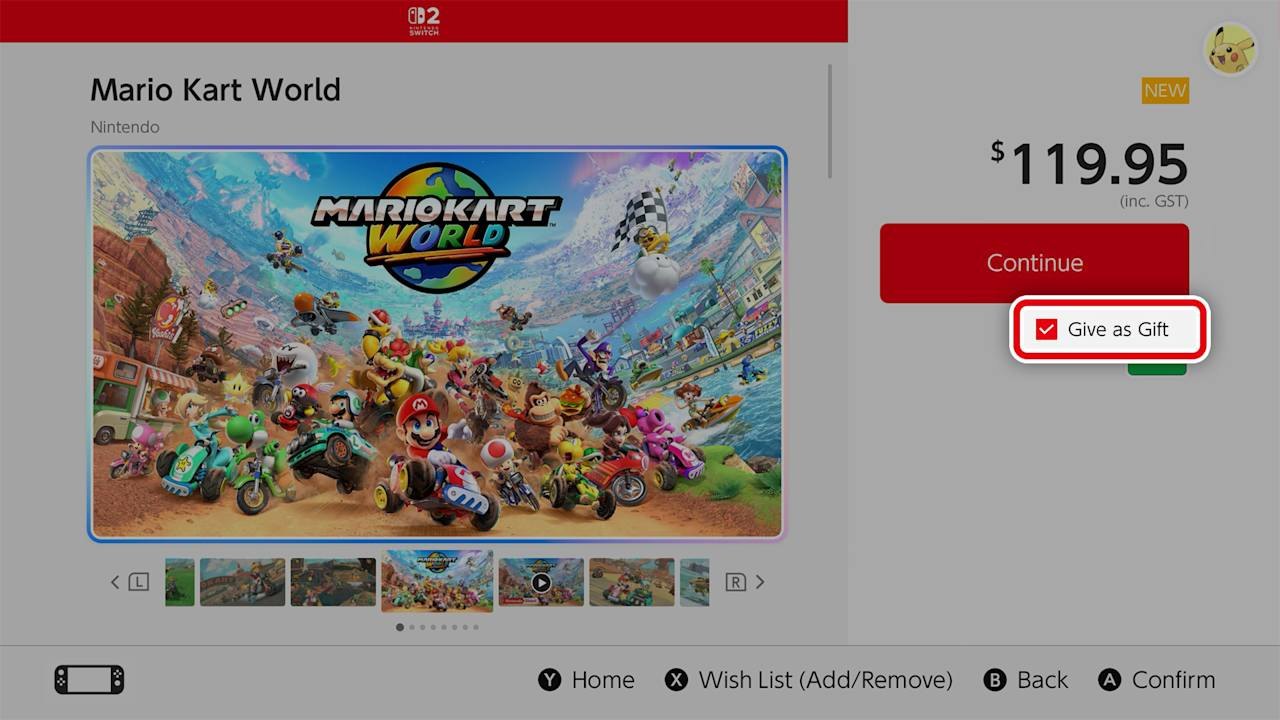
- On the product page, tick the Give as Gift checkbox and go to purchase.
- Pick the recipient from your family group list. You can also choose which of their linked systems gets the gift.
- Choose a gift wrap color and other options, then finish the purchase as usual.
Nintendo adds one warning: gifts are sent right away, so make sure the timing is right before you pay. The wrap screen shows eight colors: red, orange, yellow, green, light blue, blue, purple and pink.
What are the limits?
The feature only works inside a family group, which can hold up to 8 accounts including the admin. Nintendo also lists three limits:
- Some products may not be eligible for digital gifting.
- Supervised accounts cannot send digital gifts.
- The number of gift purchases in a given period is limited.
Nintendo has not said what that period or number is. You also need system version 23.5.0 or later. Nintendo of America's November 9 announcement says that update released the same day and downloads automatically on connected systems.
No family group yet?
Nintendo says anyone with a Nintendo Account can set up a family group and add members, with steps on its support site. You can check your system version in System Settings and start the update by hand there. If the gift option does not show up, those are the first two things to check.
Nintendo eShop gifting at a glance
- Platforms: Nintendo Switch and Nintendo Switch 2.
- Who: only members of the same family group (up to 8 accounts).
- What: eligible games, DLC and upgrade packs.
- Required system version: 23.5.0 or later.
- Delivery: instant, to the recipient's HOME Menu.
Which products can you gift?
The scope is wide. Eligible games are included, and so are DLC and upgrade packs. That means you could, for example, gift the upgrade that moves a Switch game to its Switch 2 Edition. Not every product qualifies, though. If the gift checkbox is missing, the item may not be giftable, so check the product page before you buy.
How does the gift reach the recipient?
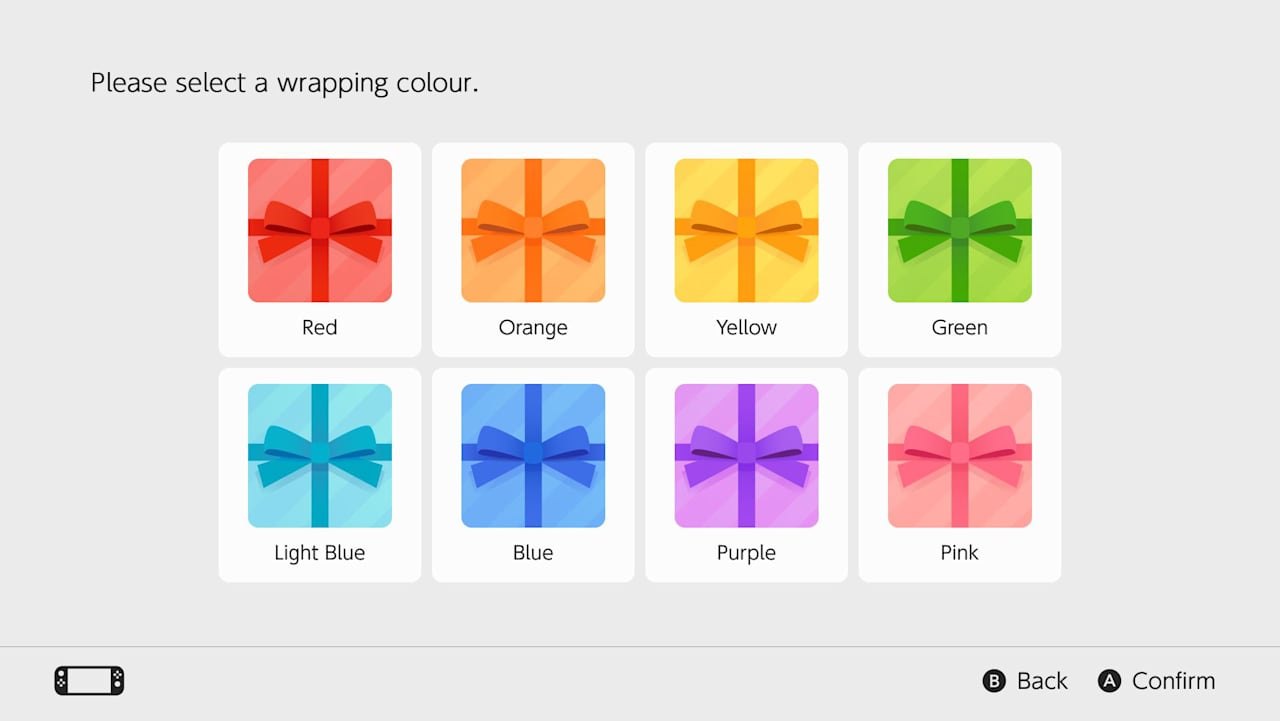
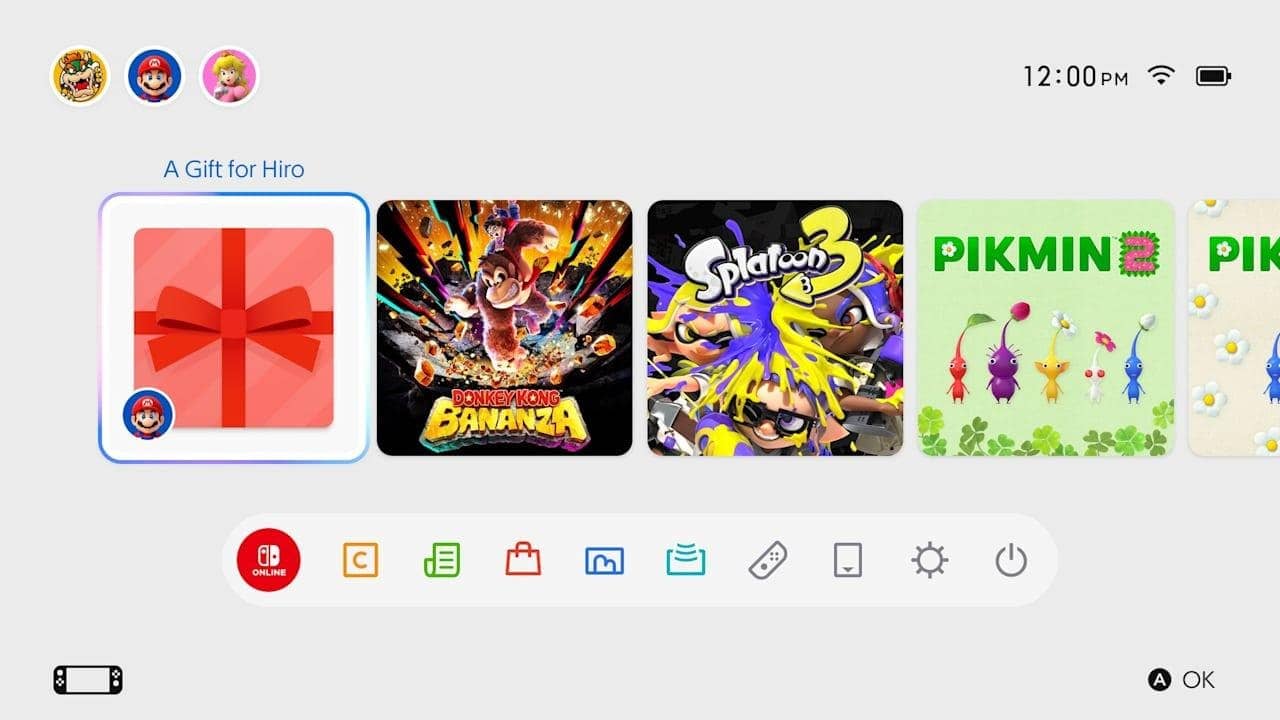
The gift shows up on the recipient's HOME Menu as a wrapped icon. They select it, accept it and can start playing right away. Nintendo pitches it as an easy way to celebrate a special occasion with your kids.
This is not a brand-new idea for Nintendo. GameSpot's report on the gifting feature points out that the Wii Shop Channel once let players gift games to people on their friend list. That option ended when the Wii Shop closed in 2019.
What does it mean for players?
For families, this is a real upgrade. Parents can now send the actual game instead of handing over a code or an eShop card. The biggest gap is that you still cannot gift to friends. To buy a friend a game, you would need to add them to your family group, and with an 8-account cap that is not always practical.
If you are building a holiday list, recent Switch 2 releases offer plenty of options. Highlights include the Splatoon 3 12.0.0 update and Raiders demo, Pikmin 4 Switch 2 Edition with Dandori Academy and the Metaphor: ReFantazio Switch 2 release.
Frequently asked questions
Can you gift Nintendo eShop games to friends?
No. The new feature only lets you send gifts to members of your Nintendo Account family group. A family group can have up to 8 accounts, including the admin.
Which system version do you need for eShop gifting?
Nintendo says your console needs system version 23.5.0 or later. That update came out on November 9 and downloads automatically on connected systems.
When does the recipient get the gift?
Right away. Gifts are sent as soon as the purchase is done. They appear on the recipient's HOME Menu and can be accepted and played immediately.
Sources
Frequently asked questions
Questions answered in this article
Sources
External links cited in this article
Newsletter
The week's biggest gaming news, every Friday morning
One email every Friday: the week's most-read stories and what's new. No spam, unsubscribe anytime.
LoL, TFT ve VALORANT sever bir oyun sever ve oyuncu. Mobil platformlarda ise tam bir Clash of clans hastası.