Nintendo Switch Year in Review 2022: How to Access Your Stats
In December 2022, Nintendo launched the Switch Year in Review: visit the official Nintendo page, sign in, select Get Started and scroll to see your most-played games and other 2022 stats, then use…

2 min read
In brief
AI summaryIn December 2022, Nintendo launched the Nintendo Switch Year in Review, giving players stats on their 2022 Switch games, most-played titles and favorite genres, much like Sony's PlayStation Wrap-Up.
To access Nintendo Switch Year in Review 2022 stats, visit the official Nintendo page, sign in and select Get Started.
Each Nintendo Year in Review section has a Share This option to post stats on social media, and the games section can be scrolled horizontally to see most-played games by month or time.
Contents2 sections
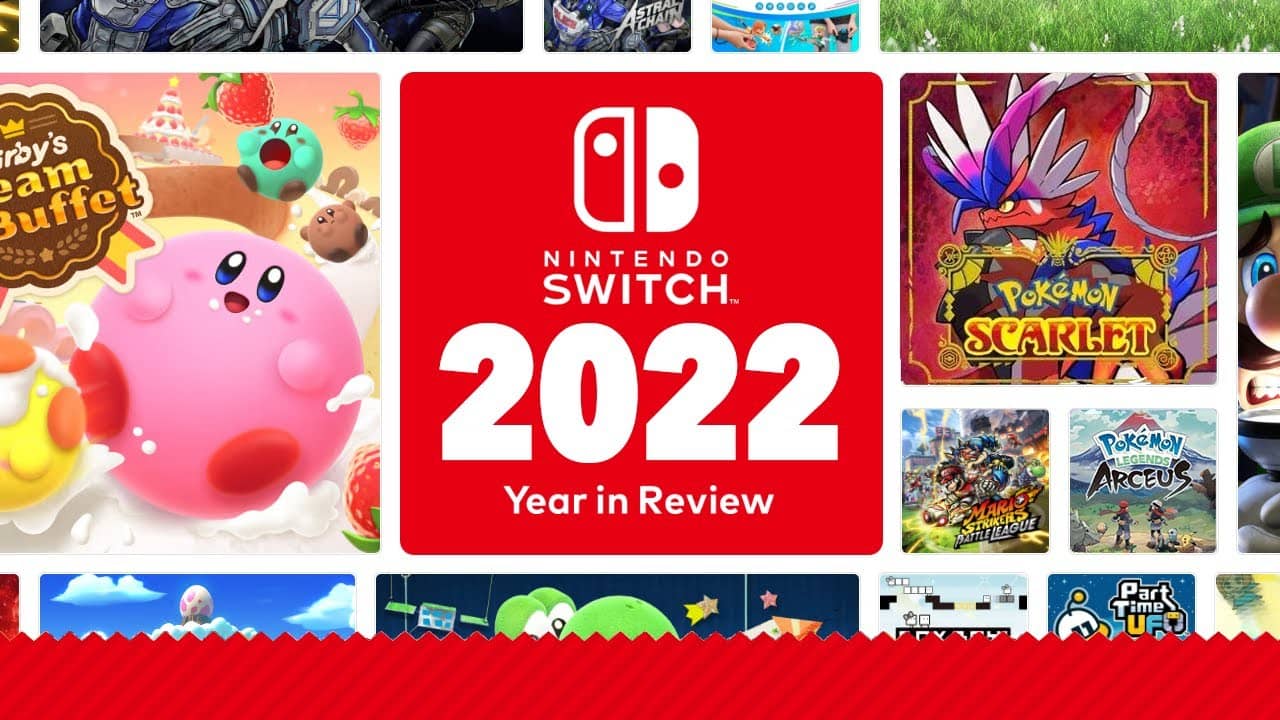
At the end of 2022, as part of its Year in Review, Nintendo gave players access to their Switch stats for the year. This works almost the same way as the 2022 PlayStation Wrap-Up from Sony, which summarizes players' gaming stats for that year. Nintendo Switch Year in Review gives players information about their Switch games in 2022, details of their most-played games and other interesting stats. What is the Nintendo Switch Year in Review? How do you access your Nintendo Year in Review stats? Let's take a look!

What Is the Nintendo Switch Year in Review 2022?
Through the Nintendo Switch Year in Review you can access all kinds of interesting stats. These include information on the games you played at launch, the games you spent at least three years playing and even a breakdown of your favorite genres. You can then share these stats on social media to compare with friends and family. Here is how to access your stats.
How Do You Access Your Nintendo Year in Review 2022 Stats?
Accessing your Nintendo Year in Review 2022 summary is as easy as visiting a link and navigating through it.
- To access your Year in Review stats, you need to visit the official Nintendo page.
- After signing in, select Get Started and you will be taken to the stats page.
- From here, you can scroll down to access your Nintendo Switch stats.
- In the section covering specific games, make sure to click the left or right sides of the area to scroll horizontally. This will show you your most-played games by month or time.
- Each section has a share option that lets you post your stats on social media. Make sure to click Share This to show your friends your Nintendo Year in Review stats.
Frequently asked questions
Questions answered in this article
What Is the Nintendo Switch Year in Review 2022?
Through the Nintendo Switch Year in Review you can access all kinds of interesting stats. These include information on the games you played at launch, the games you spent at least three years playing and even a breakdown of your favorite genres. You can then share these stats on social media to compare with friends and family. Here is how to access your stats.
Go to sectionHow Do You Access Your Nintendo Year in Review 2022 Stats?
Accessing your Nintendo Year in Review 2022 summary is as easy as visiting a link and navigating through it.
Go to section