

Paper Minecraft: Game Modes, Features, and Controls
Paper Minecraft is a 2D version of Minecraft with Survival and Creative modes, custom player maps, and a full control key guide.

2 min read
In brief
AI summaryPaper Minecraft is a 2D take on Minecraft offering Survival and Creative game modes.
The game features 2D graphics, 2 character skins, and a large library of custom maps made by other players.
Controls include ASD or arrow keys to move, W to jump, left click to mine or place blocks, and E to open the inventory.
Contents4 sections
What Is Paper Minecraft?
Paper Minecraft, also known as Minecraft Paper, is the 2D version of the legendary building game Minecraft.
Before starting a game, you can choose from several different character skins and game modes.
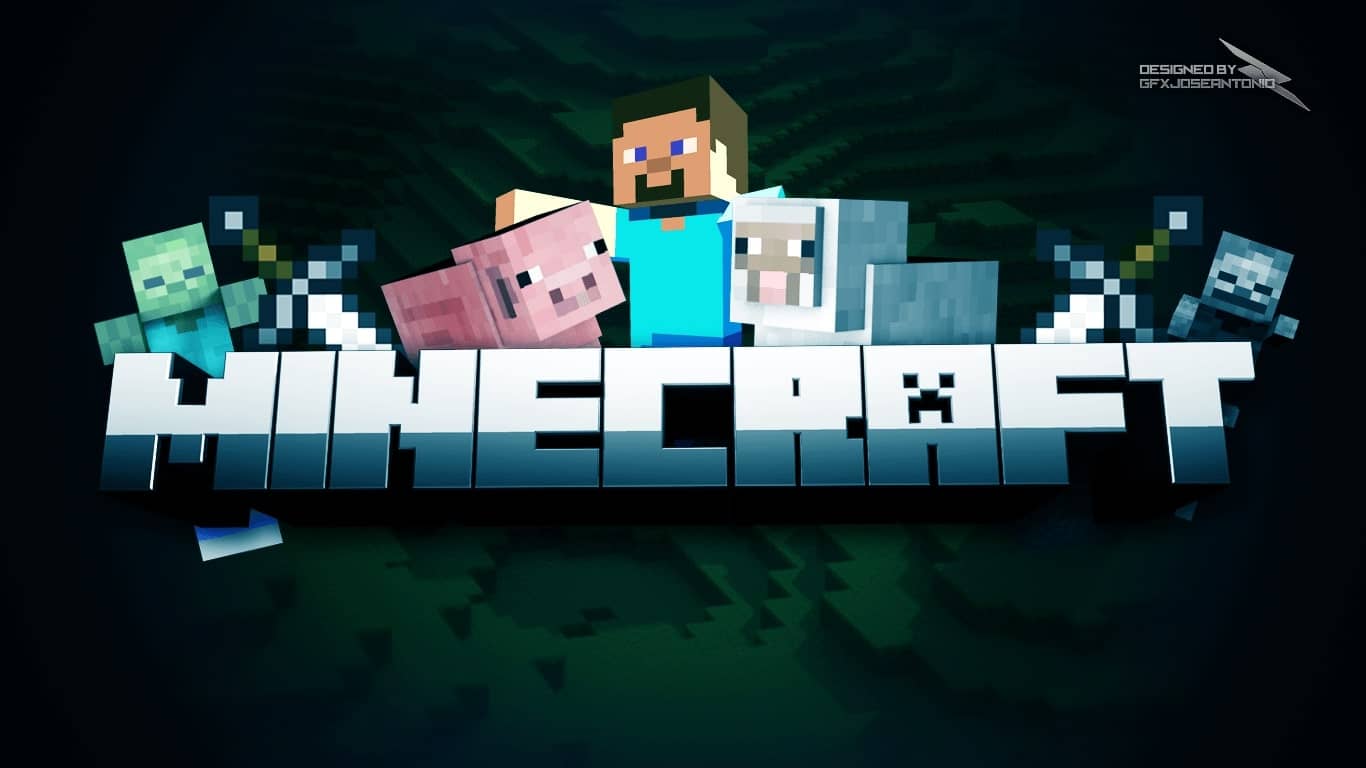
[caption id="attachment_3900" align="aligncenter" width="1366"] Image: GFX JOSEANTONIO[/caption]
What Game Modes Does Paper Minecraft Have?
- Survival Mode: This mode requires serious skill and mastery. To survive, you need to gather resources and food and build yourself a settlement to live in. As in most Minecraft games, you'll encounter different terrain types like animals, forests, water, rock, and fields. Mine stone and wood to craft tools, then start digging up more advanced materials so you can use those tools to build a structure.
- Creative Mode: This game mode lets you use your imagination to practically build anything you can think of. For example, you can use a variety of different materials to build cities, castles, and entire worlds. If you like, you can also load maps made by other players and benefit from their experience.
What Are Paper Minecraft's Features?
- 2D graphics
- 2 different skins
- A large collection of custom maps from other players
- Plenty of resources and tools
 What Are Paper Minecraft's Control Keys?
You can use the number keys 1-9 to quickly access your selected items, making things easier to use.
- ASD or Left and Right Arrow: To move and swim
- W or Up Arrow: To jump
- Left Mouse Click: To mine or place a block
- E: To open or close your inventory/chest
- F: To eat and hold food
- T: To chat
- O: Save the game.
- Q: To drop an item
- M: Mute/Unmute sound
- P: Pause/Resume
- Space Bar: Used to split an item from a stack in the crafting menu
Frequently asked questions
Questions answered in this article
What Is Paper Minecraft?
Paper Minecraft , also known as Minecraft Paper , is the 2D version of the legendary building game Minecraft . Before starting a game, you can choose from several different character skins and game modes. [caption id="attachment_3900" align="aligncenter" width="1366"] Image: GFX JOSEANTONIO[/caption]
Go to sectionWhat Game Modes Does Paper Minecraft Have?
Survival Mode: This mode requires serious skill and mastery. To survive, you need to gather resources and food and build yourself a settlement to live in. As in most Minecraft games, you'll encounter different terrain types like animals, forests, water, rock, and fields. Mine stone and wood to craft tools, then start digging up more advanced materials so you can use those tools to build a structure. • Creative Mode: This game mode lets you use your imagination to practically build anything you can think of. For example, you can use a variety of different materials to build cities, castles, and entire worlds. If you like, you can also load maps made by other players and benefit from their…
Go to sectionWhat Are Paper Minecraft's Features?
2D graphics • 2 different skins • A large collection of custom maps from other players • Plenty of resources and tools
Go to sectionWhat Are Paper Minecraft's Control Keys?
You can use the number keys 1-9 to quickly access your selected items, making things easier to use.
Go to section

