Wordle's Hidden Hard Mode Explained
Wordle has a hidden Hard Mode that restricts which letters you can use in later guesses based on your earlier hints.

2 min read
In brief
AI summaryWordle has a hidden Hard Mode, off by default, that restricts which letters you can use in guesses after the first one.
In Hard Mode, any yellow or green letters from earlier guesses must be included in your next guess.
Hard Mode is toggled via the settings (gear) icon in the top right corner and can be switched on or off mid-game.
Contents2 sections
The hit game where you guess a five-letter word, Wordle, is everywhere now. Apparently, as people share their scores, it has taken over social media feeds and family group chats everywhere. Despite its popularity, there's something we didn't know: the game has a hidden Hard Mode you can turn on and off. So yes, there are technically two ways to play Wordle.
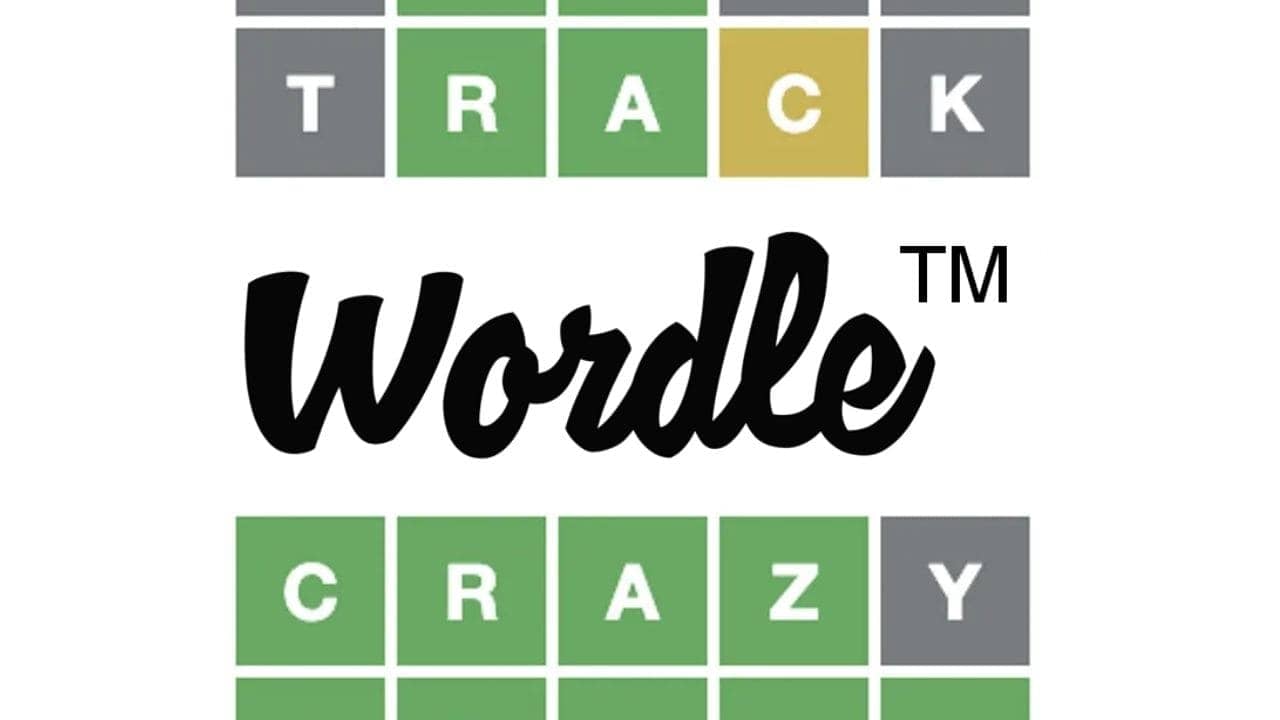
The first time you play, Hard Mode is off by default in the game's settings. Hard Mode doesn't change the kinds of words you see, but it does change which letters you're allowed to use when guessing. When you play Wordle, you enter any five-letter word, and the game gives you hints based on the word you guessed. A green letter means it's the correct letter in the correct spot in the word of the day. A yellow letter means the letter appears in the final word, but not in the correct spot.

What Is Wordle's Hidden Hard Mode?
Under Wordle's normal rules, you can guess any word you want at any time. In Hard Mode, you can use any word to start, but after that you're restricted by the hints in your later guesses. For example, if my first guess was "GAMES" and I got yellow tiles for the letters G, A, and E, I'd have to include those letters in my next guess. Depending on how you play Wordle, you might already be playing by Hard Mode rules anyway. Combining all your previous guesses might seem like it gives you a better chance of guessing the final word. However, if you already have three hints, playing this way means you only get feedback about two letters at a time, which makes it even harder.
How Do You Turn On Wordle's Hidden Hard Mode?
To enable Hard Mode, click the settings icon (it looks like a gear) in the top right corner. This will open a screen listing the settings for the game. The first entry is "Hard Mode." Click the toggle to its left to turn the mode on or off. If it's green, it's on. Don't worry if you want to play with it on; you can enable or disable it at any point, even in the middle of a game between guesses.
Also check out:
Frequently asked questions
Questions answered in this article
What Is Wordle's Hidden Hard Mode?
Under Wordle's normal rules, you can guess any word you want at any time. In Hard Mode, you can use any word to start, but after that you're restricted by the hints in your later guesses. For example, if my first guess was "GAMES" and I got yellow tiles for the letters G, A, and E, I'd have to include those letters in my next guess. Depending on how you play Wordle, you might already be playing by Hard Mode rules anyway. Combining all your previous guesses might seem like it gives you a better chance of guessing the final word. However, if you already have three hints, playing this way means you only get feedback about two letters at a time, which makes it even harder.
Go to sectionHow Do You Turn On Wordle's Hidden Hard Mode?
To enable Hard Mode, click the settings icon (it looks like a gear) in the top right corner. This will open a screen listing the settings for the game. The first entry is "Hard Mode." Click the toggle to its left to turn the mode on or off. If it's green, it's on. Don't worry if you want to play with it on; you can enable or disable it at any point, even in the middle of a game between guesses.
Go to section