

How to Share Games on Xbox Series X: Home Xbox Setup (2023)
To share games on Xbox Series X, sign in to your account on the other console, then set it as the home Xbox under Profile & system, Settings, General, Personalization, My home Xbox.

2 min read
In brief
AI summaryXbox Series X game sharing lets you and a friend or family member share the digital games you bought, including Game Pass and Game Pass Ultimate titles (guide from January 2023).
To start Xbox Series X game sharing, sign in on the other console using Profile & system, Add new, and only do this with someone you trust because your account goes on their console.
On the second Xbox, go to Profile & system, Settings, General, Personalization, My home Xbox and select Make this my home Xbox; repeat in the other direction for two-way sharing.
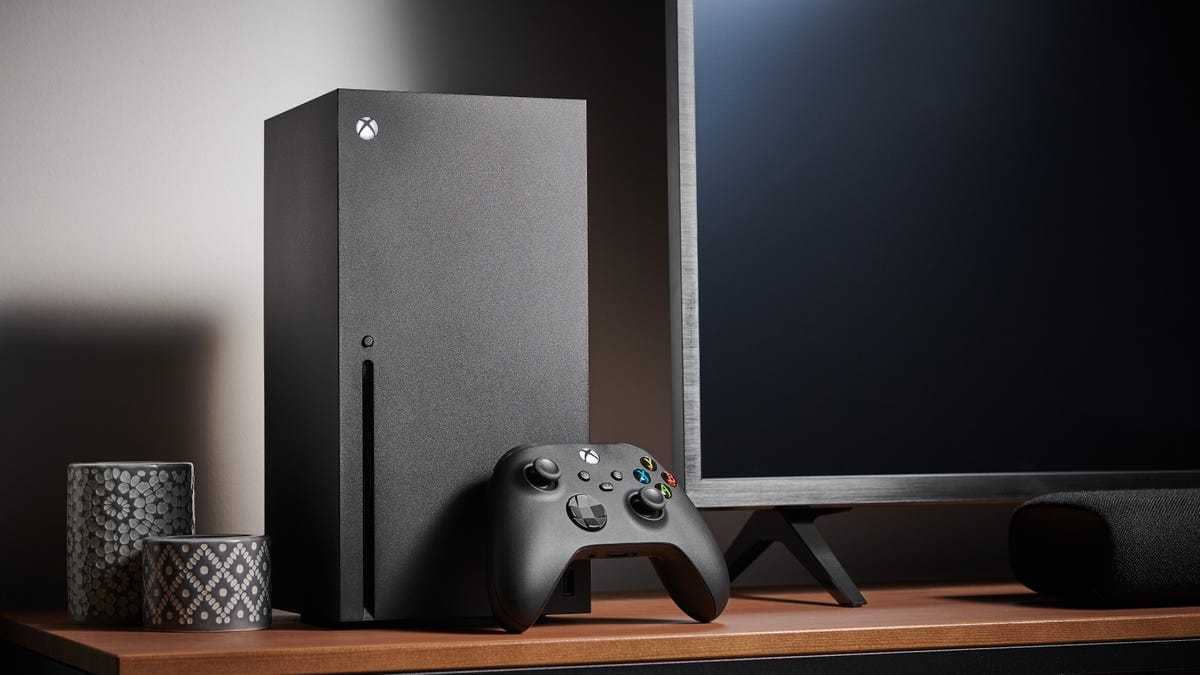
Technology is advancing to the point that we are moving toward a world without physical discs. Since the PlayStation 5 Digital Edition and Xbox Series S were the first big consoles without a disc drive when they launched, this worried players who like to share their games with friends and family. That is why in this article we will cover how to do game sharing on Xbox Series X, so you too can enjoy sharing games with your loved ones!
How Do You Do Game Sharing on PS5? 2023
 How Do You Do Game Sharing on Xbox Series X? 2023
Game sharing on Xbox Series X lets you and a friend or family member share all the digital games you have bought on your consoles. This includes games you can access through Game Pass and Game Pass Ultimate. You just need to make sure you trust the person you are sharing games with, because you will need to put your account on their console to set it up. Here are the steps you need to follow to do game sharing on Xbox Series X:
- The first step is to sign in on the Series X console you want to share with, or have the owner of that console sign in on your console. To add your account to another Xbox, open the guide and select Profile & system > Add new. Then you can enter your existing account details.
- On the second console, open the guide by pressing the menu button and go to Profile & system > Settings > General > Personalization > My home Xbox > Make this my home Xbox. If you want sharing to work in both directions so your friend or family member can access all your games and you can access all of theirs, have them repeat the same process to make your Xbox their home Xbox.
Frequently asked questions
Questions answered in this article
How Do You Do Game Sharing on Xbox Series X? 2023
Game sharing on Xbox Series X lets you and a friend or family member share all the digital games you have bought on your consoles. This includes games you can access through Game Pass and Game Pass Ultimate. You just need to make sure you trust the person you are sharing games with, because you will need to put your account on their console to set it up. Here are the steps you need to follow to do game sharing on Xbox Series X:
Go to sectionBazen yazar, bazen tasarlar. Film bağımlısı, oyunlar hakkında yazmayı sever✨


