

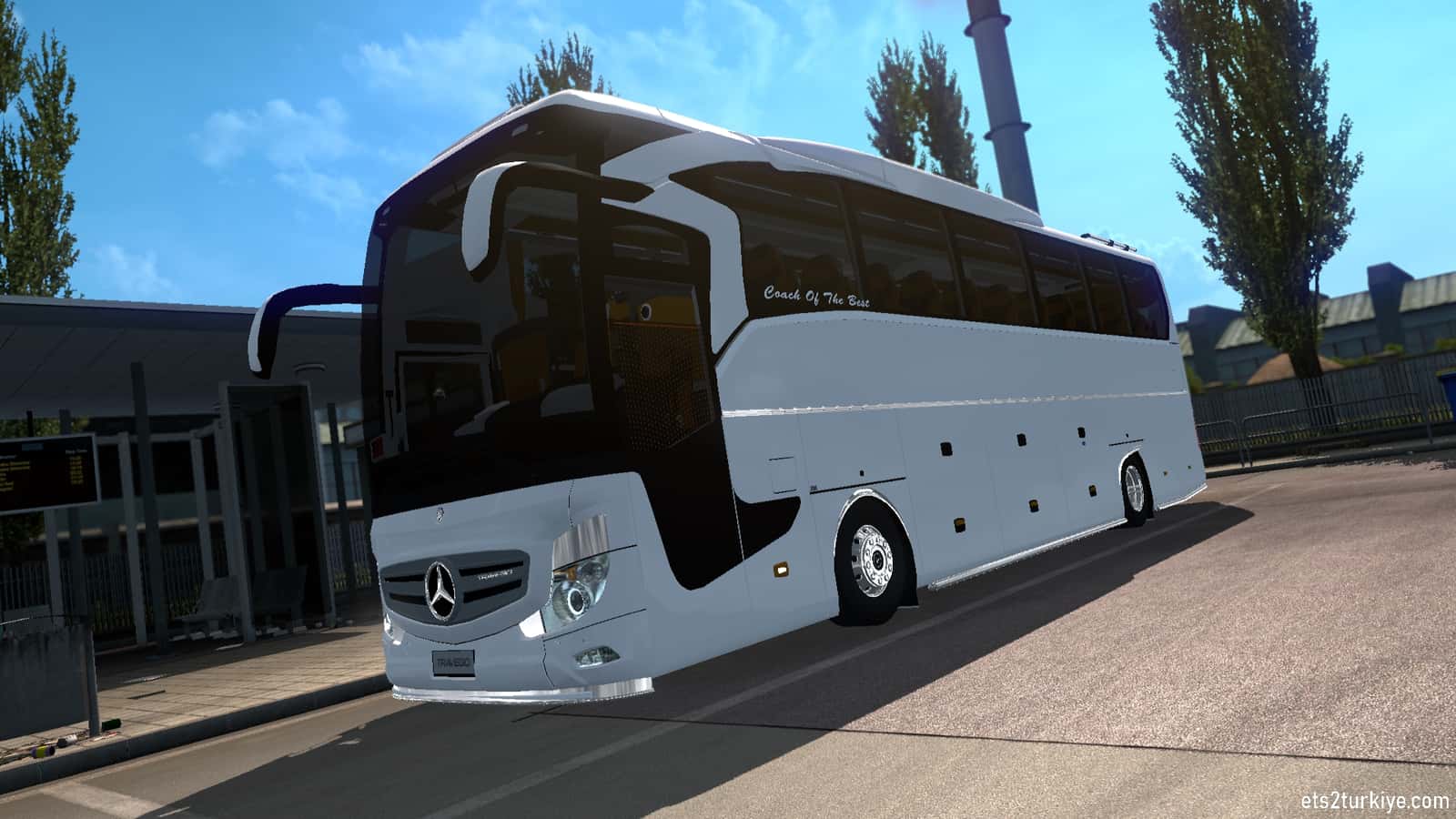
Euro Truck Simulator 2 players can add working bus jobs to the game by downloading mod files from YouTube sources rather than the Steam Workshop.

- Euro Truck Simulator 2 was released for Microsoft Windows on October 19, 2012, and for Linux in 2013.
- Most Steam Workshop bus mods for Euro Truck Simulator 2 don't work properly, so YouTube video descriptions are the recommended download source.
- Installing the bus mod means extracting .scs files into the game's mod folder and activating them from Steam's in-game mod manager.
Truck Simulator is a vehicle simulation game series made by SCS Software. The first game in the series, Euro Truck Simulator, was released for Microsoft Windows and OS X on August 29, 2008, and was the first established European truck simulation game. The sequel to Euro Truck Simulator, Euro Truck Simulator 2, was released for Microsoft Windows on October 19, 2012, and for Linux in 2013.
You've probably seen a few bus mods for Euro Truck Simulator 2 on the Steam Workshop, but you've likely also noticed that they don't work even after you install them. That's because none of them are a complete bus job mode, or almost none of them get updated to new versions. That's why, instead of the Steam Workshop, you need to check out sources on YouTube for the bus mod.
How to Install the Euro Truck Simulator 2 Bus Mod? 2022
Go to the video below, and in the description, under the heading MAPA - OBRIGATÓRIO - NOVO, MAPA - OBRIGATÓRIO - NOVO, download the required mod files from the links. (One is 890 MB, the other 101 MB.)
More Euro Truck Simulator Articles
Comments (0)
Log in to leave a comment giriş yap.
No comments yet. Be the first!
Related Posts
All News →
Turkey Game Industry Report 2024 Released
Turkey's 2024 Game Industry Report shows the country's gaming market grew to over $810M with 48M+ active players, alongside a new digital guide to local game companies.

Loldle Answers: Daily League of Legends Puzzle
Loldle is a daily League of Legends guessing game with five modes (Classic, Quote, Ability, Emoji, Splash); December 6, 2024's Classic answer was Fiddlesticks.

Monopoly GO Dice Links: Free Dice Rewards
Monopoly GO's free dice links refresh daily and can be redeemed instantly for 25 or 30 free dice each, plus tips like auto refills every 60 minutes, daily gifts, and sticker trading to earn even more.