

How to Download PUBG Mobile on PC
Play PUBG Mobile on PC by downloading Tencent Gaming Buddy, then installing the PUBG Mobile International version from within the emulator.
1 min read
In brief
AI summaryPUBG Mobile can be played on PC using Tencent's official emulator, Tencent Gaming Buddy.
Players should download the emulator first, then find and install the PUBG Mobile International version from within it.
The Tencent Gaming Buddy method is aimed at players whose PCs can't meet the higher system requirements of full PUBG.
Contents2 sections
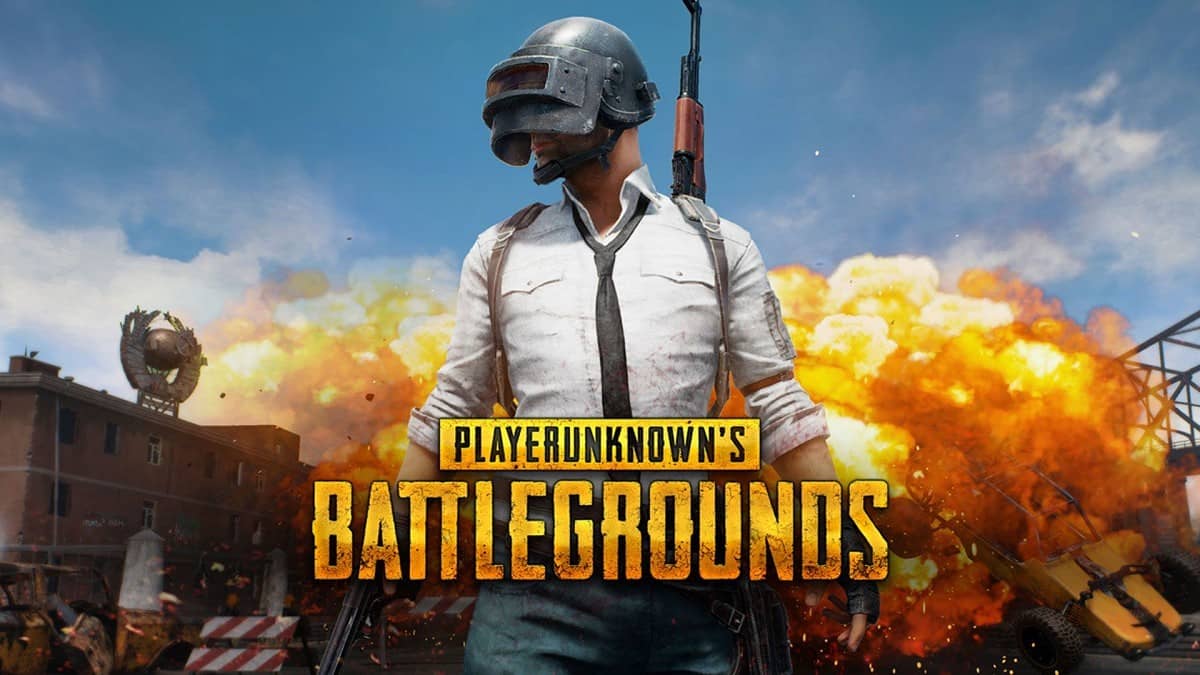
PUBG has been the cornerstone of battle royale games since its very first day, and it hasn't stayed limited to PC and console—it has also become one of the most successful games in the mobile gaming world. Since PUBG's system requirements are high and it doesn't support lower-end systems, we've put together "how do you download PUBG Mobile?" for anyone who wants to play PUBG Mobile on PC.
How Do You Download PUBG Mobile? How Do You Play It on PC?
Tencent created an emulator for PUBG Mobile and made PUBG Mobile available to PC players. To download PUBG Mobile on PC, the first thing you need to do is visit the website through this link and download the emulator. After that, find the PUBG Mobile International version within the app and install it.

How Do You Install PUBG Mobile After Downloading It?
After downloading the Tencent emulator, all you need to do is find the PUBG Mobile icon within the app and download the game. Remember, the link above will only help you download the emulator. At this point, all you need to do is download the app and jump into the game!
Also see;
Frequently asked questions
Questions answered in this article
How Do You Download PUBG Mobile? How Do You Play It on PC?
Tencent created an emulator for PUBG Mobile and made PUBG Mobile available to PC players. To download PUBG Mobile on PC , the first thing you need to do is visit the website through this link and download the emulator. After that, find the PUBG Mobile International version within the app and install it.
Go to sectionHow Do You Install PUBG Mobile After Downloading It?
After downloading the Tencent emulator, all you need to do is find the PUBG Mobile icon within the app and download the game. Remember, the link above will only help you download the emulator. At this point, all you need to do is download the app and jump into the game!
Go to section

