


How to Play Clash Royale on PC
Clash Royale can be played on PC with the Bluestacks emulator: download it, sign in with Google, then search for and install the game.

- Clash Royale is a mobile game, but it can still be played on a PC through an emulator.
- Bluestacks is recommended as the best emulator option for playing Clash Royale on a computer.
- To play, download Bluestacks, install it, sign in with a Google account, then search for and install Clash Royale.
How to Download Clash Royale on PC? 2023! How to Play It From a Computer?
Developed by Supercell, Clash Royale gives players the chance to build unique battle decks and fight friends in quick matches. The game falls into the mobile game category, but some computer users wonder whether they can step into the arena on the big screen. So let's explain how you can play Clash Royale on your computer. How do you download Clash Royale for PC?
 How to Play Clash Royale From a Computer? 2023
Even though Clash Royale is a mobile game, it can be played on PC too. Since the play areas are designed for the mobile version, unfortunately you won't have the option to play in full screen. But of course, a bigger screen can be better for some players. The only way to play Clash Royale on your computer is to get a mobile emulator, and the best option you can pick at this point is Bluestacks. Unlike Clash Royale, Bluestacks isn't free, but you can also find free versions of it.
How to Download Clash Royale on PC? 2023
To play Clash Royale on your computer, just follow these steps:
- Download Bluestacks.
- Install the emulator and choose your language.
- Sign in with a Google account.
- Search for "Clash Royale" on the home screen.
- Tap Install.
We hope this method worked for you, enjoy the game! :)
Comments (0)
Log in to leave a comment giriş yap.
No comments yet. Be the first!
Related Posts
All Clash Royale →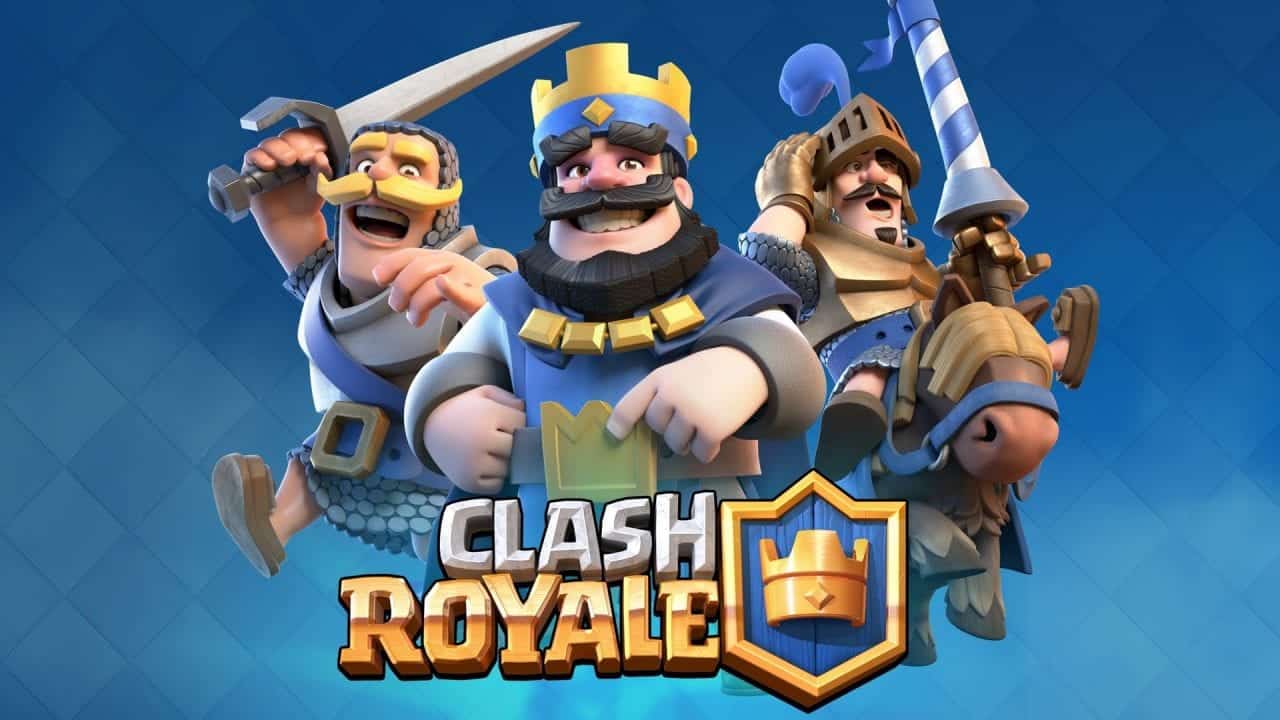
Clash Royale Name Change: Guide and Color Codes
Clash Royale players get one free name change at King Level 4, and can style it with colored-name codes like <c1>.
Clash Royale December 2022 Update: Balance Changes
Clash Royale's December 2022 Clashmas update brings balance changes, a Card Boost Potion, and quality of life improvements starting December 12.

Clash Royale October 2022 Tier List
Hog Rider, Mega Knight, and Valkyrie top the A Tier of this Clash Royale Season 39 tier list, following several October 2022 reworks and balance changes.