

Sea of Thieves FPS Boost Guide and System Requirements (2023)
To boost Sea of Thieves FPS, lower graphics settings, update GPU drivers, free up RAM, run DirectX 11 and check cooling; 1080p at 60 fps needs a GTX 770 and 8 GB RAM.

3 min read
In brief
AI summarySea of Thieves recommended requirements for 1080p, Medium, 60 fps are an Intel Core i5 4690 or AMD FX-8150, 8 GB RAM and a GTX 770 or Radeon R9 380X with 4 GB VRAM.
Sea of Thieves minimum requirements (720p, Low, 30 fps) are an Intel Q9450, 4 GB RAM and a GTX 650 or Radeon 7750; extreme settings (4K, Ultra) need a GTX 1080 Ti or RX Vega 64.
Sea of Thieves FPS boost tips: lower graphics settings, update drivers, free RAM, try DirectX 11 (DirectX 12 can cause FPS problems) and check your PC's cooling.
Contents5 sections
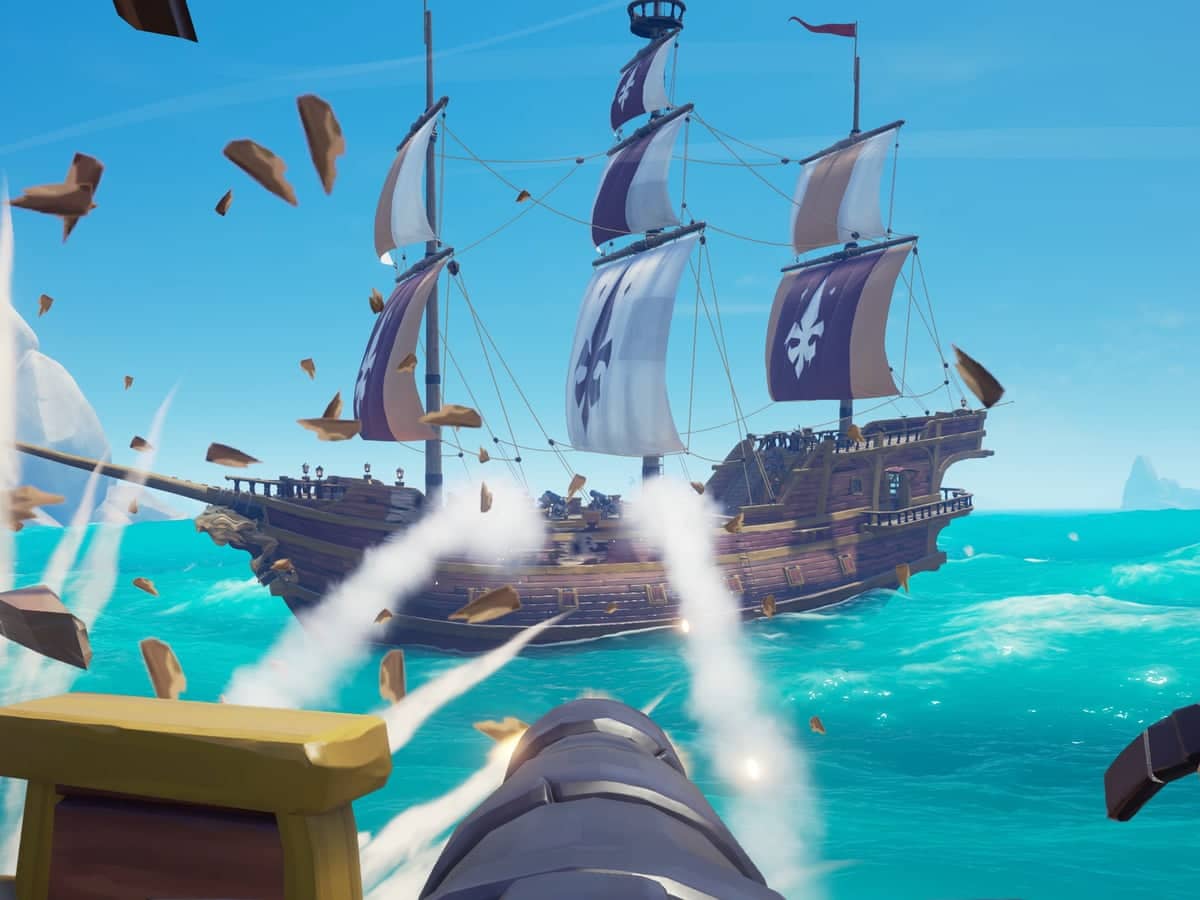
Sea of Thieves is a popular seafaring adventure game. While playing it, you may run into FPS (frames per second) problems. These FPS problems can keep you from enjoying the game. In this article, we will offer some tips and solutions to fix Sea of Thieves FPS problems. We have also explained how to play Sea of Thieves! If you are ready, let's get to the article. Here is the Sea of Thieves FPS boost guide 2023!
 Sea of Thieves System Requirements 2023
Sea of Thieves' PC requirements are quite manageable. Even the specs recommended by Rare to play the game at Medium settings at 1920x1080 and 60 fps are not that demanding, so you should be able to run Sea of Thieves reasonably well even if you have not upgraded your PC. Here are the exact system requirements:
Minimum System Requirements: (720p, Low, 30fps)
- CPU: Intel Q9450 2.6GHz / AMD Phenom II X6 3.3GHz
- RAM: 4GB
- GPU: Nvidia GeForce GTX 650 / AMD Radeon 7750
- VRAM: 1GB
- Storage: 60GB
- OS: Windows 10 (1607 Anniversary Update)
Recommended System Requirements: (1080p, Medium, 60 fps)
- CPU: Intel Core i5 4690 / AMD FX-8150
- RAM: 8GB
- GPU: Nvidia GeForce GTX 770 / AMD Radeon R9 380X
- VRAM: 4GB
- Storage: 60GB
- OS: Windows 10 (1607 Anniversary Update)
Extreme System Requirements: (4K, Ultra, 60fps)
- CPU: Intel Core i7-4790 / AMD Ryzen 5 1600
- RAM: 16GB
- GPU: Nvidia GeForce GTX 1080 Ti / AMD Radeon RX Vega 64
- VRAM: 8GB
- Storage: 60GB
- OS: Windows 10 (1607 Anniversary Update)
Sea of Thieves FPS Boost Guide 2023
- Change Your Graphics Settings: Sea of Thieves is a game with high system requirements. Lowering your graphics settings can reduce FPS problems. To lower your settings, go to the game settings and set the graphics settings to the lowest level. This can make the game run smoother and faster.
- Update Your Drivers: Keeping your drivers up to date can make the game run faster and more smoothly. By updating your graphics card drivers, you can improve your game performance. You can also try updating your sound card drivers.
- Free Up Memory: Having your computer's RAM full can cause the game to run slowly. You can free up your RAM by restarting your computer. You can also reduce your RAM usage by closing programs running in the background.
- Use Game Modes: Sea of Thieves' game modes can be useful for reducing FPS problems. You can try running the game in DirectX 11 mode. DirectX 12 mode can cause FPS problems. So you can have a smoother gameplay experience by using DirectX 11 mode.
- Check Your Cooling System: Your computer's cooling system is important for controlling temperature during gameplay. If your computer's fans are not working or the cooling system is not working correctly, your game performance can be affected. Therefore, we recommend that you check your computer's cooling system and clean it if necessary.
In conclusion, you can try different methods to fix Sea of Thieves FPS problems. Lowering your graphics settings, updating your drivers, freeing up memory, using game modes and checking your cooling systems are among the effective ways to solve FPS problems. By trying these methods, you can keep enjoying Sea of Thieves without problems.
LoL, TFT ve VALORANT sever bir oyun sever ve oyuncu. Mobil platformlarda ise tam bir Clash of clans hastası.


