


Category
Page 12 · 441 articles
Tech

Tech
How to Share WiFi on Android With a QR Code
On Android 10 or later, share your Wi-Fi by opening Settings, Connections, Wi-Fi, tapping the settings icon next to your network, tapping the QR code icon, and…
3 min

Tech
How to Hide Photos on an iPhone in iOS 16
To hide photos in iOS 16, open the Photos app, tap Select, choose your photos, tap the (...
2 min

Tech
Netflix Dolby Atmos: What It Is and How to Use It (2022)
As of October 2022, using Dolby Atmos on Netflix required the most expensive (Ultra HD) plan, a compatible device and high or auto streaming quality; supported…
2 min

Tech
How to Hide a Channel on YouTube TV
You can hide channels on YouTube TV from the Live Guide in a web browser or from the Sort menu in the mobile app on Android or iOS.
2 min

Tech
How to Turn On the Haptic Keyboard in iOS 16
To turn on the iOS 16 haptic keyboard, open Settings, go to Sounds & Haptics, tap Keyboard Feedback and switch on Haptic; you can also enable Sound.
2 min

Tech
How to Copy and Paste a Photo Subject on iOS 16
iOS 16 lets you cut out a photo's subject and paste it into another app, similar to the Photoshop cutout tool.
2 min
Tech
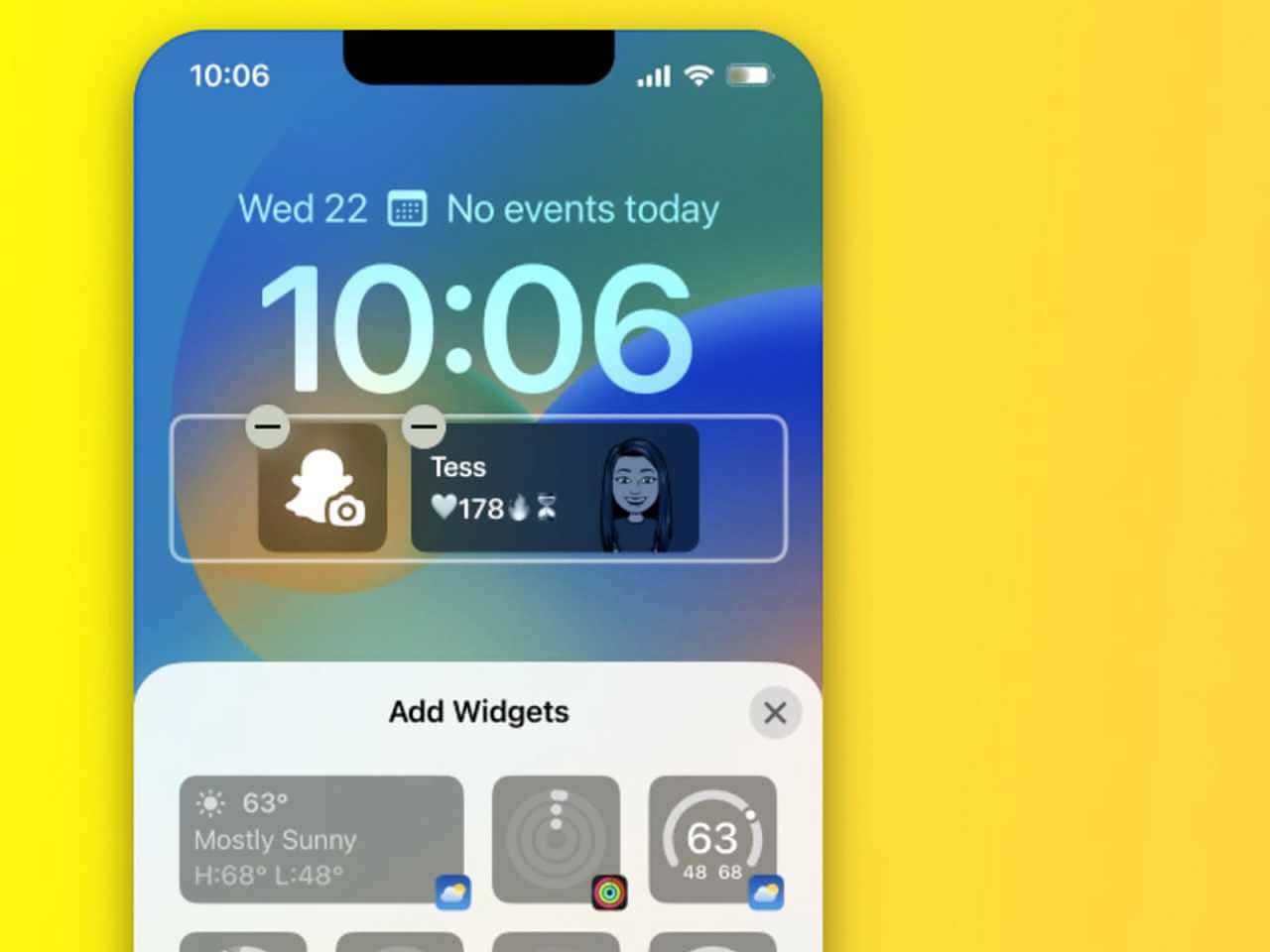
How to Add Widgets to the iOS 16 Lock Screen
To add widgets to the iOS 16 lock screen, press and hold the lock screen, tap Customize, tap Add Widgets under the clock, pick up to four widgets and tap Done.
2 min

Tech
How Do You Download Music from SoundCloud?
SoundCloud lets you download artist-approved tracks one at a time via the Download button beneath a song, when the artist has enabled it.
2 min

Tech
How to Transfer Your Number to iPhone 14 With eSIM
The iPhone 14 series has no physical SIM slot, so move your number with eSIM Quick Transfer during setup (Transfer From Another iPhone > Transfer Number >…
2 min

Tech
How to Transfer WhatsApp Messages From Android to iPhone (2022)
Use Apple's free Move to iOS app: install it on your Android phone, set up the new iPhone manually on the same Wi-Fi, enter the one-time code and select…
2 min

Tech
How to Join a Microsoft Teams Meeting
You can join a Microsoft Teams meeting via a link, a meeting ID and passcode, the Teams app, or by dialing in on your phone for audio only.
3 min

Tech
How to Share a Spotify Playlist on Mobile and Desktop
To share a Spotify playlist on mobile, open the playlist, tap the three dots and choose Share or scan its share code; on desktop, right-click the playlist and…
4 min

Tech
How to Create a Bibliography in Word
To create a bibliography in Word, add sources under References, Insert Citation, Add New Source, then choose Bibliography, Insert Bibliography; update it with…
4 min

Tech
How to Change Your Twitch Username
To change your Twitch username, go to Settings, then the Profile tab, select Edit next to Username and update it; Twitch blocks further changes for 60 days…
3 min

Tech
How to Download Movies and Shows From Amazon Prime Video
To download from Amazon Prime Video, sign in with a Prime account on the app, open a title, pick Good, Better or Best quality and tap Download; Moonfall took 1…
3 min

Tech
How to Filter Unknown Messages in iOS 16
To filter unknown messages in iOS 16, open Settings > Messages, go to Message Filtering and turn on Filter Unknown Senders; it works on iPhone 8 through iPhone…
2 min
Tech
How to Change the Size in Google Slides
In Google Slides, resize a presentation via the Slideshow button for full-screen mode, or change its aspect ratio (4:3, 16:9, 16:10, or Custom) from File >…
2 min

Tech
How Do You Post on Pinterest? Create a Pin on Desktop and Mobile
To post on Pinterest, create a pin: on a computer, choose Create > Create Pin and upload an image; on mobile, tap your profile icon, press the plus sign and…
2 min

Tech
How to Back Up Notes on Mac and iPhone
To back up the Notes app on Mac, export notes as PDF via File > Export as PDF, enable Notes under Apple ID > iCloud, or use Time Machine with a backup disk.
2 min
Tech
How to Add a Hyperlink in Word: Link to a Website or File
To add a hyperlink in Microsoft Word, select the text, go to Insert > Links > Link > Insert Link, choose Existing File or Web Page and enter the URL or file…
3 min

Tech
How to Fix Slow Upload Speeds on a Computer (2022)
To fix slow upload speeds on a PC, update your Wi-Fi router's firmware, replace an old router, and move closer to the router, add a Wi-Fi extender or switch to…
2 min
Showing 232–252 of 441