

How to Copy a Crosshair in VALORANT: /crosshaircopy and /cc
To copy another player's crosshair in VALORANT, open the console while spectating them and enter /crosshaircopy or /cc; the crosshair system holds up to 10 crosshairs at once.

2 min read
In brief
AI summaryIn VALORANT, you copy another player's crosshair by opening the console while watching them and entering /crosshaircopy or /cc, then customizing the result.
VALORANT's crosshair system can only hold 10 crosshairs at a time, so you must delete some before importing a new one.
To copy a pro player's crosshair in VALORANT, find that pro's crosshair code and import it, since crosshairs cannot be copied directly from streams or pro matches.
Contents3 sections
VALORANT Crosshair Copy 2023! What Is the Crosshair Copy Command?
To copy another player's crosshair in VALORANT, open the console while spectating them and enter "/crosshaircopy" or "/cc". VALORANT is one of the most important games that has not lost its popularity in recent years. Both the new agents and modes added to the game and the new crosshair settings make it an indispensable game. There are different crosshair designs in the game, and each crosshair can be shaped to suit your purpose. In this article we will explain how to copy another player's crosshair and how to integrate it into your own setup.
 VALORANT Crosshair Copy 2023
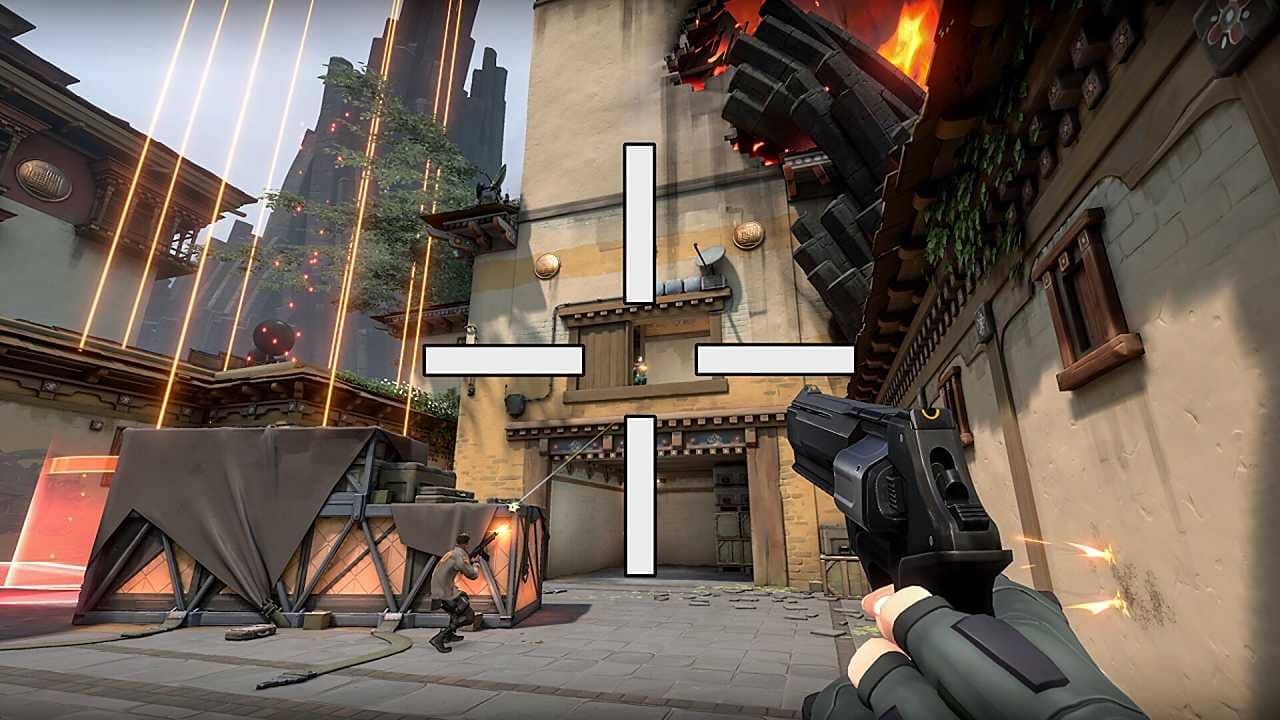
You can copy another player's crosshair and adapt it to suit yourself. To do this, all you need to do is open the console while watching that person and enter the "/crosshaircopy" or "/cc" command. After you place the code in your crosshair setup, you can customize it to your preferences. Many players prefer to turn off the outlines so they are more visible on screen. At this point, it is worth remembering that you can only import a certain number of crosshairs at a time, because the crosshair system can only hold 10 crosshairs at once. If you want to copy more crosshairs, you will need to delete some before adding a new one.
How Do You Copy a Pro Player's Crosshair in VALORANT in 2023?
The right way to copy a pro player's crosshair is to find that pro player's crosshair code and follow the steps above. Pro players have their own styles and different crosshair designs. Players often ask for their crosshairs from streams they watch or pro matches. But this is not really possible, so the best thing to do is find that pro player's crosshair code and follow the steps above.
It Is Very Easy to Make Colorful Crosshairs in VALORANT!
In our video, we shared the custom color codes in VALORANT and how to make colored crosshairs .
Frequently asked questions
Questions answered in this article
How Do You Copy a Pro Player's Crosshair in VALORANT in 2023?
The right way to copy a pro player's crosshair is to find that pro player's crosshair code and follow the steps above. Pro players have their own styles and different crosshair designs. Players often ask for their crosshairs from streams they watch or pro matches. But this is not really possible, so the best thing to do is find that pro player's crosshair code and follow the steps above.
Go to section

