CS2 Viewmodel Codes and Settings Guide
CS2's viewmodel_offset_x, offset_y, and offset_z console commands let you reposition your weapon on screen for a more comfortable view.

2 min read

In brief
AI summaryCS2 viewmodel codes let players customize how their weapon appears on screen for a more comfortable view.
viewmodel_offset_x, offset_y, and offset_z control the weapon's horizontal, vertical, and front-back position.
A common preset is viewmodel_fov 68, offset_x 2.5, offset_y 0, offset_z -1.5, entered via the console or config file.
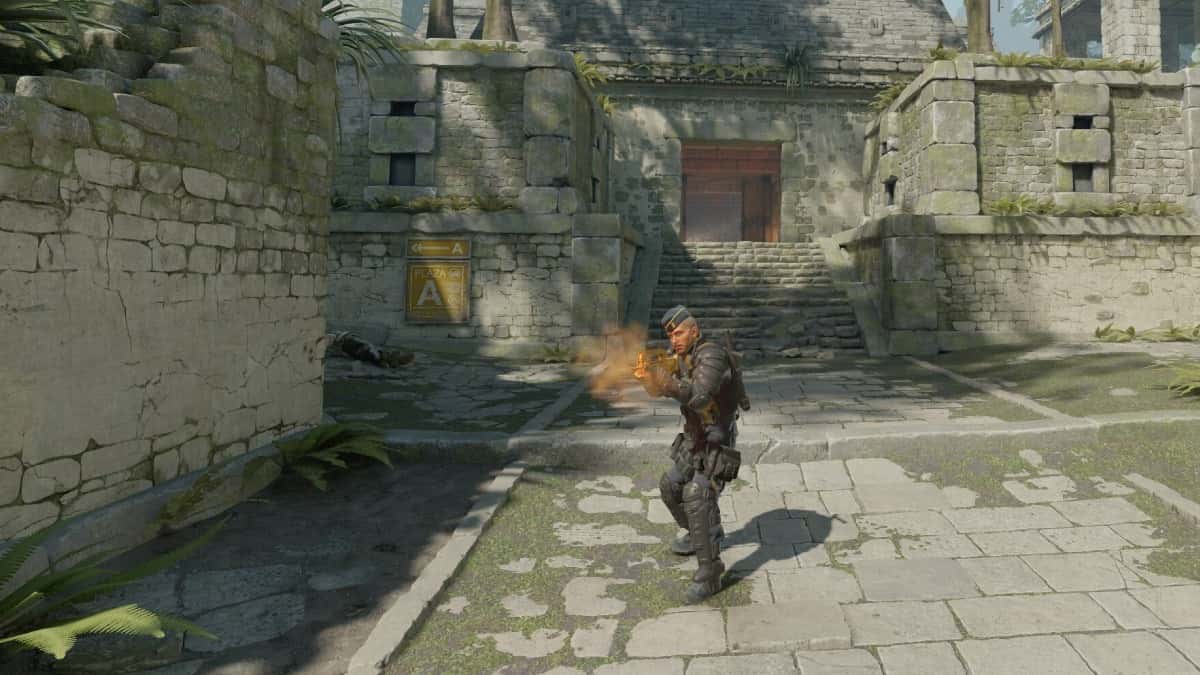
Viewmodel codes in Counter-Strike 2 (CS2) let players customize the appearance of their weapons and character. These settings can help you personalize your gameplay experience and get better in-game performance. Below you'll find information on CS2 viewmodel codes and how to use them.
Our Articles on CS2 Settings:
- CS2 Launch Options
- CS2 Not Finding a Match Issue
- CS2 Show Ping Code
- CS2 Disable Blood Code
- CS2 Switch Weapon to Left Hand Code
- How to Claim the CS2 Weekly Care Package
- CS2 Show FPS Code
- CS2 Prime vs. Competitive Difference
- CS2 Best Settings
- How to Make a Dot Crosshair in CS2
CS2 Viewmodel Codes and Settings 2023
- viewmodel_offset_x: Sets the weapon's horizontal position. Positive values shift it right, while negative values shift it left.
- viewmodel_offset_y: Sets the weapon's vertical position. Use positive values to shift it up and negative values to shift it down.
- viewmodel_offset_z: Sets the weapon's front-back position. Positive values show the weapon closer to the player, while negative values show it farther away.
You can also find the viewmodel codes below.
- viewmodel_fov 68
- viewmodel_offset_x 2.5
- viewmodel_offset_y 0
- viewmodel_offset_z -1.5
These codes can be set by opening the in-game console or by adding them to your config file. When making your adjustments, be careful to keep a comfortable gameplay experience and good aim. You can experiment with your settings to get the best results.
In short, CS2 viewmodel codes give players a lot of flexibility to personalize their gameplay experience. By making the right adjustments, you can make the game more enjoyable and gain an advantage over your opponents.