

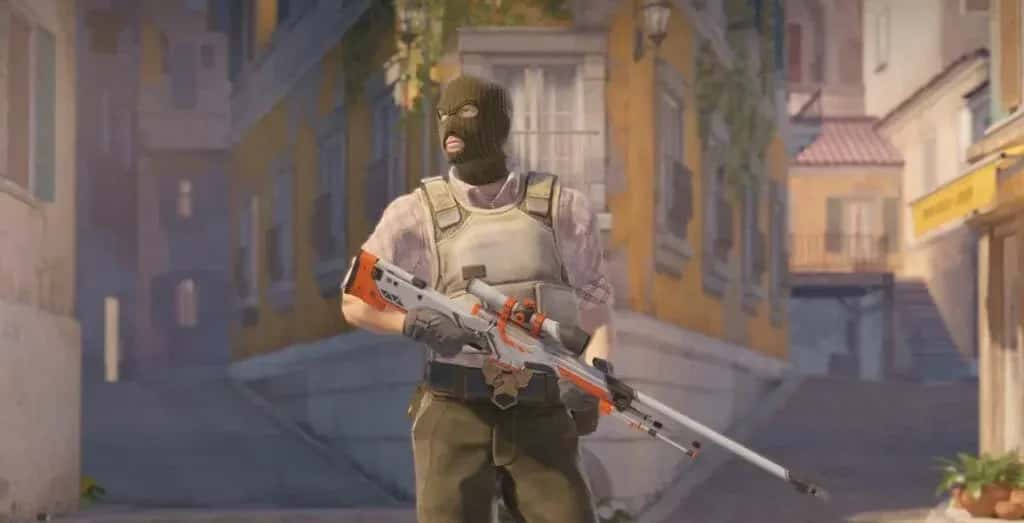
You can make a dot crosshair in CS2 either from Settings > Game > Crosshair, or with the console command cl_crosshairstyle 0.

- CS2 players can create a dot-shaped crosshair through the in-game Settings > Game > Crosshair menu.
- The console command cl_crosshairstyle 0 also sets the CS2 crosshair to a dot shape.
- A dot crosshair helps CS2 players see their target more clearly and land more accurate shots.
CS2 Dot Crosshair 2024! How to Make a Dot Crosshair in Counter-Strike 2
Counter-Strike 2 (CS2) is one of the most popular FPS games in the world. Players choose CS2 for competitive and fun gameplay alike. In CS2, the crosshair is the player's aiming reticle. The crosshair is one of the most important elements of the game, and it matters for the player to be able to hit their target accurately.
The standard crosshair is made up of a circle and a line. However, some players prefer to use a dot-shaped crosshair. A dot crosshair lets you see your target more clearly, which makes it easier for the player to land more accurate shots. That's why we've explained in detail the CS2 dot crosshair code and how to make it.
Our Articles About CS2 Settings:
- CS2 Launch Options
- CS2 Not Finding a Match Issue
- CS2 Show Ping Code
- CS2 Remove Blood Code
- CS2's Current Viewmodel Codes
- How Do You Claim the CS2 Weekly Reward Package?
- CS2 Show FPS Code
- CS2 Left-Handed Weapon Code
- CS2 Prime vs. Competitive Difference
- Best CS2 Settings
How Do You Make a Dot Crosshair in CS2? 2024
There are 2 easy methods you can use to make a dot-shaped crosshair in CS2:
1. Doing it from the in-game settings
To make a dot crosshair from the in-game settings, follow the steps below:
- Open the game and go to Settings > Game > Crosshair.
- Pick the color you want from the "Crosshair Color" section.
- Set the thickness of the crosshair from the "Crosshair Thickness" section.
- Set the size of the crosshair from the "Crosshair Size" section.
- Select "Dot" from the "Crosshair Style" section.
2. Doing it with a console command
To make a dot crosshair using a console command, follow the steps below:
- Open the game and open the console.
- Type the following command and press Enter:
cl_crosshairstyle 0
This command will set your crosshair to a dot shape.
Conclusion:
There are 2 easy methods you can use to make a dot-shaped crosshair in CS2. Using these methods, you can enjoy your game even more.
LoL, TFT ve VALORANT sever bir oyun sever ve oyuncu. Mobil platformlarda ise tam bir Clash of clans hastası.
Comments (0)
Log in to leave a comment giriş yap.
No comments yet. Be the first!
Related Posts
All CS 2 →
CS2 FPS Boost Codes and Console Commands
These CS2 console commands and settings tweaks, including fps_max and cl_showfps, help you boost FPS and monitor performance in Counter-Strike 2.
How to Fix the CS2 Downloading Content Error
CS2's Downloading Content error is usually caused by server issues, weak connections, low disk space or corrupted files, and is often fixed by verifying game files or restarting Steam.
CS2 FPS Drop Fix: Causes and Solutions
CS2 FPS drops usually come from outdated GPU drivers, mismatched graphics settings, background apps, or an unstable network connection.