

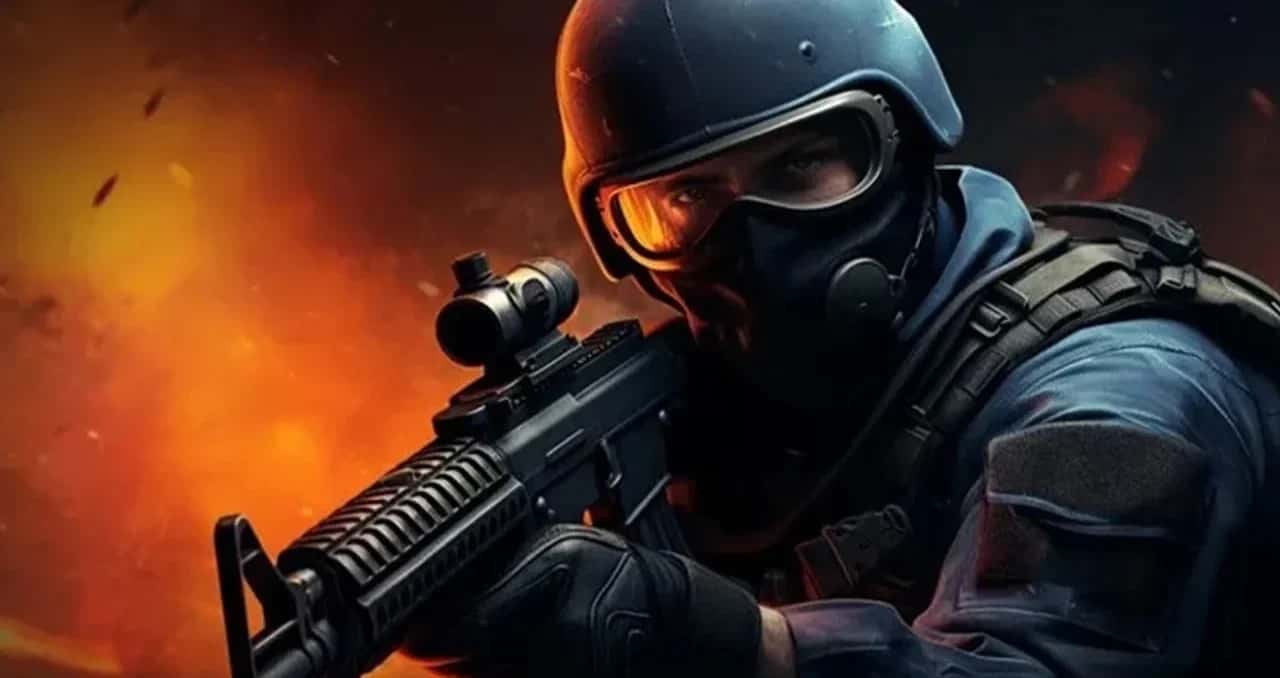
In CS2, Premier matches require the Premier competitive rank, follow official tournament rules, and pit more skilled players against each other than regular Competitive.

- In CS2, players compete in five-on-five Competitive matches to plant or defuse the bomb or rescue hostages.
- Premier matches are Competitive mode's toughest tier, open only to players with the Premier competitive rank.
- Reaching Premier requires winning Competitive matches and performing well to raise your competitive rank.
What Is the Difference Between Premier and Competitive in CS2 (Counter Strike 2)?
Counter-Strike 2 (CS2) is one of the most popular first-person shooters in the world. In the game, two teams compete to complete various objectives such as defusing a bomb or rescuing hostages. In CS2, players can test their skills and compete with other players by playing Competitive mode.
In Competitive mode, players play in teams of five, and each team's goal is to infiltrate the opponent's base and plant the bomb or rescue the hostages. Players earn points for winning each round, and the team with the most points wins the match.
Premier matches are the highest level of Competitive mode. In these matches, players are those with a higher competitive rank called "Premier." Premier matches are tougher than regular Competitive matches, and the players are more skilled and experienced.
Our Articles About CS2 Settings:
- CS2 Launch Options
- CS2 Not Finding Matches Issue
- CS2 Show Ping Command
- CS2 Remove Blood Command
- CS2's Latest Viewmodel Commands
- How to Get the CS2 Weekly Care Package
- CS2 Show FPS Command
- CS2 Switch Weapon to Left Hand Command
- CS2 Best Settings
- How to Make a Dot Crosshair in CS2
 Differences Between CS2 Premier Matches and Regular Competitive Matches
There are the following differences between Premier matches and regular Competitive matches:
- Competitive rank: Premier matches can only be played by players who have the "Premier" competitive rank. In regular Competitive matches, all players can play.
- Tournament rules: Premier matches are played according to the rules used in official CS2 tournaments. In regular Competitive matches, more flexible rules may apply.
- Player skill: Premier matches are played by more skilled and experienced players. Regular Competitive matches feature players at a wider range of skill levels.
How Do You Join CS2 Premier Matches?
To play Premier matches, you first need to reach the "Premier" competitive rank in Competitive mode. To raise your competitive rank, you need to win matches and perform well.
Tips for Joining CS2 Premier Matches
Premier matches are tougher than regular Competitive matches. Because of this, you may want to keep the following tips in mind before joining these matches:
- Communicate with your teammates. Good communication is the key to winning Premier matches.
- Play tactically. Instead of relying only on your individual skill, focus on playing as a team and developing strategy.
- Practice. Before playing Premier matches, you can practice in regular Competitive matches.
In conclusion,
Premier matches are the toughest and most competitive matches you can play in CS2. To join these matches, you need to have a good competitive rank and know how to play tactically. Also, since you'll be dealing with map bans while playing Premier, you can end up playing any of the 7 maps in the map pool. So if you don't know every map, you can queue into the game through what we call regular Competitive (MM) instead of Premier.
LoL, TFT ve VALORANT sever bir oyun sever ve oyuncu. Mobil platformlarda ise tam bir Clash of clans hastası.
Comments (0)
Log in to leave a comment giriş yap.
No comments yet. Be the first!
Related Posts
All CS 2 →
CS2 FPS Boost Codes and Console Commands
These CS2 console commands and settings tweaks, including fps_max and cl_showfps, help you boost FPS and monitor performance in Counter-Strike 2.
How to Fix the CS2 Downloading Content Error
CS2's Downloading Content error is usually caused by server issues, weak connections, low disk space or corrupted files, and is often fixed by verifying game files or restarting Steam.
CS2 FPS Drop Fix: Causes and Solutions
CS2 FPS drops usually come from outdated GPU drivers, mismatched graphics settings, background apps, or an unstable network connection.