

FC 27 Language Settings: Change Game and Commentary Language
How to change the commentary language in FC 27's Audio settings, how to change the game language on PC through the EA app or Steam, and which languages, including Turkish, FC 27 supports.

4 min read

In brief
AI summaryFC 27 supports 21 languages on PC via Steam, including 14 with full audio.
Full-audio languages are English, French, Italian, German, Spanish, Arabic, Dutch, Japanese, Korean, Polish, Brazilian Portuguese, Simplified Chinese, Latin American Spanish, and Turkish.
Interface-only languages are Czech, Danish, Norwegian, European Portuguese, Russian, Swedish, and Traditional Chinese.
Contents12 sections
FC 27 language settings are split in two: commentary language is changed in game under Settings > Game Settings > Audio > Commentary Language, while on PC the game language is set through the EA app or Steam. FC 27 supports 21 languages, 14 of them with full audio.
Which languages does FC 27 support?
The official Steam store page lists these languages, with full audio support for the ones in the first row. The Turkish PlayStation Store's product data also lists Turkish as both a screen and spoken language. That data shows 14 spoken languages and 19 screen languages for the PS4 version, so the list can differ slightly by platform; the Steam list applies to PC.
| Support | Languages (per Steam) |
|---|---|
| Full audio | English, French, Italian, German, Spanish (Spain), Arabic, Dutch, Japanese, Korean, Polish, Portuguese (Brazil), Simplified Chinese, Spanish (Latin America), Turkish. |
| Interface/subtitles only | Czech, Danish, Norwegian, Portuguese (Portugal), Russian, Swedish, Traditional Chinese. |
FIFPlay's FC 27 commentators guide lists teams such as Derek Rae and Stewart Robson (English), Wolff-Christoph Fuss and Frank Buschmann (German), and Fernando Palomo and Mario Kempes (Latin American Spanish). It does not list a Turkish team, so we could not confirm who the Turkish commentators are.
How to change the commentary language in FC 27
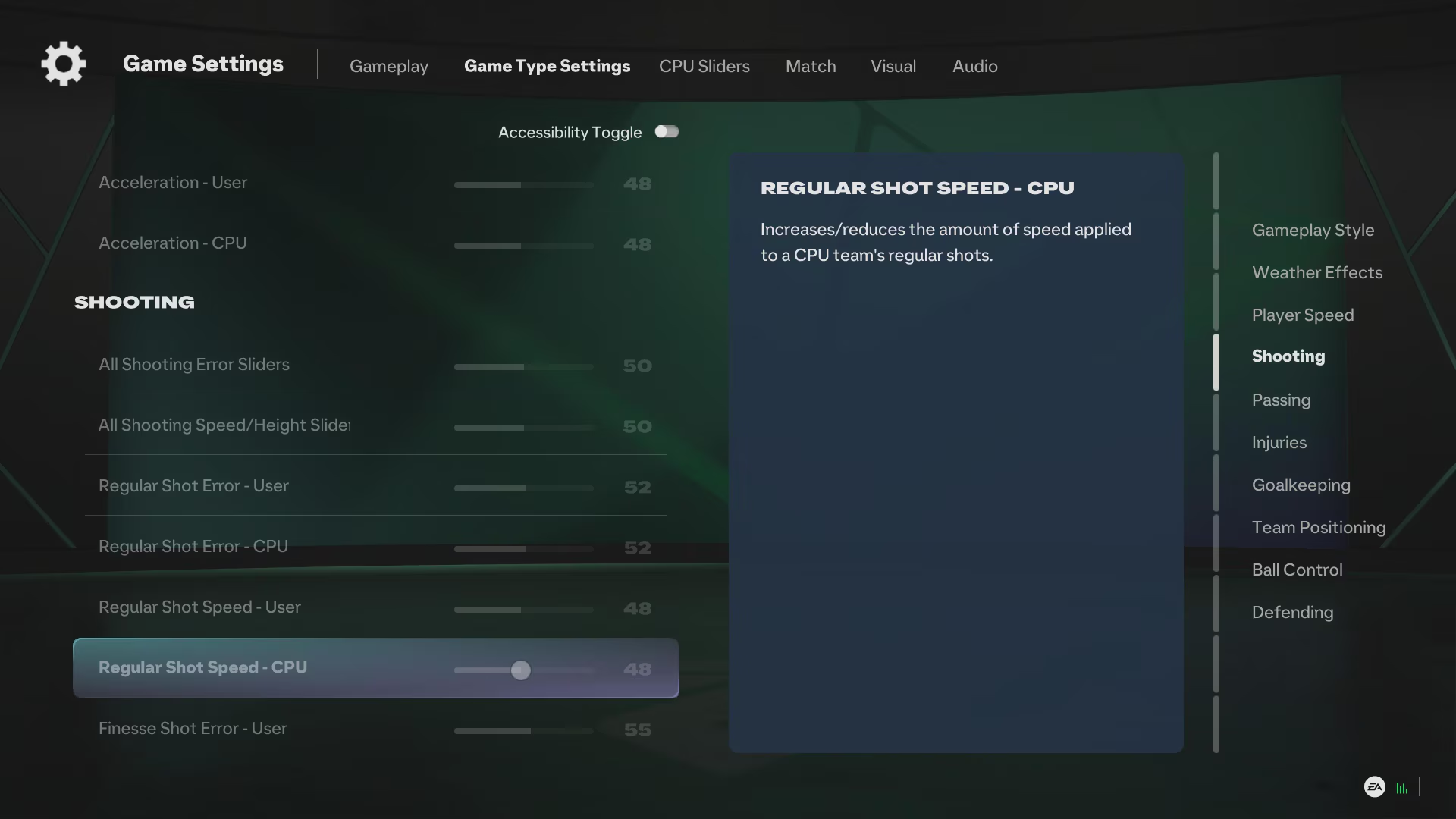
According to FIFPlay's FC 27 commentators guide:
- Open Settings from the main menu.
- Select Game Settings.
- Go to the Audio tab.
- Find Commentary Language.
- Pick your language.
- Download the commentary pack if prompted.
FIFPlay notes that not every language is available in every country, and options can vary by platform and edition. If your language is missing, make sure the game is up to date and check whether a language pack needs downloading.
FC 27 language settings: changing the game language
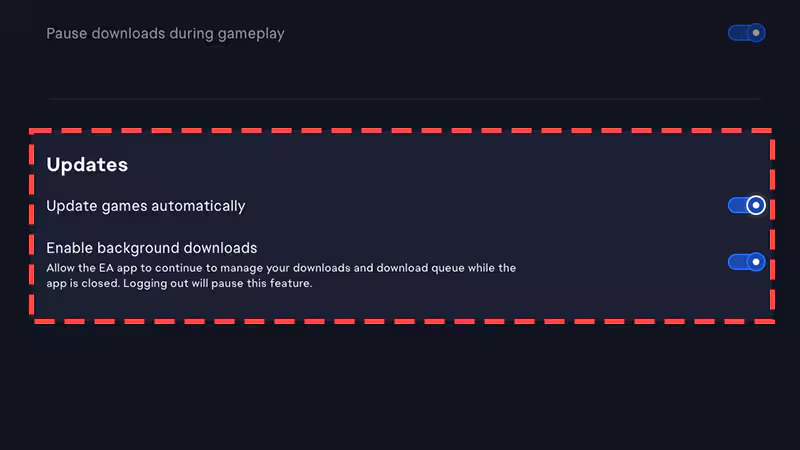
On PC with the EA app
EA Help says you choose your Language preferences alongside the install location when downloading a game in the EA app. Pick the language you want at that point. If the game is already installed and you can't find a language option in the EA app's game management menu, reinstalling with the right language selected is the reliable fix.
On PC with Steam
For multi-language games on Steam, right-click the game in your library, open Properties and change the language under General. Steam may then download extra files.
On PlayStation and Xbox
Check the language options in the game's own settings first. In older games, such as EA FC 24, language selection sat under Settings > Game Settings; we could not confirm that path for FC 27. If there is no in-game option, many games take their display language from the console's system language, so try changing that and restarting the game.
Language not changing? Try this
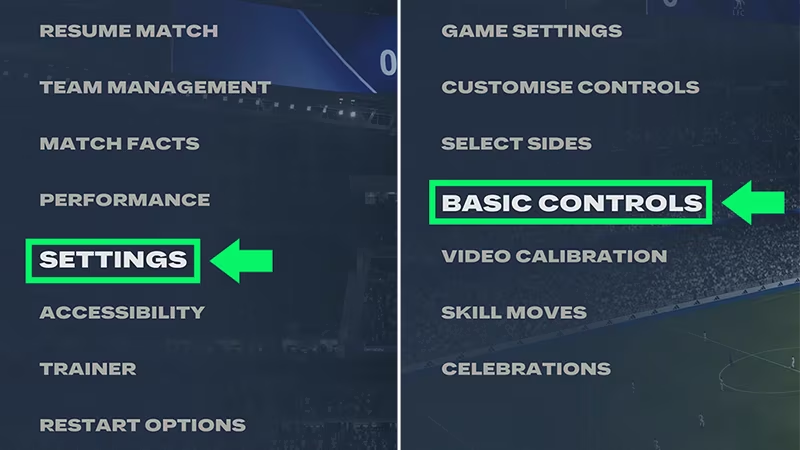
- Restart the game fully: language changes often need a restart.
- Download the audio pack: commentary can come as a separate download and may not work until it finishes.
- Check region and edition: FIFPlay says some languages aren't offered in every country or edition.
- Free up storage: make sure there is room for the new language pack.
Sources: Steam - EA SPORTS FC 27 supported languages, FIFPlay - FC 27 commentators and commentary language, EA Help - downloading games in the EA app.
Frequently Asked Questions
Where do I change commentary language in FC 27?
Go to Settings > Game Settings > Audio and change Commentary Language. You may be asked to download the language pack.
How many languages does FC 27 support?
Steam lists 21 languages, 14 of them with full audio support.
Does FC 27 have Turkish commentary?
Steam and the PlayStation Store list Turkish with audio support. FIFPlay's commentator list doesn't name a Turkish team, so check the Commentary Language setting in game.
How do I change the language of FC 27 on PC?
In the EA app, choose the language under Language preferences when downloading. On Steam, use the language option in the game's Properties under General.
Frequently asked questions
Questions answered in this article
Sources
External links cited in this article
Newsletter
The week's biggest gaming news, every Friday morning
One email every Friday: the week's most-read stories and what's new. No spam, unsubscribe anytime.
LoL, TFT ve VALORANT sever bir oyun sever ve oyuncu. Mobil platformlarda ise tam bir Clash of clans hastası.


