


How Do You Unlock Coop in Dying Light 2?
You unlock coop in Dying Light 2 by completing the Markers of Plague mission and gaining access to the open world.

- Coop in Dying Light 2 unlocks after completing the Markers of Plague mission, in which Hakon has you search a ruined hospital.
- The Game Type menu in Dying Light 2 offers Single Player, Public, Friends Only, and Private coop options.
- Players can join a random lobby via Find Game or invite specific players through the Friends option in Dying Light 2.
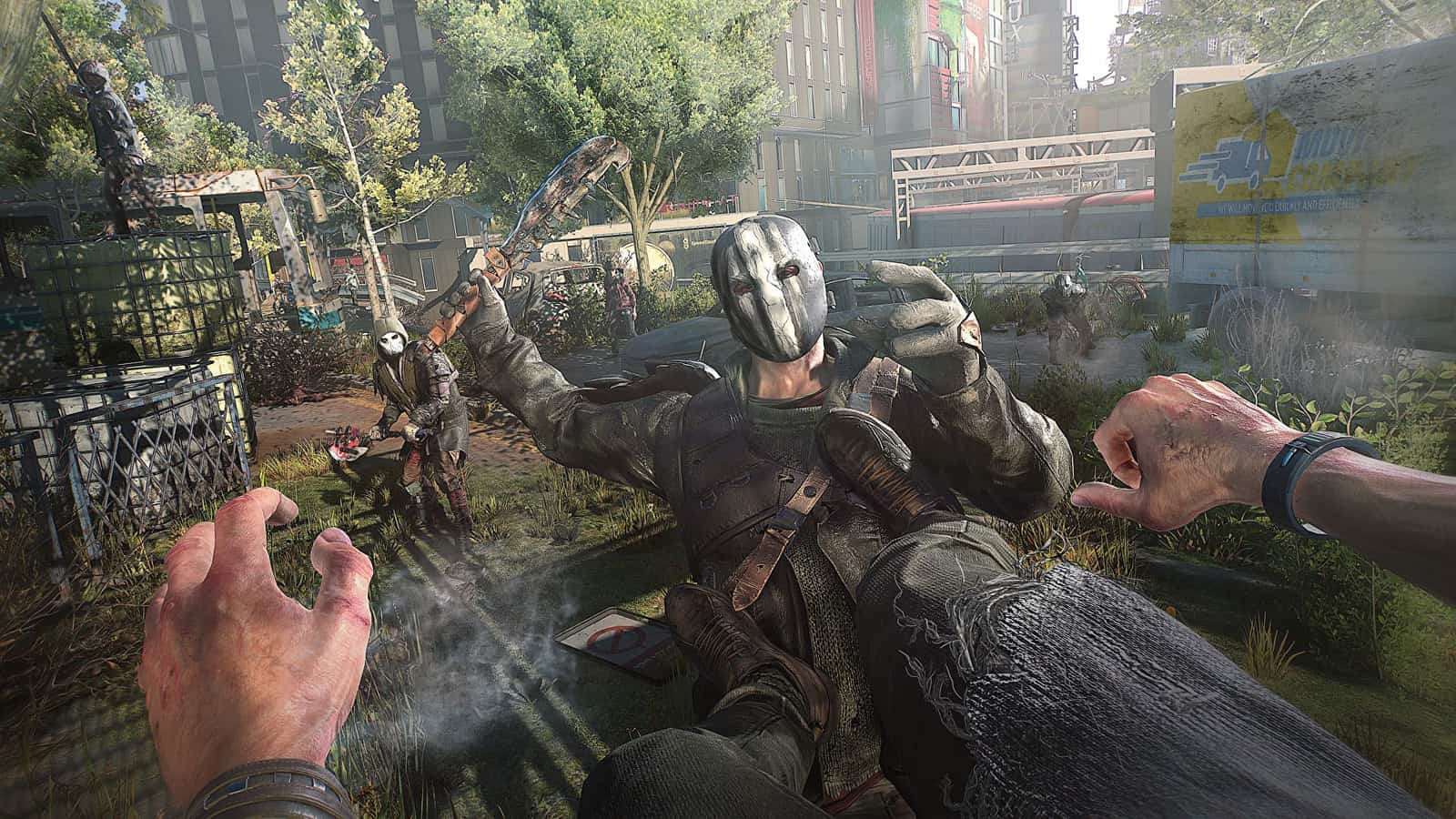
Dying Light 2 — when night falls, enemies come out of hiding and start roaming the streets. Once you've formed a team, you can take on even the deadliest enemies. But to form a team, you first need to get permission. In this article, we'll cover what we know about Dying Light 2: how to unlock co-op and how to play co-op (team play).
 How Do You Unlock Coop in Dying Light 2?
To unlock coop, you first need to complete a few main missions and gain access to the open world. Specifically, you need to accept and complete the "Markers of Plague" mission, which has you search a ruined hospital with the character Hakon. If you successfully complete the missions asked of you, including this one, you'll unlock both the open world and coop mode. After that, you can play the game either alone or with your team. The choice is yours!
How Do You Play Team Play (Co-op) in Dying Light 2?
Once you've unlocked coop, you can choose how you want to team up with other players. You can access the coop feature from the main menu or the pause menu. From there, go to "Options," then select the option labeled "Online" at the top. The "Game Type" option lets you decide who you'll play with and how. If you want, you can switch between the different coop types in the game. "Single Player" is solo mode and is ideal if you want to play by yourself. The "Public" option in the game lets any player join at any time, while "Friends Only" shows players who are on the server's friend list. The "Private" option is set through invites. If you choose the "Public" feature, you can easily meet other players without needing any of that, since Public is a feature open to everyone. You can also join another player's public game world by going to "Online Menu" from the pause menu. Finally, to join a random lobby, you can select "Find Game," or you can select "Friends" and decide for yourself who you want to play with.
More of Our Dying Light Articles
Bazen yazar, bazen tasarlar. Film bağımlısı, oyunlar hakkında yazmayı sever✨
Comments (0)
Log in to leave a comment giriş yap.
No comments yet. Be the first!
Related Posts
All Dying Light 2 →
Dying Light 2 Tips and Tricks Guide
A rundown of the best Dying Light 2 tips and tricks, covering looting, parkour, combat, stamina management and safe houses.

Dying Light 2: Should You Side With Marco or Julian?
In Dying Light 2's Cheers quest, siding with Marco gets Aiden 5 Flour plus 250 Old World Money, while turning him in leads to a tough boss fight for only a blue-tier weapon.
Dying Light 2 FPS Issue Fix: How to Stop FPS Drops
You can fix Dying Light 2 FPS drops by updating your graphics driver, verifying game files, and lowering settings like particle and reflection quality.