

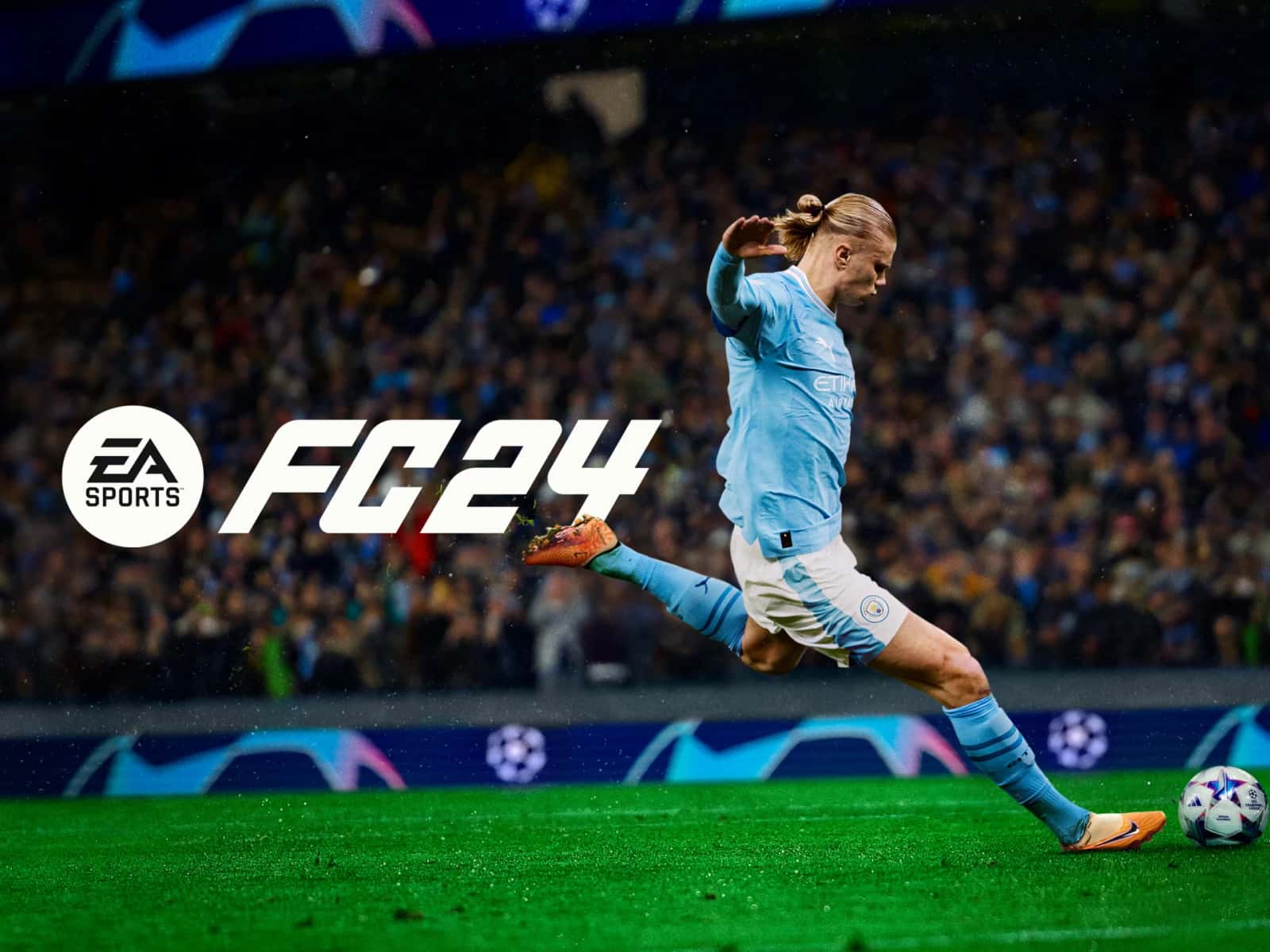
The best FC 24 graphics settings for PC pair Ultra rendering, grass, and crowd quality with No FPS Limit and Vertical Sync off.

- FC 24's best FPS-boosting PC settings use No FPS Limit, Vertical Sync off, and Medium rendering, grass, and crowd quality.
- FC 24's best graphics PC settings push rendering, grass, and crowd quality to Ultra and turn Strand-Based Hair on.
- EA recommends a GPU like the RTX 3060 or RX 6700XT or better to run FC 24's highest graphics settings without performance drops.
How Do You Improve EA FC 24 Graphics and FPS Settings? 2024
EA FC 24, brings a much bigger upgrade over the previous game with many new features like Hypermotion V, female players in Ultimate Team, and more. It also includes new cutscenes, AI improvements, and enhanced physics that fans think make it one of the most realistic sports games to date. The system requirements aren't too demanding, but you still need to set your FC 24 graphics settings correctly to get the best possible experience in the game. That's why in this article we'll cover EA FC 24's best graphics settings for you. Here's the answer to how to set up the best FC 24 graphics and FPS-boosting settings for 2024!
Here's Our EA FC 24 Ultimate Team Argi Special Tactic!
Also, for Our Article Showing FC 24's Best Console and Camera Settings With Images;
 FC 24's Best Graphics and FPS-Boosting Settings
FC 24 FPS-Boosting Settings PC
- Resolution: Depends on your monitor
- Display Mode: Fullscreen
- Refresh Rate: Maximum refresh rate supported by your monitor.
- Frame Rate: No FPS Limit
- Vertical Sync: Off
- Dynamic Resolution Scale: Off
- Cutscene Quality : Half frame rate
- Strand-Based Hair: Off
- Rendering Quality: Medium
- Grass Quality: Medium
- Crowd Quality: Medium
FC 24 Graphics Settings PC
- Resolution: Depends on your monitor
- Display Mode: Fullscreen
- Refresh Rate: Maximum refresh rate supported by your monitor.
- Frame Rate: No FPS Limit
- Vertical Sync: Off
- Dynamic Resolution Scale: Off
- Cutscene Quality: Full frame rate
- Strand-Based Hair: On
- Rendering Quality: Ultra
- Grass Quality: Ultra
- Crowd Quality: Ultra
Let's also point out that these settings in EA FC 24 are meant for fairly capable GPUs like the RTX 3060/RX 6700XT and above. While lower-end GPUs can handle these kinds of settings too, you may run into some performance drops if you max out every setting.
Who Are the FC 24 Team of the Year Players? How Much Do They Cost? What Are Their Objectives?
EA FC 24 System Requirements
Before doing any of this, you should make sure your computer meets the minimum and recommended system requirements:
| OS: | Windows 10, 64-Bit | Windows 10/11, 64-Bit |
| Processor: | Intel Core i5-6600K @ 3.50 GHz or AMD Ryzen 5 1600 @ 3.2 GHz | Intel Core i7-6700 @ 3.40 GHz or AMD Ryzen 7 2700X @ 3.7 GHz |
| Memory: | 8 GB | 12 GB |
| Graphics Card : | NVIDIA GeForce GTX 1050 Ti 4GB or AMD Radeon RX 570 4GB | NVIDIA GeForce GTX 1660 or AMD RX 5600 XT |
| DirectX: | 12 | 12 |
| Online Connection Requirements: | 512 kbps minimum internet speed | 512 kbps minimum internet speed |
| Hard Disk Space: | 100GB | 100GB |
For our video explaining the difference between the FC 24 Ultimate and Standard Editions;
Sources
External links cited in this article
Bazen yazar, bazen tasarlar. Film bağımlısı, oyunlar hakkında yazmayı sever✨
Comments (0)
Log in to leave a comment giriş yap.
No comments yet. Be the first!
Related Posts
All EA FC →
FC 25 Open World Mode: What We Know
EA has confirmed that future EA Sports FC versions will add an NBA 2K "The City"-style open world mode, though no release date has been set yet.

FC 25 Title Update 3 Brings Major Gameplay Changes
FC 25's Title Update 3 weakens the 5-at-the-back formation and trivela shots, reduces lobbed pass accuracy, and fixes Ultimate Team bugs.
How to Do Cole Palmer's Goal Celebration in FC 25
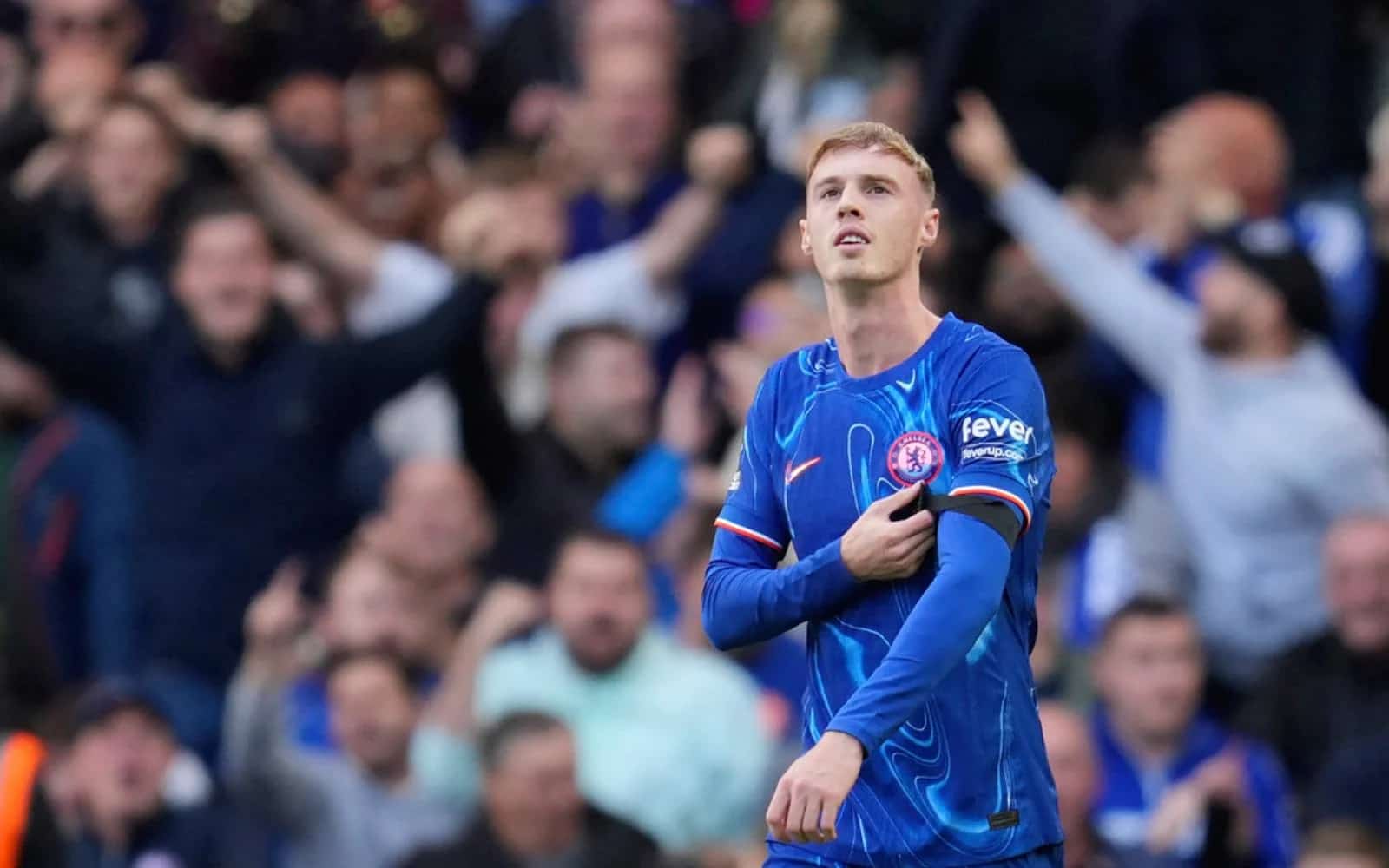
In FC 25, players can trigger Cole Palmer's signature "Cold" goal celebration by pressing X on PlayStation or A on Xbox right after scoring with him.