FIFA 23 Controller Not Detected: How to Fix Gamepad Problems
If FIFA 23 doesn't detect your controller on Steam, right-click FIFA 23 in your library, open Properties > Controller and disable Steam Input, then restart the game.

2 min read
In brief
AI summaryFIFA 23 may not detect your controller on Steam/Origin/Xbox/PS4/PS5, which the article attributes to a game bug that EA needs to fix and the Steam setting 'Use default settings'.
For Steam users, the fix is Steam > Library > right-click FIFA 23 > Properties > Controller > disable Steam Input, then close and restart FIFA 23.
Other FIFA 23 controller fixes: launch Steam/Origin as administrator, or disable Xbox Configuration Support under Steam > Settings > Controller > General Controller Settings.
Contents4 sections
FIFA 23 Controller Not Detected 2023! How Do You Fix Gamepad/Controller Problems?
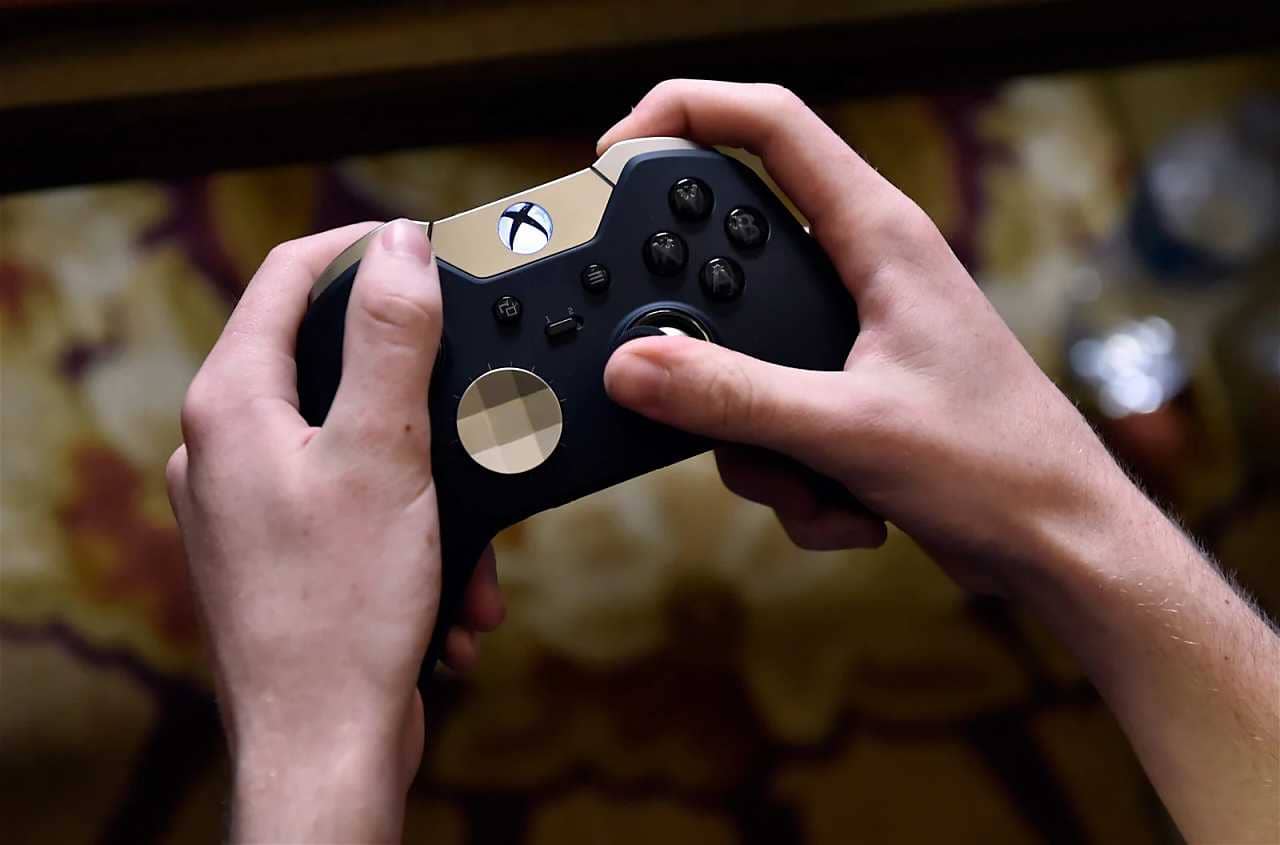
Your controller or gamepad may not be working in FIFA 23. Likewise, you may run into problems such as your controller not switching, not being detected or freezing on Steam/Origin/Xbox/PS4/PS5. As a result, you can't use your controller to play the game. In this article, we will present a guide explaining why your controller isn't working, isn't being detected or isn't switching in FIFA 23. Keep reading for how to fix the FIFA 23 controller not detected problem.

Our FC 24 Young High-Potential Centre-Back Predictions!
Who is on the list of EA Sports FC 24's young high-potential centre-backs? Who will be the highest-potential defenders in FC 24? We have shared our predictions for the best centre-back wonderkids we expect to see in FC 24 ⚽👇
Why Isn't My Controller Detected in FIFA 23?
The reason your gamepad doesn't work in FIFA 23 is that it is set to "Use default settings" (if you use Steam). The controller problem comes from a bug/glitch in the game that EA needs to fix. Steam Input lets you play any controller-supported game with any device. Unfortunately, however, Steam Input doesn't always work for all games. For example, it may not work for some people playing FIFA 23.
FIFA 23 Controller Not Detected 2023! How Do You Fix the Controller Problem?
To fix the controller not working in FIFA 23, you need to disable Steam Input in your controller settings (for Steam users). You can also try launching Steam/Origin as administrator or disabling Xbox Configuration Support in Steam.
- Steam > open Library > right-click FIFA 23 > Properties > Controller > disable Steam Input.
- Launch Steam/Origin as administrator.
- Steam > Steam > Settings > Controller > General Controller Settings > disable Xbox Configuration Support.
After disabling Steam Input, you must close FIFA 23. As the last step, you must restart FIFA 23, and if you did everything correctly, your controller will work.
Other FIFA 23 Problems and Solutions
Frequently asked questions
Questions answered in this article
Why Isn't My Controller Detected in FIFA 23?
The reason your gamepad doesn't work in FIFA 23 is that it is set to "Use default settings" (if you use Steam). The controller problem comes from a bug/glitch in the game that EA needs to fix. Steam Input lets you play any controller-supported game with any device. Unfortunately, however, Steam Input doesn't always work for all games. For example, it may not work for some people playing FIFA 23.
Go to sectionFIFA 23 Controller Not Detected 2023! How Do You Fix the Controller Problem?
To fix the controller not working in FIFA 23, you need to disable Steam Input in your controller settings (for Steam users). You can also try launching Steam/Origin as administrator or disabling Xbox Configuration Support in Steam. After disabling Steam Input, you must close FIFA 23. As the last step, you must restart FIFA 23, and if you did everything correctly, your controller will work.
Go to section