


Category
Page 38 · 1,933 articles
Guides

News
LoL Masterychart: View Your Most Played Champions
Masterychart lets you check your League of Legends mastery points by entering your summoner name on its website.
3 min
Tech
How to Check iPhone Battery Health (iOS 11.3 and Later)
On iOS 11.3 and later, check iPhone battery health by going to Settings, then Battery, then Battery Health, where it appears as a percentage.
2 min
Tech
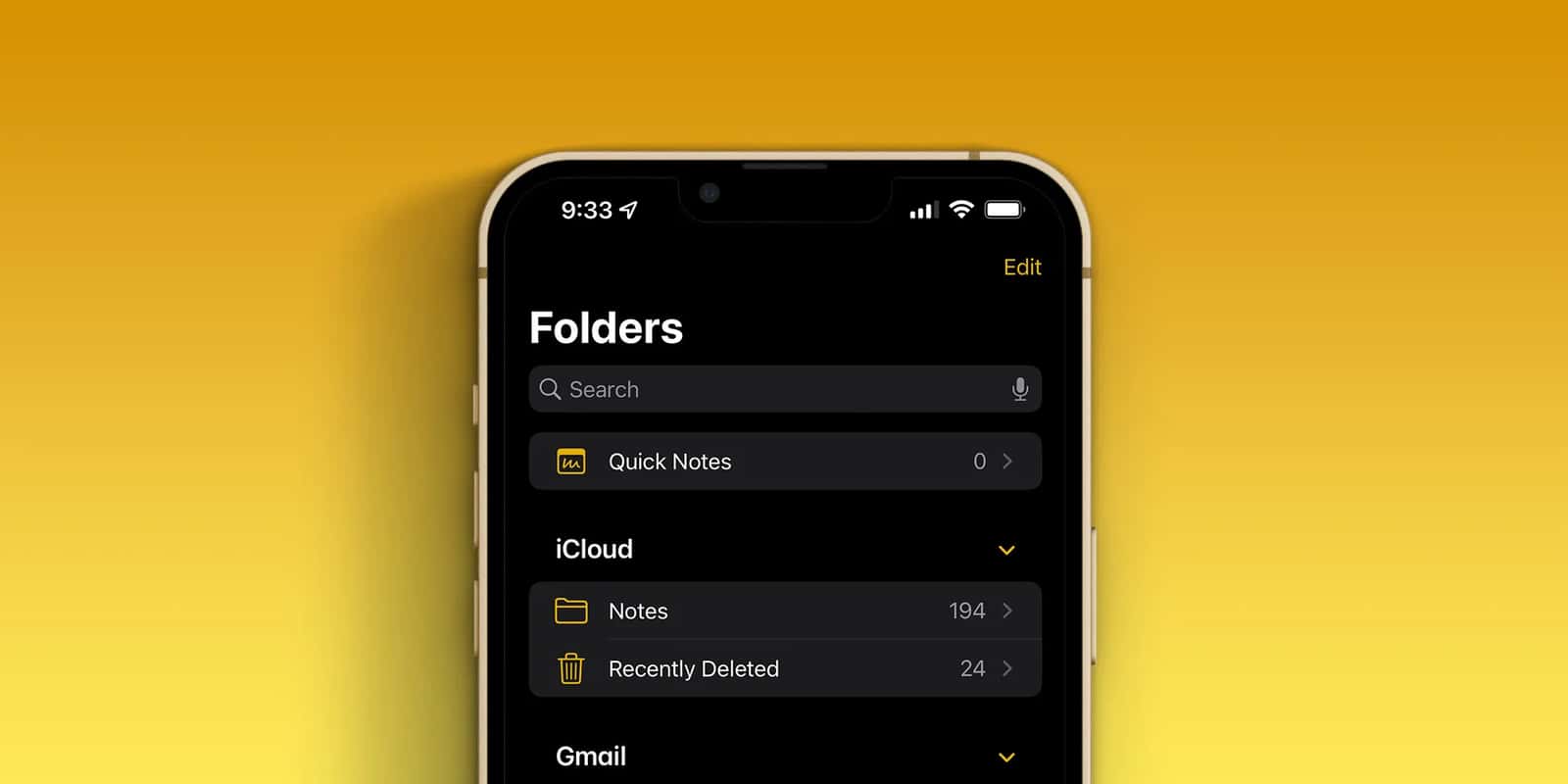
How to Lock Notes on iPhone
To lock a note on iPhone, set a password under Settings, Notes, Password, then open the note, tap the three-dots icon at the top right and tap Lock; only your…
3 min
Tech
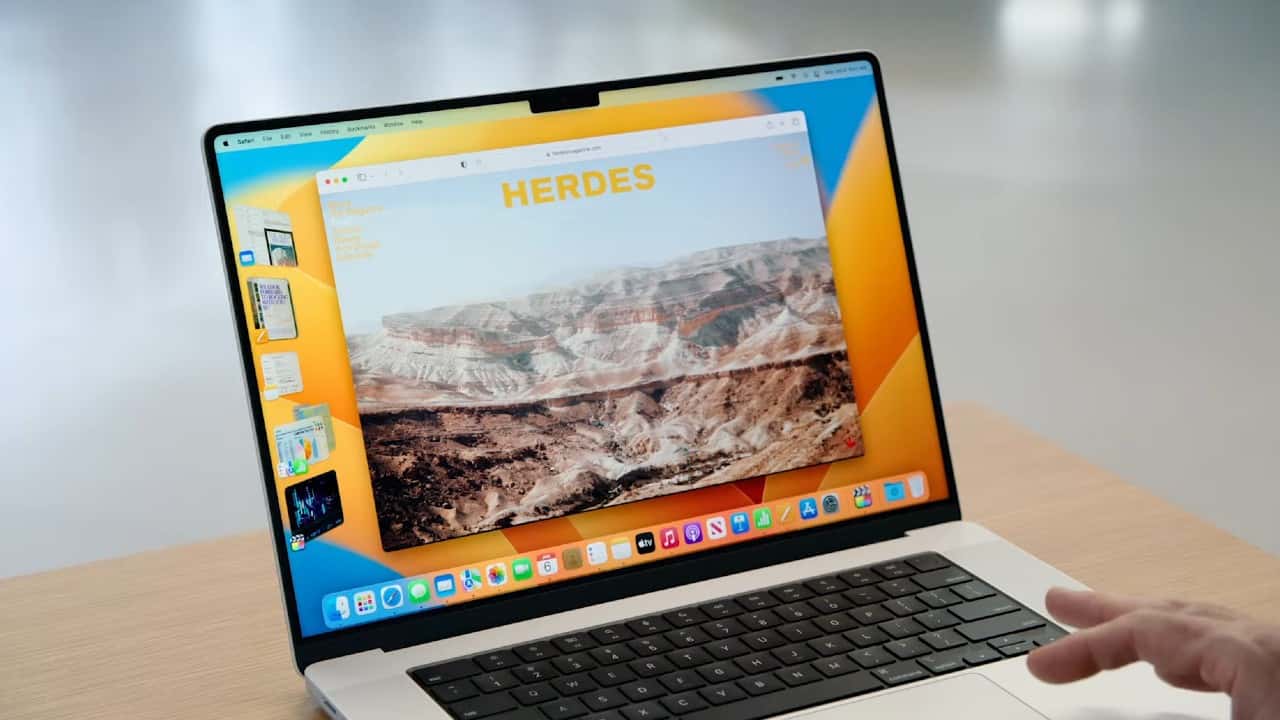
How to Fix Sound Problems on macOS: No Sound, Cutting Out, Safari
To fix macOS sound problems, open System Settings, click Sound, and select Internal Speakers on the Output tab; if sound cuts out, check Activity Monitor or…
4 min

News
LoL Patch 13.1 Meta Champions by Role (January 2023)
In League of Legends (LoL) Patch 13.1, released in January 2023, the meta picks by role are Shen, Nidalee, Pyke, Jhin and Blitzcrank, based on early pick and…
4 min

Tech
How to Copy Comments and Bio Text on Instagram
The Instagram mobile app does not let you copy comments or bio text, but you can: open instagram.
2 min

VALORANT
How Do You Fix the VALORANT VAN9003 Error? (2023)
To fix VALORANT VAN9003 (January 2023), enable Secure Boot in your BIOS by pressing F2 at startup and setting Secure Boot to Enabled; VAN9003 means Secure Boot…
2 min

Tech
How to Check Magic Mouse Battery Percentage on a Mac
On a Mac, check the Magic Mouse battery percentage from the Bluetooth menu bar icon by hovering over Magic Mouse, or from System Preferences, then Mouse, at…
3 min

Tech
How to Clear Your YouTube Watch Later List
You can clear your YouTube Watch Later list on mobile by tapping the 3-dot menu and selecting 'Remove watched videos,' or delete videos individually.
3 min
Tech
How to Send a Note on iPhone: Share a Copy From the Notes App
To send a note on iPhone, open it in the Notes app, tap the three-dot icon at the top right, choose Send a Copy and pick a method such as Mail, AirDrop…
2 min

Console
How to Complete the Apex Legends Welcome Challenges
Apex Legends' new Welcome Challenges teach new players the game's core mechanics while rewarding XP and the Apex 101 badge.
7 min

News
Best Mac Games: Disco Elysium, Crusader Kings III and More
As of January 2023, the best Mac games in this list are Disco Elysium: The Final Cut, Crusader Kings III, Stardew Valley, Portal 2 and Sid Meier's Civilization…
5 min
Tech
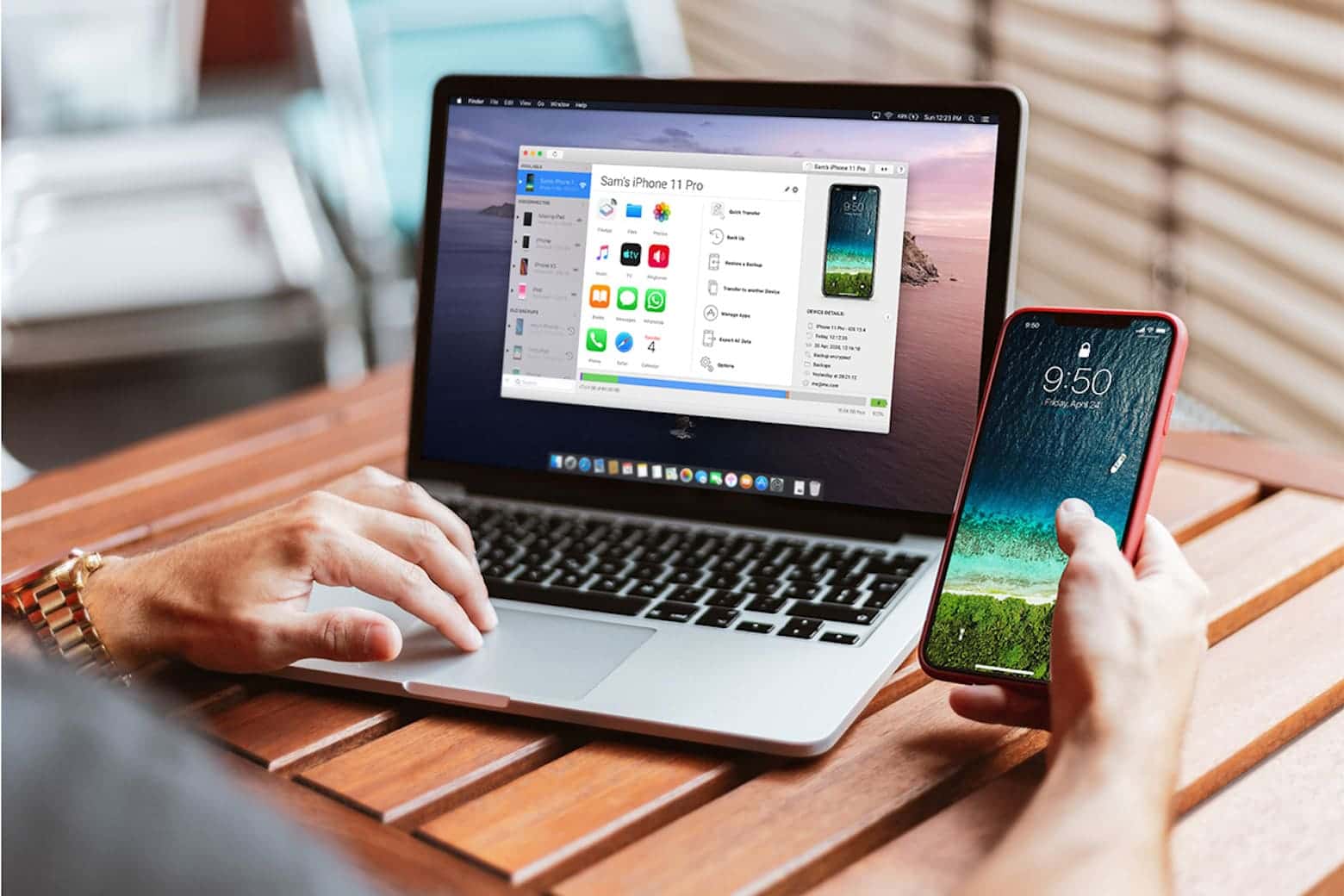
How to Transfer Notes From an iPhone to a Computer
To transfer iPhone notes to a computer, open the note, tap the three-dot icon and share via AirDrop (Mac) or Mail (Windows), or export the notes from iCloud.
3 min

Tech
How to Screen Record on iPad (iPadOS Guide)
To screen record on iPad, add Screen Recording to Control Center in Settings, then swipe down from the top right, tap the button and wait for the 3-second…
3 min

Tech
How Do You Use ChatGPT? Free Access and Sign-Up (January 2023)
As of January 2023, ChatGPT was free to use in a web browser with an OpenAI account and needed no download; OpenAI had only announced a paid ChatGPT…
4 min

FORTNITE
How to Fix the Fortnite Epic Services Queue Error
Fix the Fortnite "Epic services queue is being checked" error by checking your connection, switching to a wired network, or reinstalling Epic Games.
2 min

Tech
How to View Old Instagram Stories
Old Instagram stories that vanished after 24 hours are still viewable through the app's Archive under Your Activity, even after they've expired.
1 min

Tech
How Do You Change DNS Settings on a Mac?
To change DNS on a Mac, go to Apple menu, System Preferences, Network, select your connection, click Advanced, open the DNS tab, click the plus (+) icon, enter…
2 min

Tech
How to Send Photos, Files, Location and Contacts on Telegram
Telegram, one of today's most popular messaging apps with over 500 million users worldwide, lets you send photos, files, location and contact cards in just a…
2 min

Tech
How to Set Up a Google Home Device: Step-by-Step Guide
To set up a Google Home device, plug it in, install the Google Home app, sign in with a Google account, match the numbers shown on both screens and choose the…
4 min

News
How to Fix LoL's "Unexpected Error Occurred" Login Issue
Exiting League of Legends before the error screen appears, or closing the Riot Client process in Task Manager, fixes the login error for most players.
2 min
Showing 778–798 of 1,933